AI Image Generator
Turn a sentence into a finished image. Type a prompt and generate high-resolution visuals, artwork, and graphics in seconds — no design skills required.
What you can make
From prompt to image in seconds
Describe what you want in plain language and get a polished result back. Iterate on the wording, run it again, and keep your train of thought going without leaving the page.
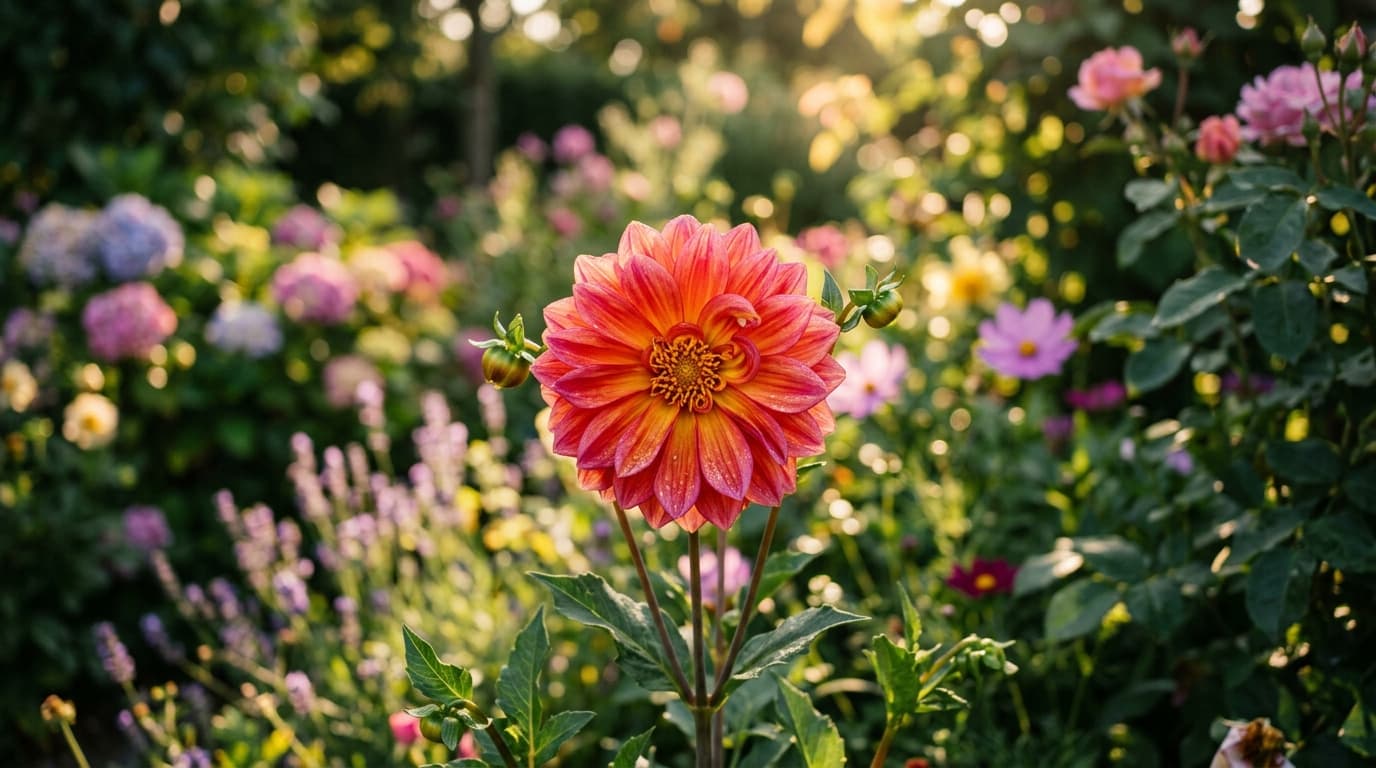
Any style, any subject
Photoreal scenes, illustrations, product shots, logos, or concept art — steer the look, framing, and subject straight from the prompt and explore directions side by side.
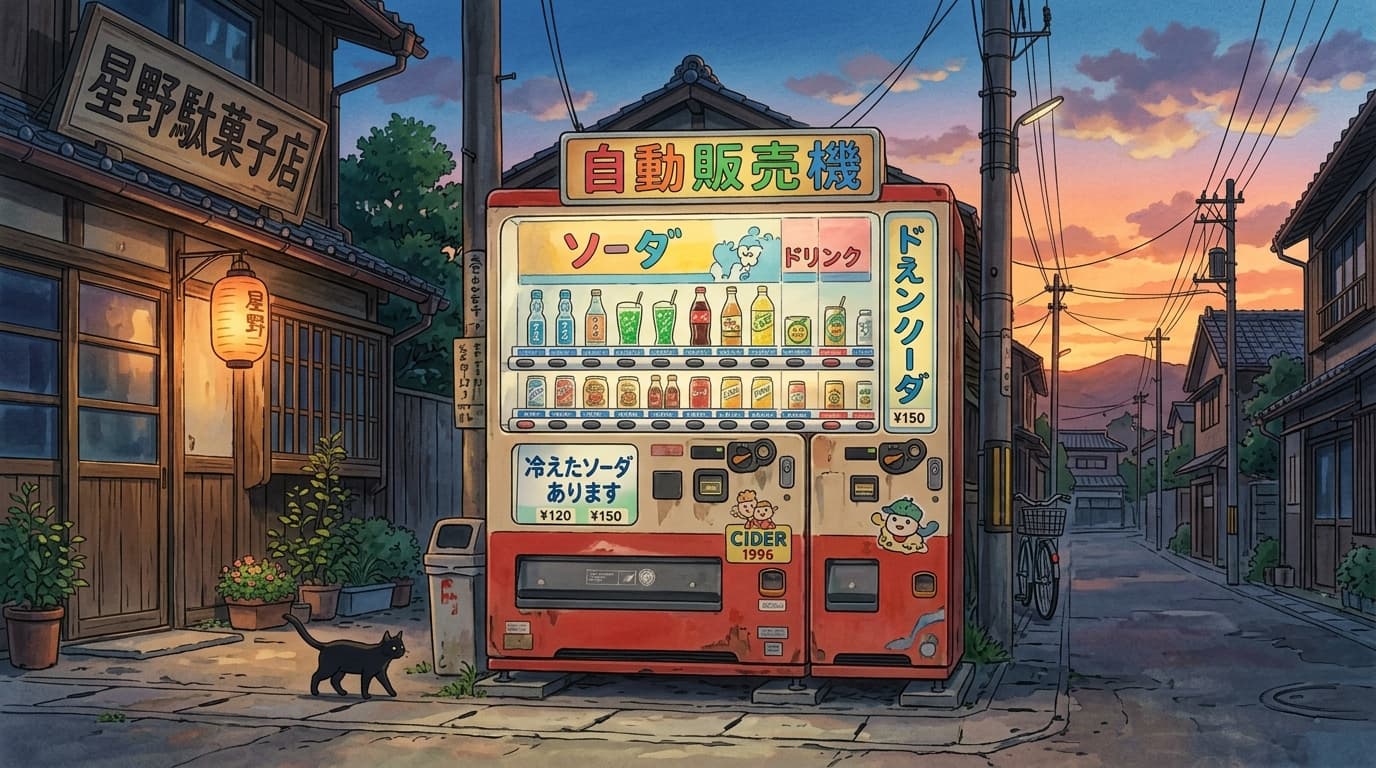
Edit any image with a sentence
Upload a reference and describe the change. Swap backgrounds, lighting, or objects without masks or manual selection, and keep characters and products consistent across every result.
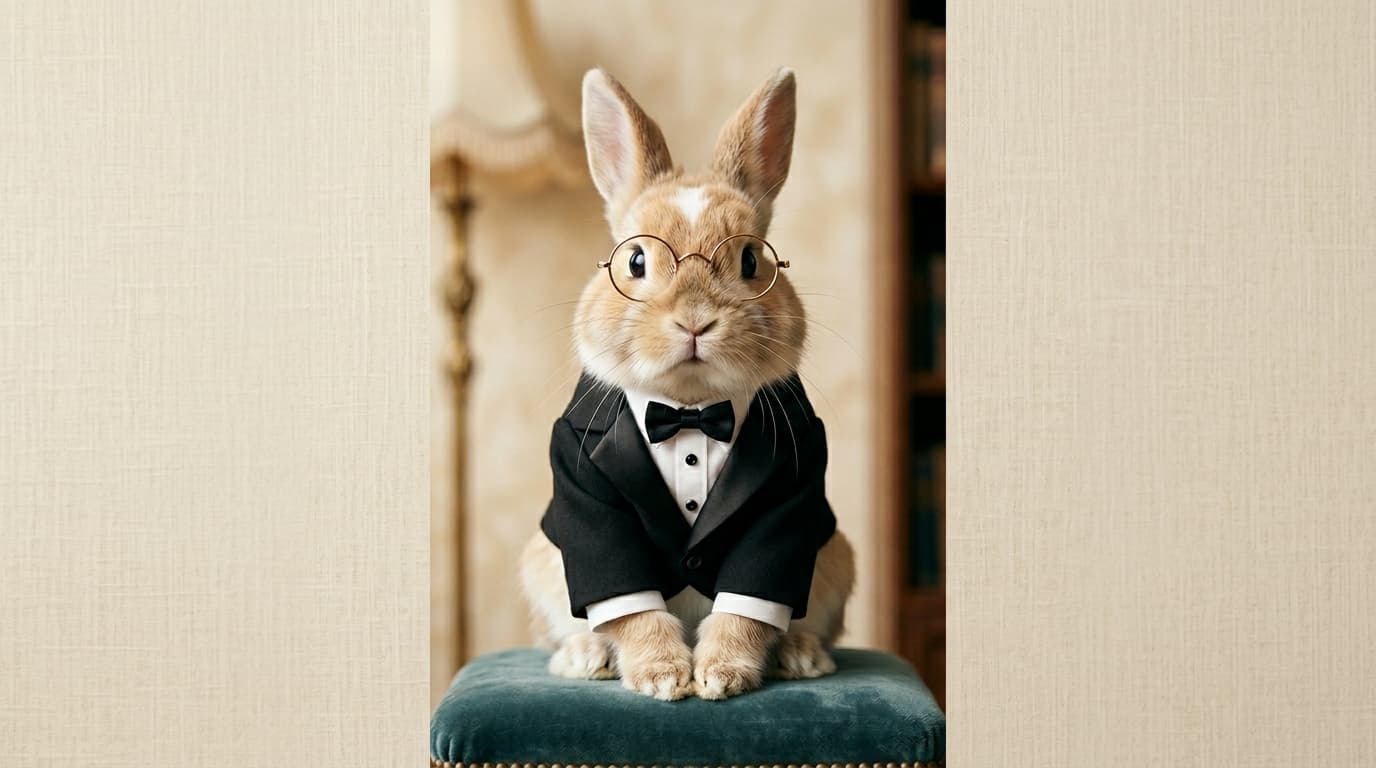
Everything you need to create images
Up to 4K resolution
Render crisp, production-ready images that hold up for print, web, and social without an upscaling step.
Flexible aspect ratios
Compose in square, widescreen, and vertical formats to fit posts, banners, thumbnails, and prints.
Reference-guided generation
Add reference images to lock identity, style, and composition so subjects stay on model across scenes.
Multiple variations
Generate several options per prompt and compare directions side by side before you commit to one.
Fast iteration
Results come back in seconds, so tweaking a prompt and running it again stays quick and cheap.
Commercial-ready output
On Morphix paid plans, images you generate include commercial licensing for campaigns, products, and client work.
Create in three steps
- 1
Choose an image model
Pick from the latest image models — Nano Banana Pro, Seedream 4, Flux 2, and more — all in one workspace.
- 2
Describe what you want and add references
- 3
Generate and download

Frequently asked questions
What is an AI image generator?
An AI image generator turns a text prompt into an original image. You describe what you want — a subject, style, mood, and composition — and the model renders it. On Morphix you can also upload reference images to guide the result.
How do I generate an image?
Write a prompt describing what you want to create, then generate. You can refine the wording, add reference images, choose an aspect ratio, and pick a model — all in the Morphix image studio.
Which AI image models can I use?
Morphix brings the latest image models into one workspace, including Nano Banana Pro, Seedream 4, Flux 2, GPT Image 2, and Qwen Image. One subscription and credit pool covers all of them — no separate sign-ups or API keys.
Can I use the images commercially?
Yes. On Morphix paid plans, images you generate include commercial licensing, so you can use them in campaigns, products, and client deliverables.
Do I need design experience?
No. If you can describe what you want in a sentence, you can generate an image. Clearer prompts give closer results, but no design or editing skills are required.
Is there a free way to try it?
Yes. You can start on the free plan and generate images right away, then upgrade when you need higher resolution, more variations, or commercial licensing.
Explore image models on Morphix
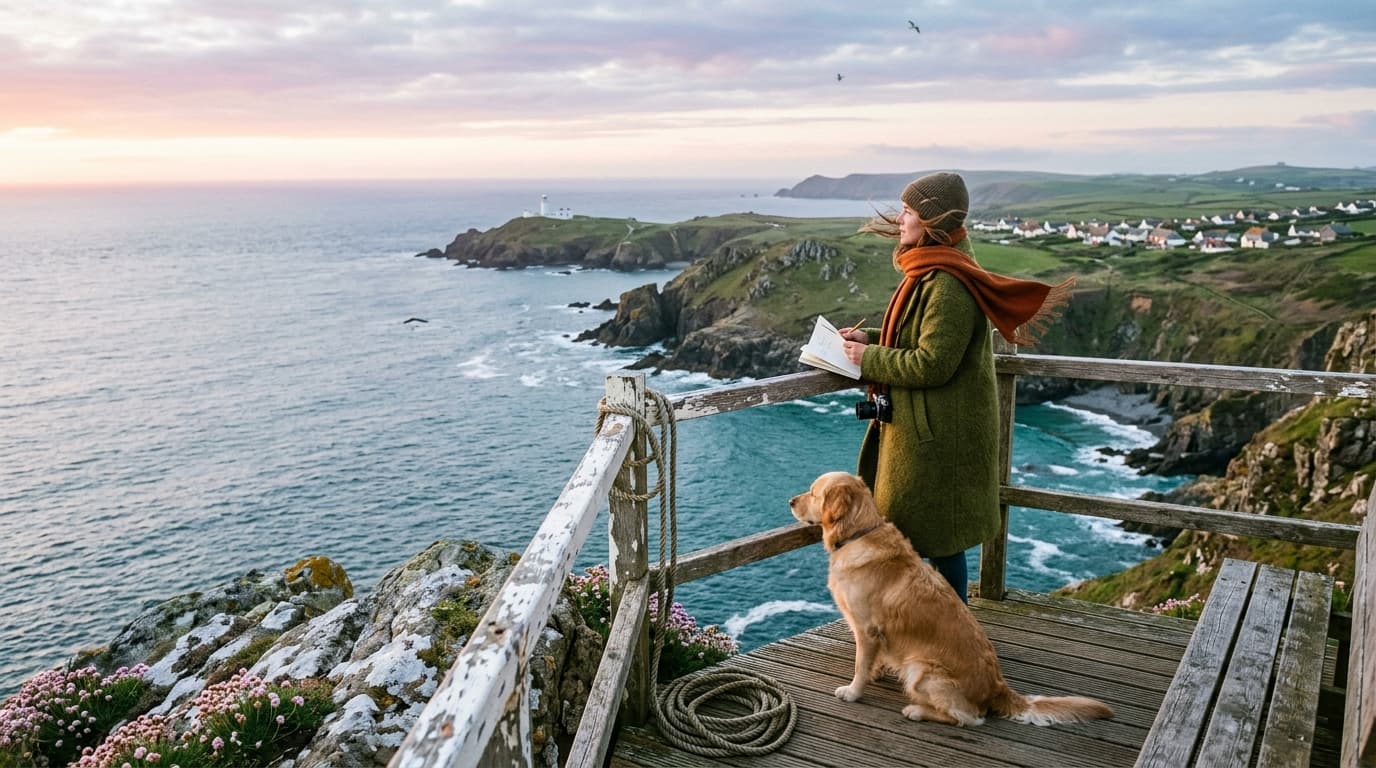
Nano Banana 2
Google's fast image model with strong world knowledge and 4K output.
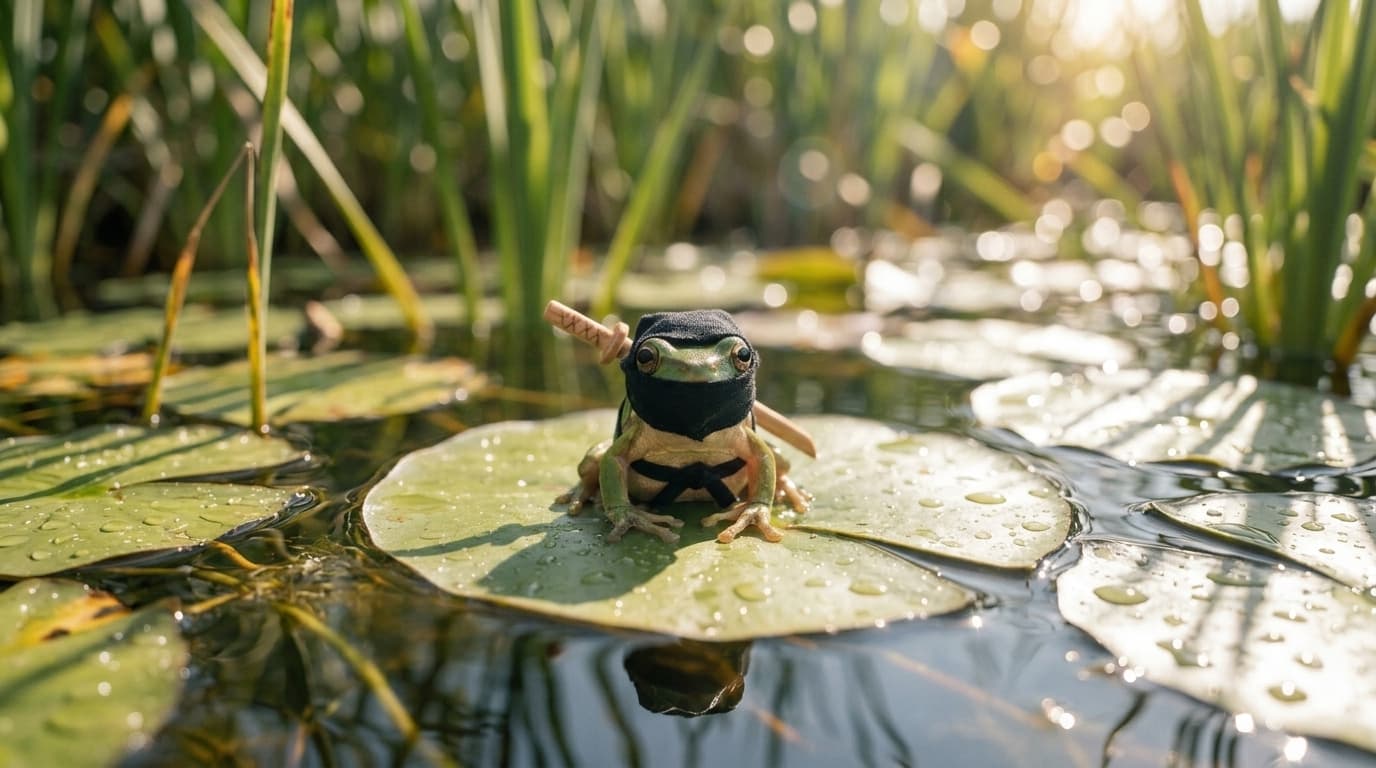
Nano Banana 2 Lite
Google's lightweight Nano Banana model, tuned for fast, low cost image generation.
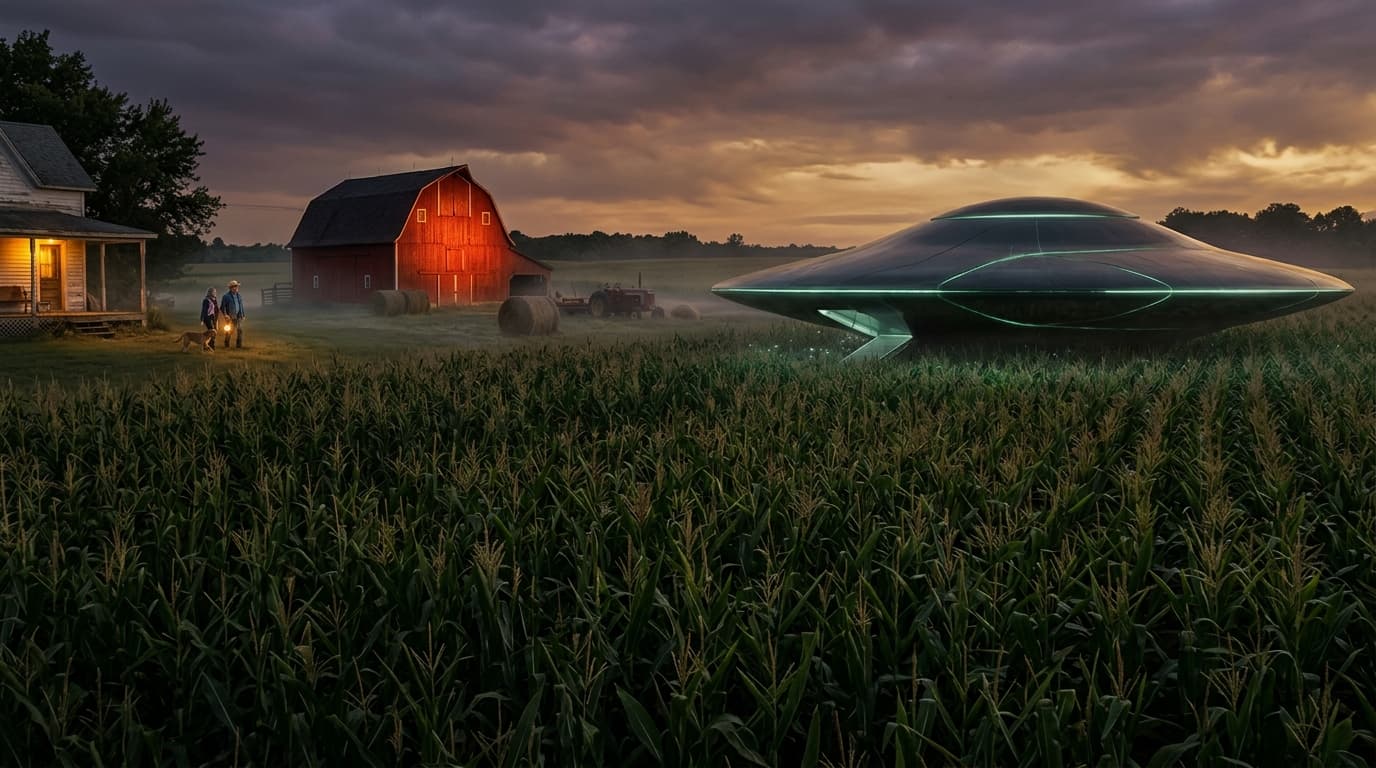
Nano Banana Pro
Google's latest image generation model with 4K output and multi-image input.
Seedream 4
ByteDance's high-fidelity image model with up to 10 reference images.
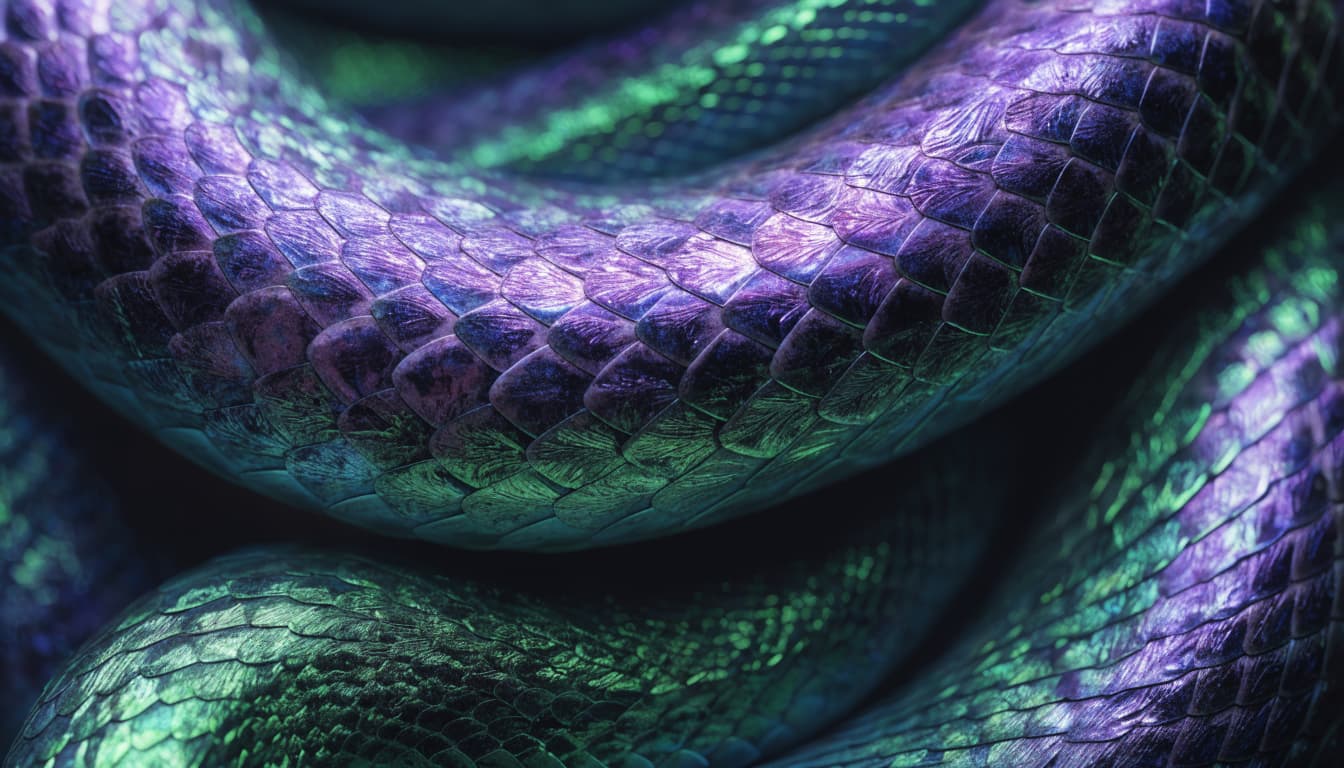
Recraft V4
Recraft's flagship image model, rebuilt around design taste and dependable typography.