AI Workflow Builder
Connect image, video, audio and upscale models on one canvas. Build a workflow once, run it in one click and reuse it for every project.


What you can build
Compare models side by side
Send one prompt to several models at the same time and see the results next to each other. Keep the one that works and build on it.
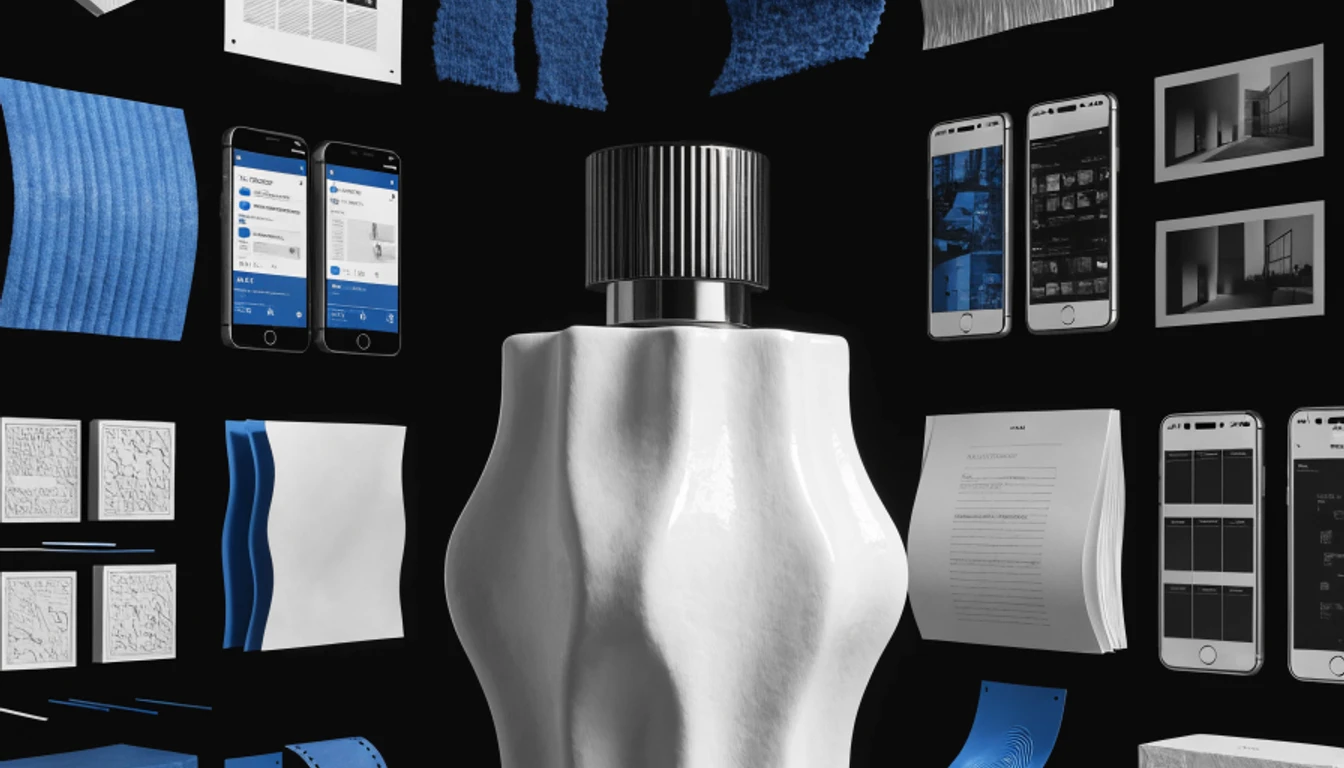

From prompt to video in one run
Connect a prompt to a video model, or go through an image first. Every step runs in order, so you press run once and get the final result.
Publish a workflow as an app
Pick the inputs people should fill in and publish. Your workflow becomes a one click app with a simple form, and the canvas stays hidden.
Everything connects on one canvas
Every model as a node
Image, video, audio, upscale and LLM models from one subscription, ready to connect.
Chain steps together
Feed the output of one node into the next. Text to image to video to upscale, in a single run.
Compare models side by side
Send the same prompt to several models at once and keep the best result.
Runs in your browser
No install, no GPU and no setup. Open the canvas and start connecting.
Drop in your own media
Paste or drag images, video and audio straight onto the canvas.
Publish as an app
Turn a workflow into a one click app with simple inputs that anyone can run.
Apps built with Nodes
Every app on Morphix is a workflow published from the canvas.
AI Construction Time-Lapse Video Generator
Automated AI construction time-lapse video generator. Upload site photos and instantly produce a professional progress video — no editing software, no manual stitching.
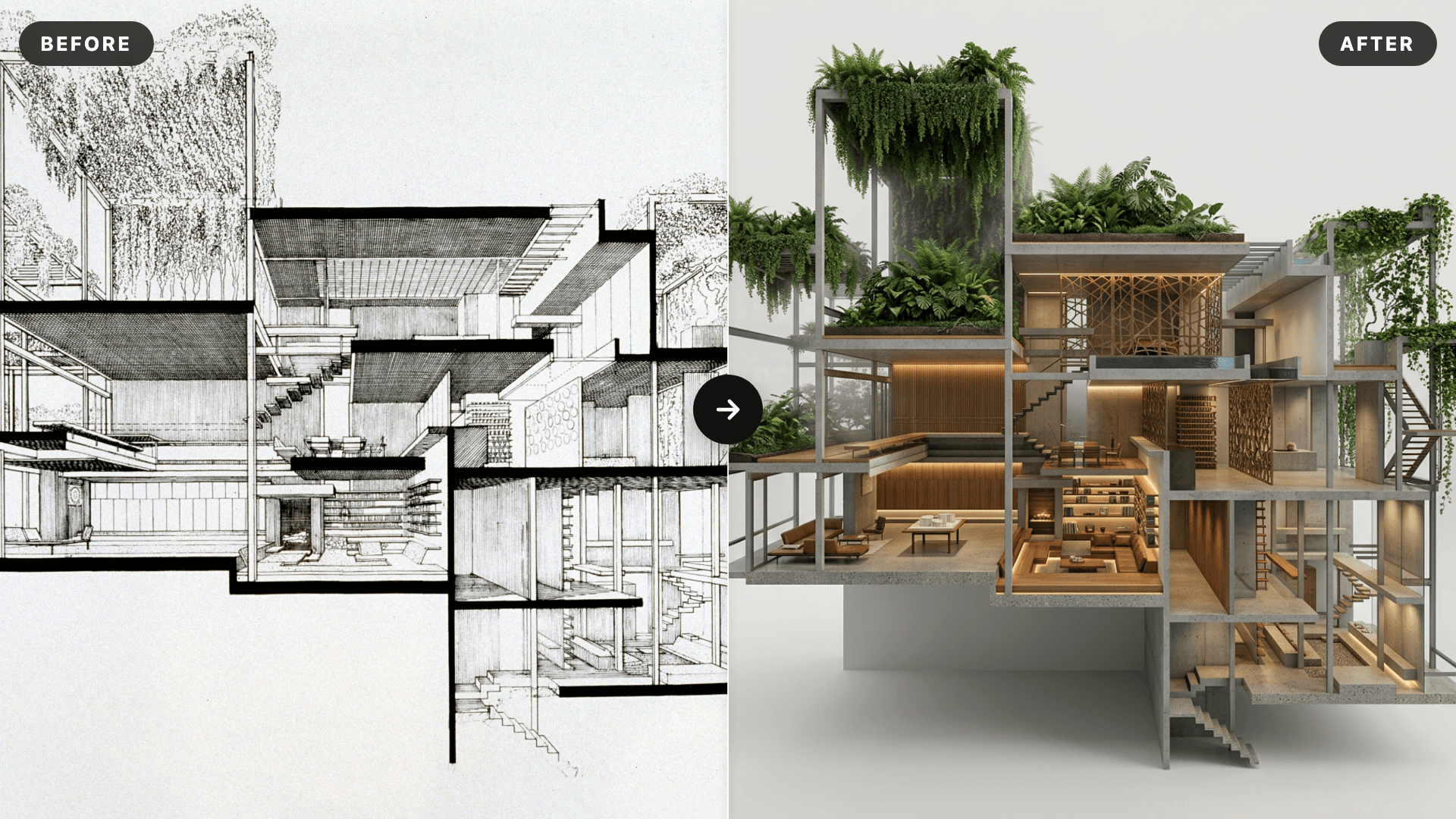
AI SketchUp Renderer — Sketch & Floor Plan to Render
Upload a SketchUp scene, sketch, floor plan, or elevation and instantly generate a photorealistic, client-ready render — preserving your original structure, layout, and design intent.
Interior Reveal Video Generator
Upload one image and instantly generate a smooth, stabilized interior reveal video—no editing required.
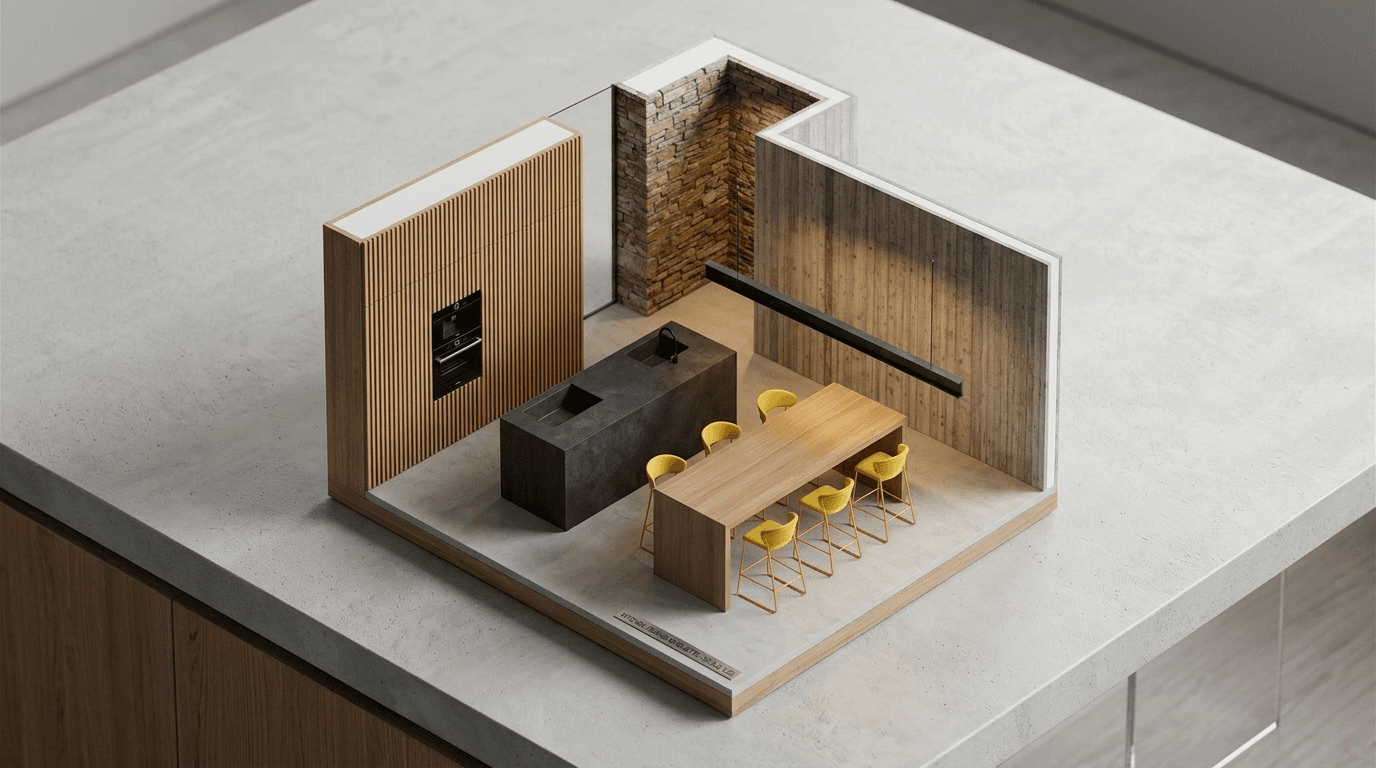
AI Miniature Generator — Photo to Isometric Scale Model
Upload an interior photo and instantly generate an isometric AI miniature — a clean scale-model render that reads as a physical architectural maquette on a desk.
Turn your photo to life
Turn your photo into a new animated video.
Frequently asked questions
What is a node based AI workflow?
A node based AI workflow is a visual chain of steps. Each node is an input or an AI model, and the lines between them pass prompts, images, video and audio from one step to the next. You build it once and run the whole chain in one click.
What can I build with an AI workflow builder?
Anything that takes more than one step. For example a prompt that becomes an image, then a video, then a 4K upscale. Or one product photo sent to several models at once so you can compare the results.
Which AI models can I use as nodes?
The image, video, audio, upscale and LLM models available on Morphix can be added as nodes. One subscription and one credit pool covers all of them.
Do I need to install anything or own a GPU?
No. The canvas runs in your browser and the models run in the cloud, so there is nothing to install or configure.
Is this a ComfyUI alternative?
It covers the same idea of connecting models on a canvas, without the setup. There is nothing to install, no custom nodes to manage and no GPU to rent. It does not load ComfyUI workflow files or custom nodes.
Can I turn a workflow into an app?
Yes. Choose which inputs and outputs to show and publish the workflow as an app. People can then run it from a simple form without opening the canvas.
How much does it cost to run a workflow?
Each generation node uses credits when it runs, the same as generating outside the canvas. You can start on the free plan and upgrade when you need more runs.