AI Video Upscaler & Enhancer
Upscale videos to higher resolution without losing quality. Enhance detail, sharpen footage, and boost the frame rate to 60 fps, all the way up to 4K.
What you can do
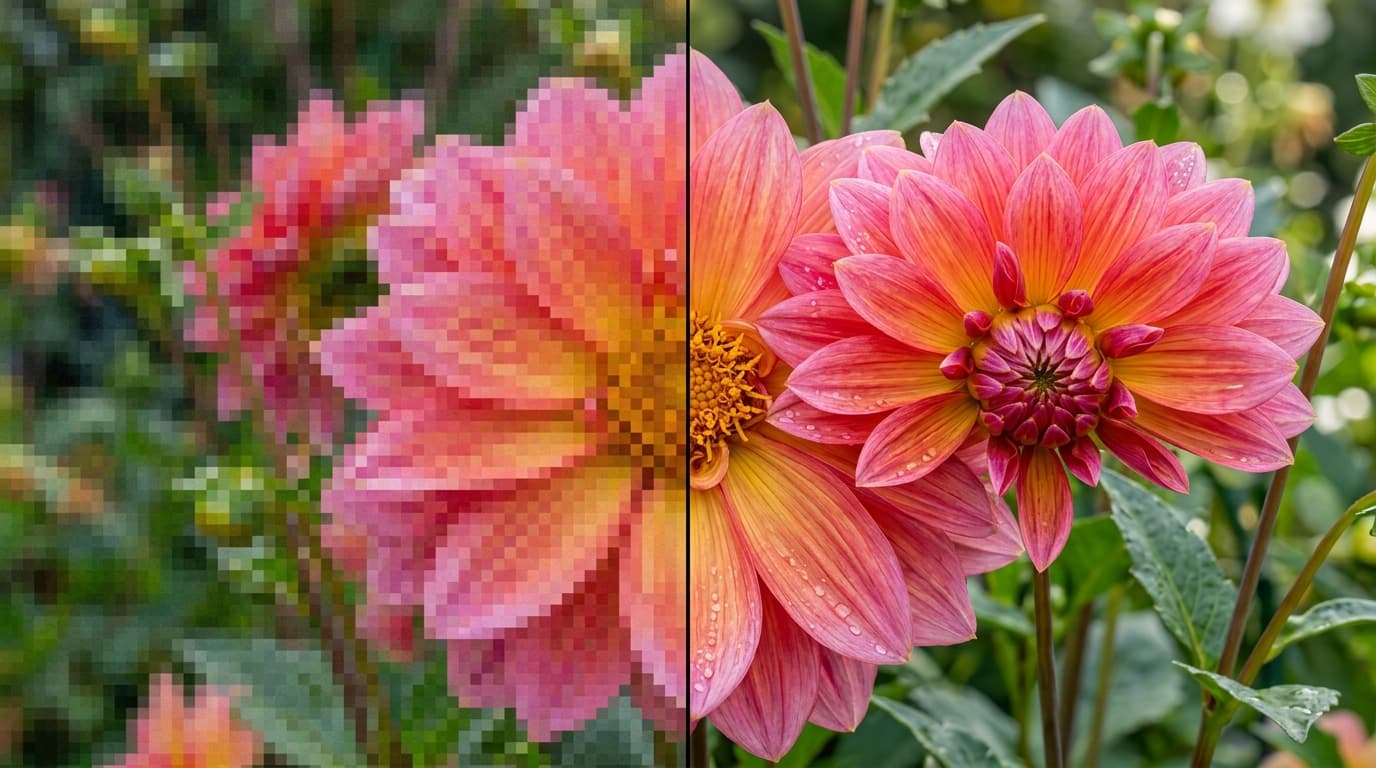
Turn soft footage into sharp video
Upload a low resolution or compressed clip and get a crisp, high resolution version back. AI rebuilds fine detail and edges frame by frame instead of stretching pixels, so the result holds up on any screen.
Smooth motion at 60 fps
Raise the frame rate to 60 fps while you upscale. Motion looks smoother and cleaner, which makes a real difference for action shots, gameplay, and AI generated clips.
Ready to publish anywhere
Deliver in 1080p, 2K, or 4K for social, client work, and archives. Rescue old footage, clean up compressed exports, and bring AI generated videos up to delivery quality.
Everything you need to upscale videos
Up to 4K resolution
Upscale clips to 720p, 1080p, 2K, or 4K output, depending on the model you pick.
Frame rate boost
Set the output to 30 or 60 fps for smoother motion on any screen.
Detail restoration
Rebuild fine textures and edges so upscaled footage looks sharp instead of stretched or soft.
Multiple upscale models
Pick from Topaz and ByteDance, all in one workspace.
Preserves the original
Content, motion, colors, and style stay intact. Only resolution, clarity, and detail improve.
Ready for commercial use
On Morphix paid plans, videos you upscale include commercial licensing for campaigns, products, and client work.
Upscale in three steps
- 1
Choose an upscale model
Pick from professional video upscalers like Topaz and ByteDance, all in one workspace.
- 2
Upload a video and set the resolution and frame rate
- 3
Upscale and download
Frequently asked questions
What is an AI video upscaler?
An AI video upscaler increases the resolution of a video while rebuilding detail, sharpness, and clarity frame by frame. Instead of stretching pixels, the model reconstructs fine textures so footage looks crisp at a larger size. On Morphix you can upscale any video up to 4K in a few clicks.
How do I upscale a video?
Upload your video, pick an upscale model, then set the target resolution and frame rate. Morphix returns a higher resolution version you can preview and download. There are no settings to fine tune unless you want to.
What resolutions can I upscale to?
You can upscale videos to 720p, 1080p, 2K, or 4K, depending on the model you choose. Topaz outputs 720p, 1080p, and 4K, while ByteDance also supports 2K.
Can I increase the frame rate?
Yes. Both models let you set the output frame rate to 30 or 60 fps, so you can make motion smoother while you upscale.
Which video upscaling models can I use?
Morphix brings professional video upscalers into one workspace, including Topaz and ByteDance. One subscription and credit pool covers all of them, no separate sign ups or API keys.
Will upscaling change my video?
No. Upscaling preserves the original content, motion, colors, and style. It only improves resolution, clarity, and fine detail.
Can I use the upscaled videos commercially?
Yes. On Morphix paid plans, videos you upscale include commercial licensing, so you can use them in campaigns, products, and client deliverables.
Is there a free way to try it?
Yes. You can start on the free plan and upscale videos right away, then upgrade when you need higher resolution, more runs, or commercial licensing.
Explore video models on Morphix
Sora 2
OpenAI's flagship text-to-video model, with synced audio and cinematic motion.
Kling 2.5 Turbo Pro
Fast, expressive Kling video generation with start and end frame control.
Kling 4.0
Kuaishou's next flagship video model. 30 second clips in 4K with up to 10 keyframes, 15 references, and stereo audio. Launching October 2026.
Seedance 2.5
ByteDance's flagship video model. Full 30 second scenes with audio in a single pass.
Seedance 2
ByteDance's latest video model with reference images, video, and audio inputs.