AI Image Upscaler & Enhancer
Upscale images to higher resolution without losing quality. Enhance, sharpen, and restore detail up to 4K in seconds — no editing skills required.
What you can do
Turn small images into sharp ones
Upload a low-resolution or compressed photo and get a crisp, high-resolution version back. AI rebuilds fine detail and edges instead of stretching pixels, so the result holds up large.
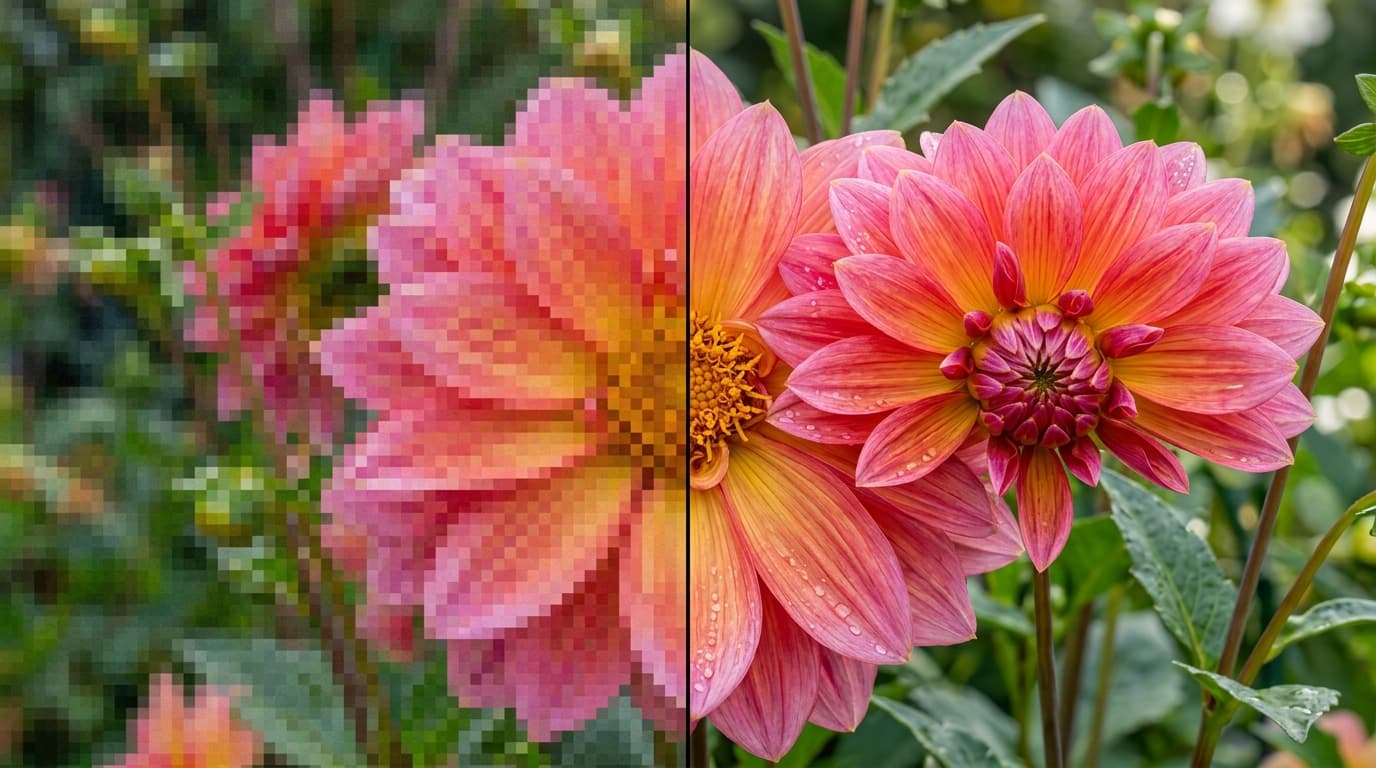
Restore detail and clarity
Rescue old, blurry, or noisy images. Recover textures, sharpen soft focus, and clean up artifacts while keeping the original composition, colors, and style exactly as they were.
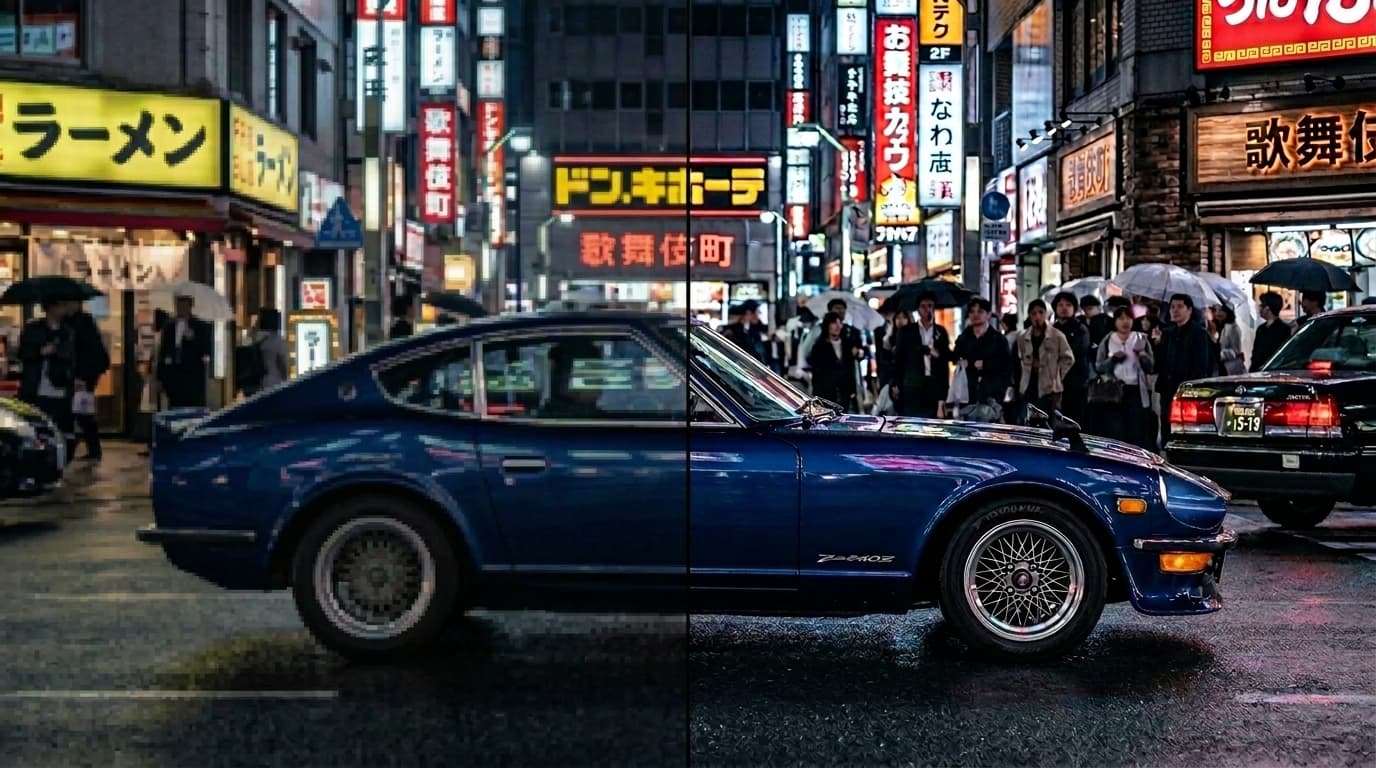
Print, zoom, and publish ready
Scale up to 4K for product shots, prints, banners, and thumbnails. Optional face enhancement keeps portraits sharp so subjects stay clean at any size.

Everything you need to upscale images
Up to 4K resolution
Scale images by 2x, 4x, and beyond to production-ready resolution for print, web, and social.
Detail restoration
Rebuild fine textures and edges so upscaled photos look sharp instead of stretched or soft.
Multiple upscale models
Pick from Nano Banana Pro and Topaz, all in one workspace.
Fast results
Upscales come back in seconds, so cleaning up a batch of images stays quick and cheap.
Preserves the original
Composition, colors, and style stay intact — only resolution, clarity, and detail improve.
Commercial-ready output
On Morphix paid plans, images you upscale include commercial licensing for campaigns, products, and client work.
Upscale in three steps
- 1
Choose an upscale model
Pick from the latest upscalers like Nano Banana Pro and Topaz, all in one workspace.
- 2
Upload an image and set the target resolution
- 3
Upscale and download


Frequently asked questions
What is an AI image upscaler?
An AI image upscaler increases the resolution of a photo while adding back detail, sharpness, and clarity. Instead of stretching pixels, the model reconstructs fine textures so the result looks crisp at a larger size. On Morphix you can upscale any image up to 4K in a few clicks.
How do I upscale an image?
Upload your image, pick an upscale model and a target resolution or scale factor, then run it. Morphix returns a higher-resolution version you can preview and download — no settings to fine-tune unless you want to.
How much can I upscale an image?
You can upscale by 2x, 4x, and beyond, up to 4K output, depending on the model you choose. Topaz supports up to 6x, while Nano Banana Pro targets sharp 1K to 4K results.
Which upscaling models can I use?
Morphix brings several upscalers into one workspace, including Nano Banana Pro and Topaz. One subscription and credit pool covers all of them, no separate sign-ups or API keys.
Will upscaling change my image?
No. Upscaling preserves the original composition, colors, and style — it only improves resolution, clarity, and fine detail. Optional face enhancement can sharpen portraits without altering the subject.
Can I use the upscaled images commercially?
Yes. On Morphix paid plans, images you upscale include commercial licensing, so you can use them in campaigns, products, and client deliverables.
Is there a free way to try it?
Yes. You can start on the free plan and upscale images right away, then upgrade when you need higher resolution, more runs, or commercial licensing.
Explore image models on Morphix

Nano Banana 2
Google's fast image model with strong world knowledge and 4K output.

Nano Banana 2 Lite
Google's lightweight Nano Banana model, tuned for fast, low cost image generation.
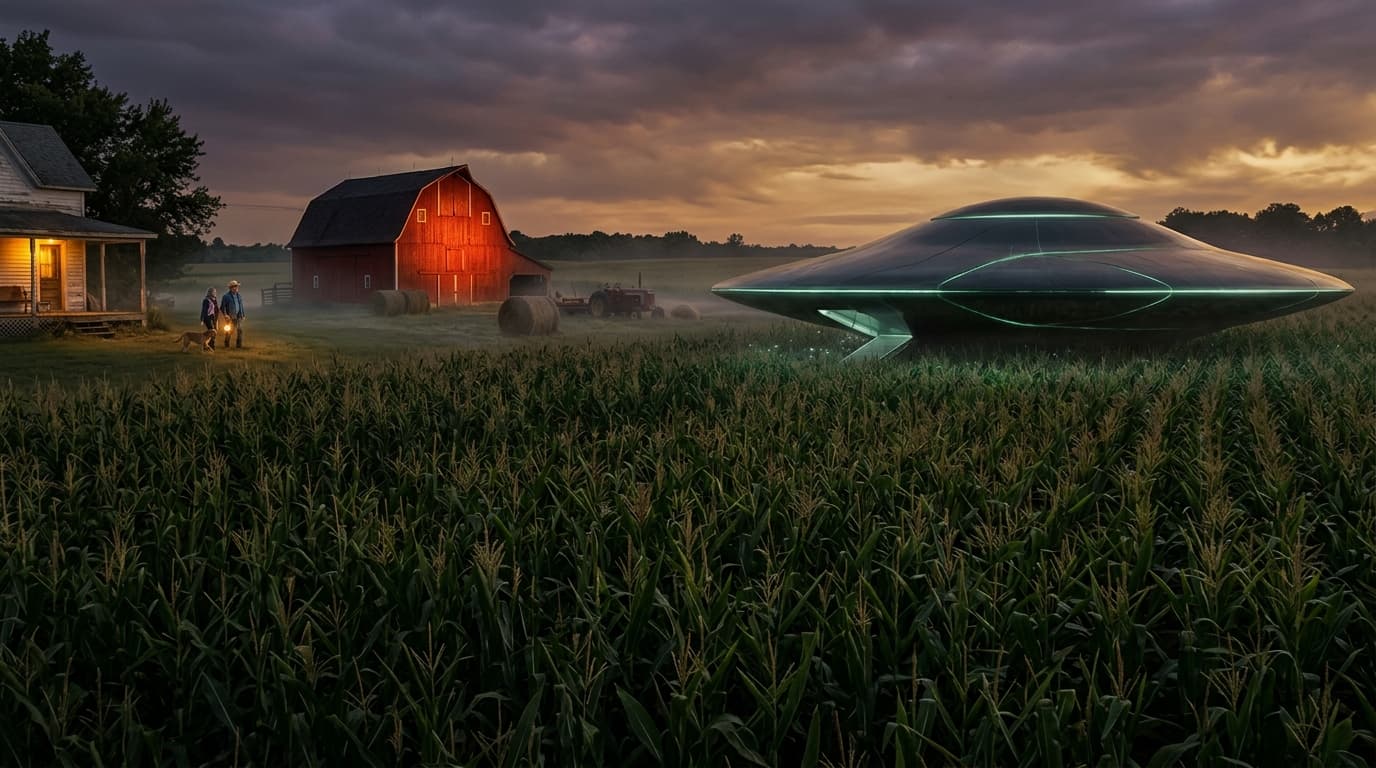
Nano Banana Pro
Google's latest image generation model with 4K output and multi-image input.
Seedream 4
ByteDance's high-fidelity image model with up to 10 reference images.
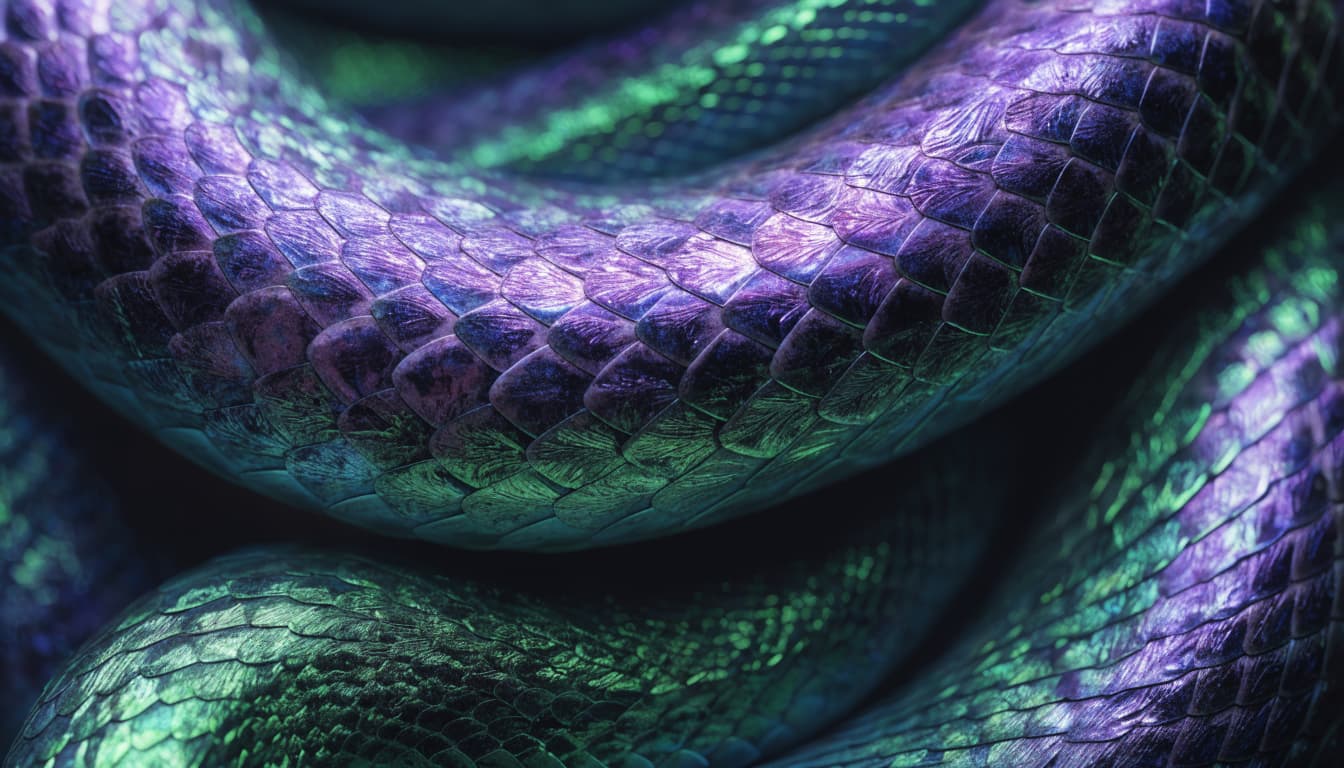
Recraft V4
Recraft's flagship image model, rebuilt around design taste and dependable typography.