Nano Banana 2 from Google
Google's fast image model with strong world knowledge and 4K output.
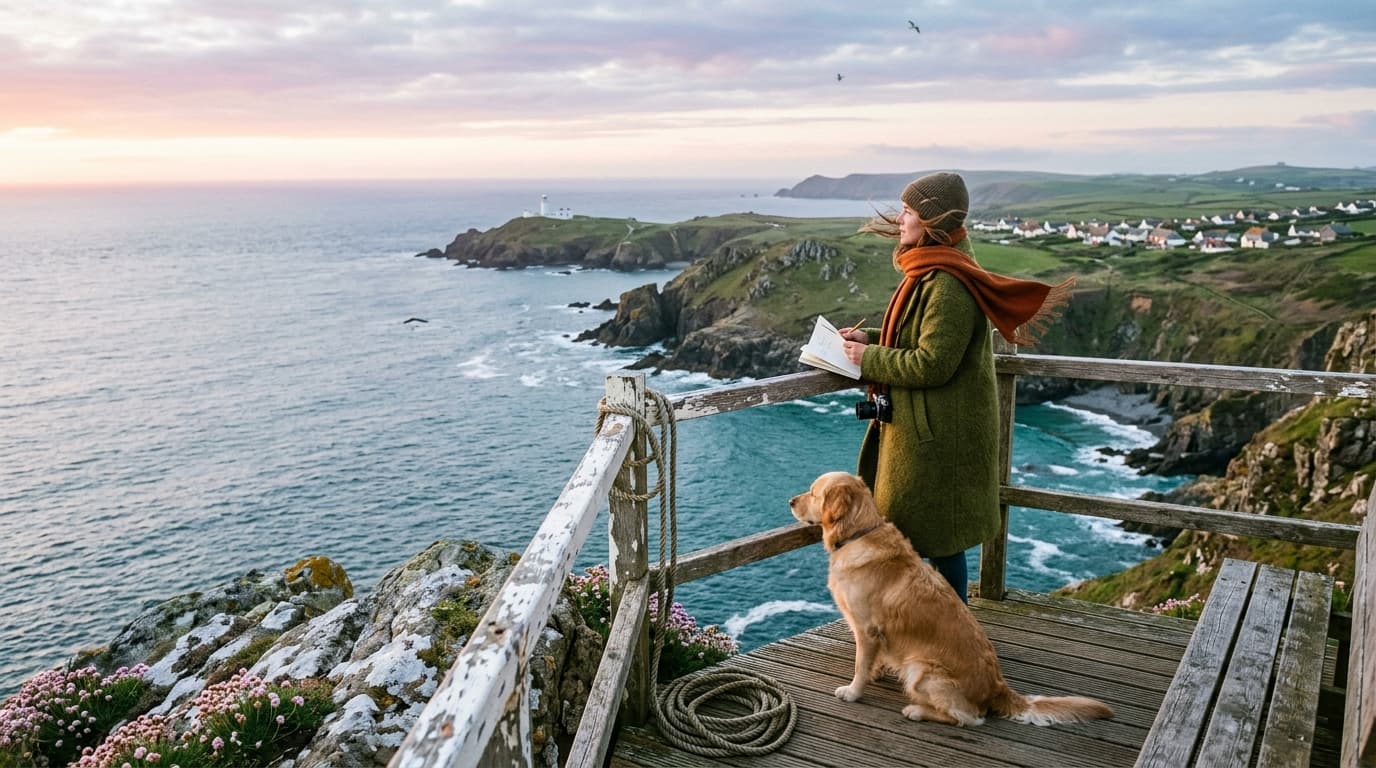
What you can make with Nano Banana 2
Edit any image with a sentence
Upload a reference and describe the change. Swap backgrounds, lighting, or objects without masks or manual selection.

Keep characters and products consistent
Lock a character or product once and keep it the same across everything you make. Faces, outfits, and small details stay put.
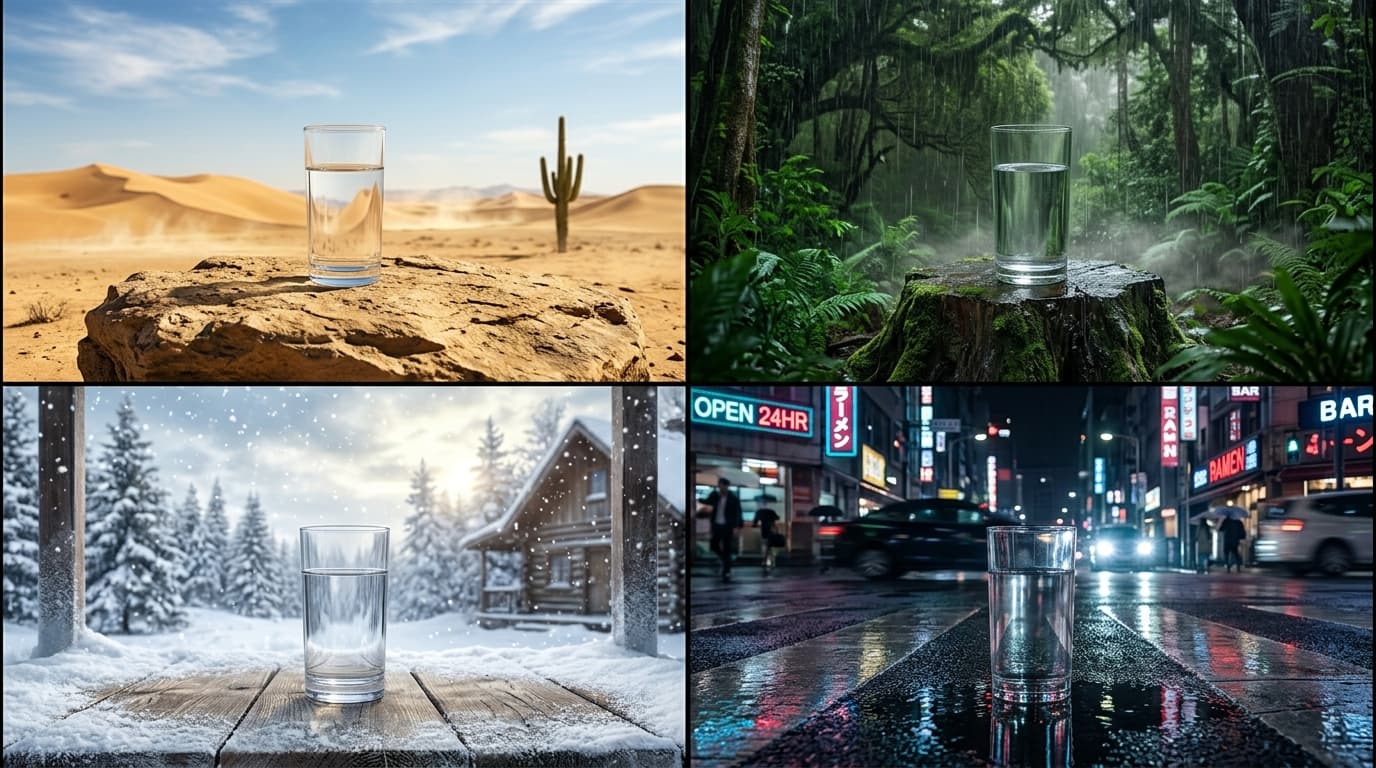
Try more ideas, faster
Nano Banana 2 returns images in seconds. Tweak the prompt, run it again, and keep your train of thought going.
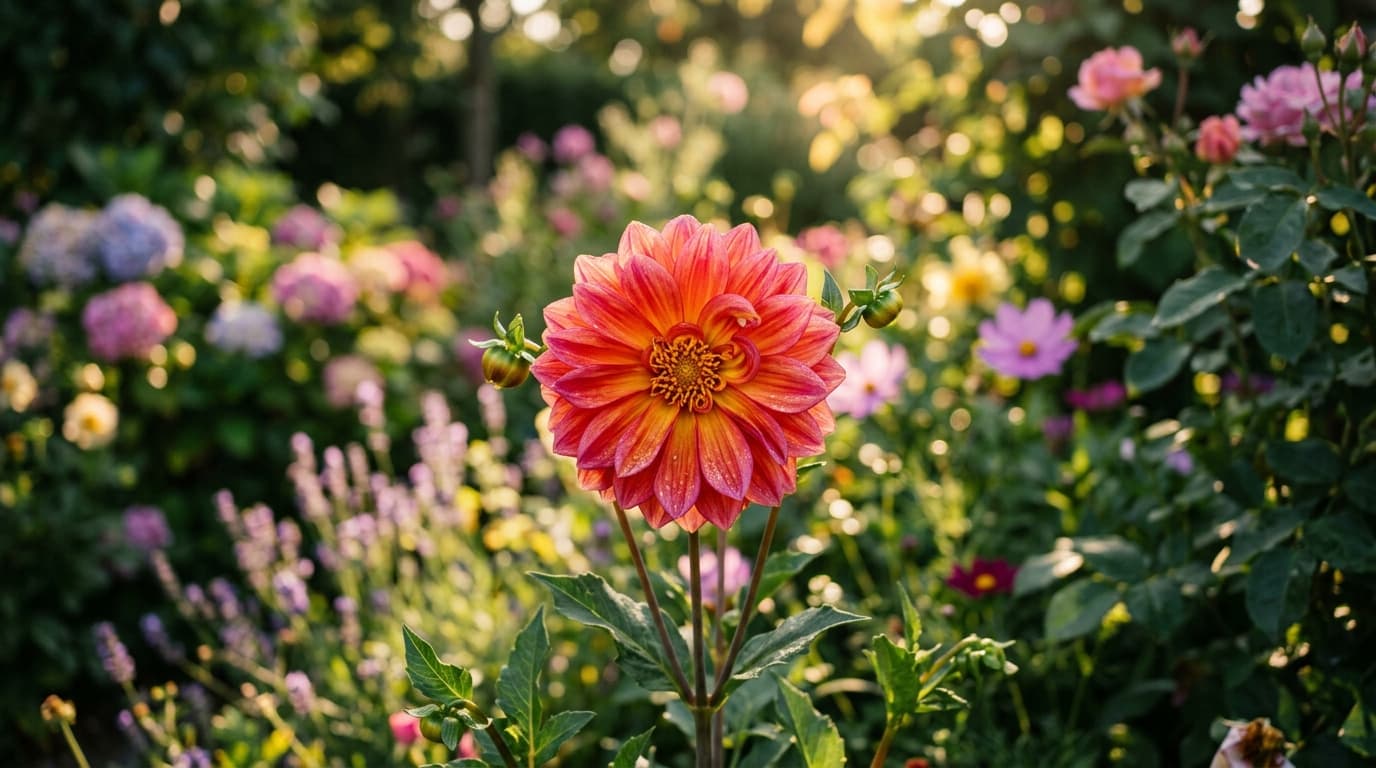
Inside Nano Banana 2
4K resolution output
Render crisp, production-ready images at up to 4K.
Flexible aspect ratios
Compose in 15 aspect ratios, from square to widescreen and vertical.
Reference-guided editing
Add up to 14 reference images to lock identity, style, and composition.
Production-ready output
Nano Banana 2 renders clean, high-fidelity images built for real campaigns, products, and client work.
Create with Nano Banana 2
- 1
Select Nano Banana 2
Choose Nano Banana 2 from the model library to start generating high-quality images.
- 2
Enter prompt and add references
- 3
Generate and download
Frequently asked questions
What is Nano Banana 2?
Nano Banana 2 is an AI image generation model available on Morphix. Google's fast image model with strong world knowledge and 4K output.
How is Nano Banana 2 different from Nano Banana Pro?
Nano Banana 2 is tuned for speed and everyday generation, while Nano Banana Pro is the higher-tier model with the strongest prompt adherence and the most reference inputs. Both run in the same Morphix workspace, so you can switch between them per project.
How do I use Nano Banana 2 on Morphix?
Open the image studio on Morphix, select Nano Banana 2, write a prompt, and generate. Every model shares one subscription and credit pool, so there are no API keys or separate sign-ups.
What resolution and aspect ratios does Nano Banana 2 support?
On Morphix, Nano Banana 2 generates images at 1K, 2K, and 4K resolution and supports 15 aspect ratios, including auto, 21:9, 16:9, and more.
Does Nano Banana 2 support reference-guided generation?
Yes. Nano Banana 2 supports reference-guided workflows on Morphix, so you can use images to steer composition, subject identity, and style.
Can I use Nano Banana 2 images commercially?
Yes. On Morphix paid plans, images you generate with Nano Banana 2 include commercial licensing for campaigns, products, and client deliverables.
Who should use Nano Banana 2?
Nano Banana 2 is useful for designers, marketers, creative teams, and independent creators who need polished AI-generated images for concepts, campaigns, client work, and production work.
Explore more models
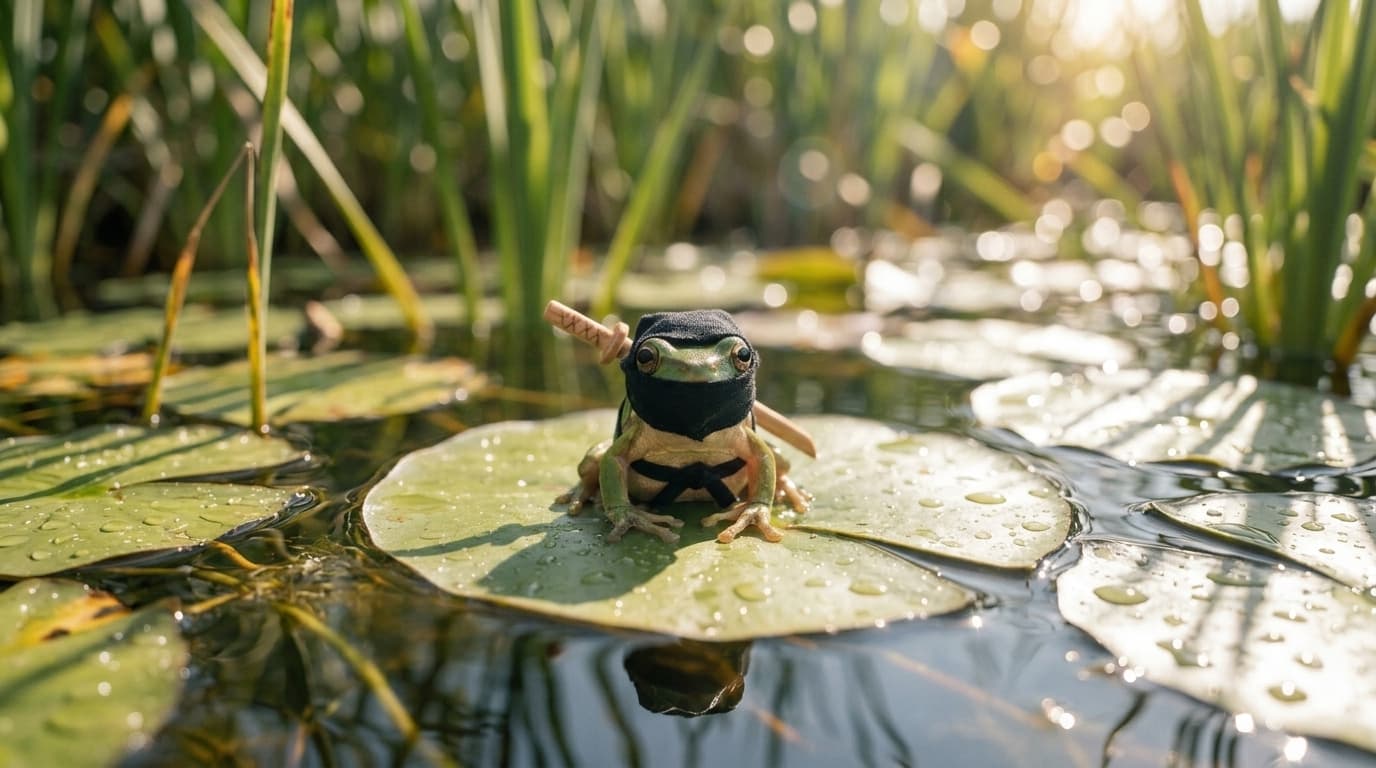
Nano Banana 2 Lite
Google's lightweight Nano Banana model, tuned for fast, low cost image generation.
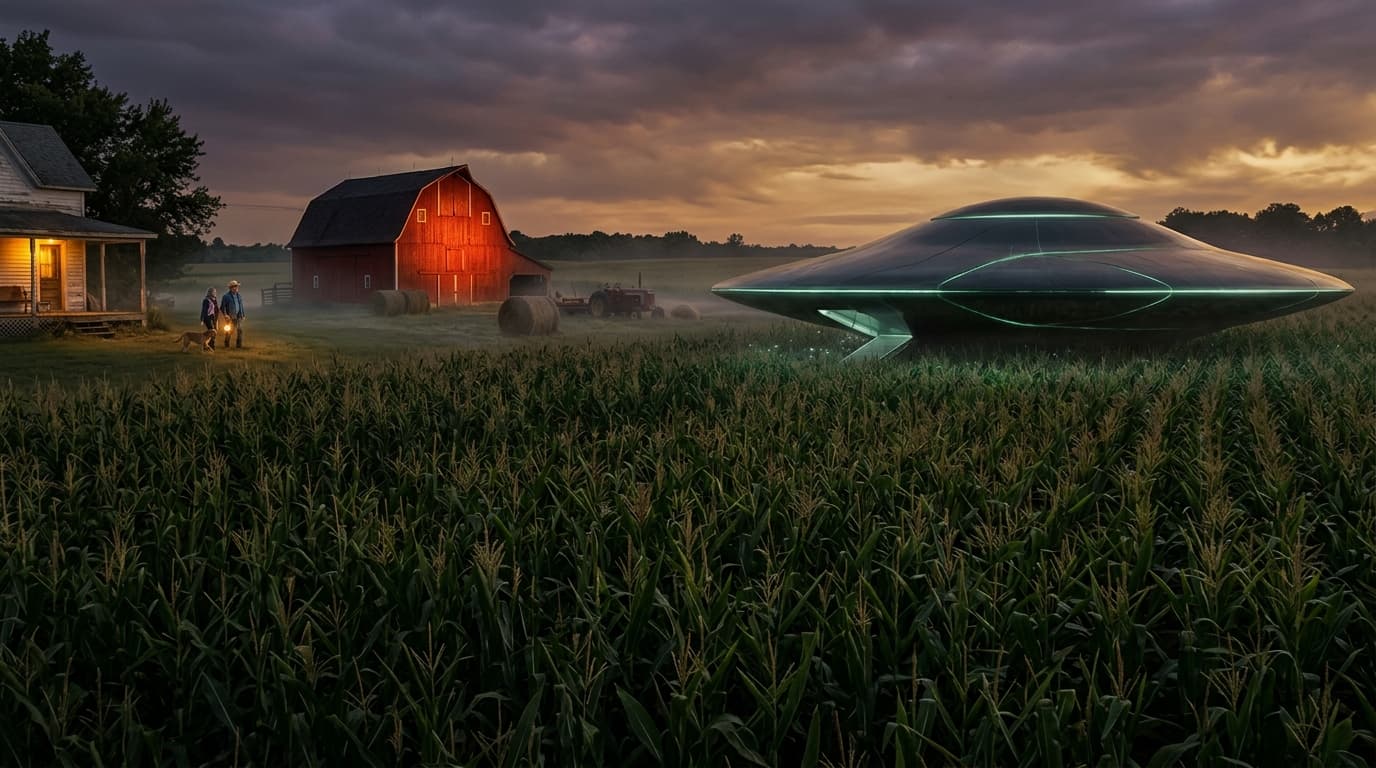
Nano Banana Pro
Google's latest image generation model with 4K output and multi-image input.

Seedream 4
ByteDance's high-fidelity image model with up to 10 reference images.
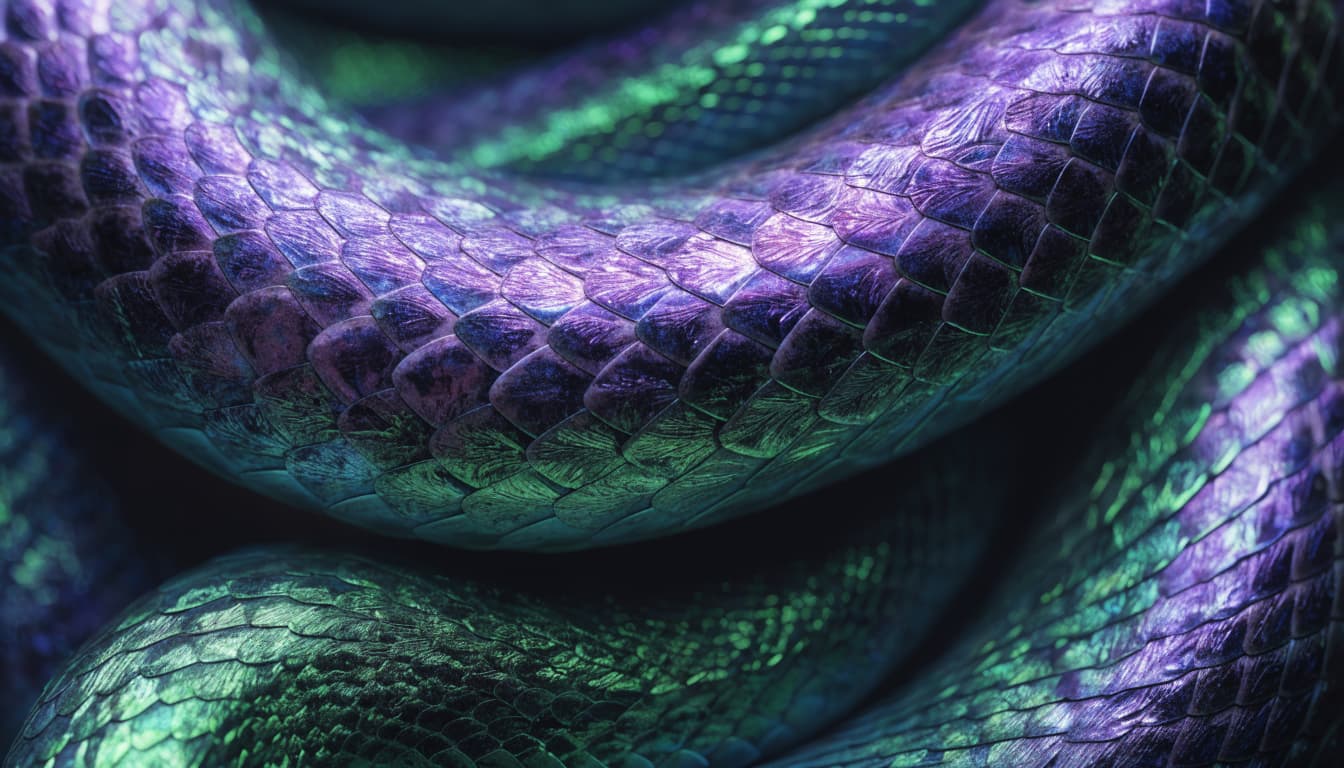
Recraft V4
Recraft's flagship image model, rebuilt around design taste and dependable typography.
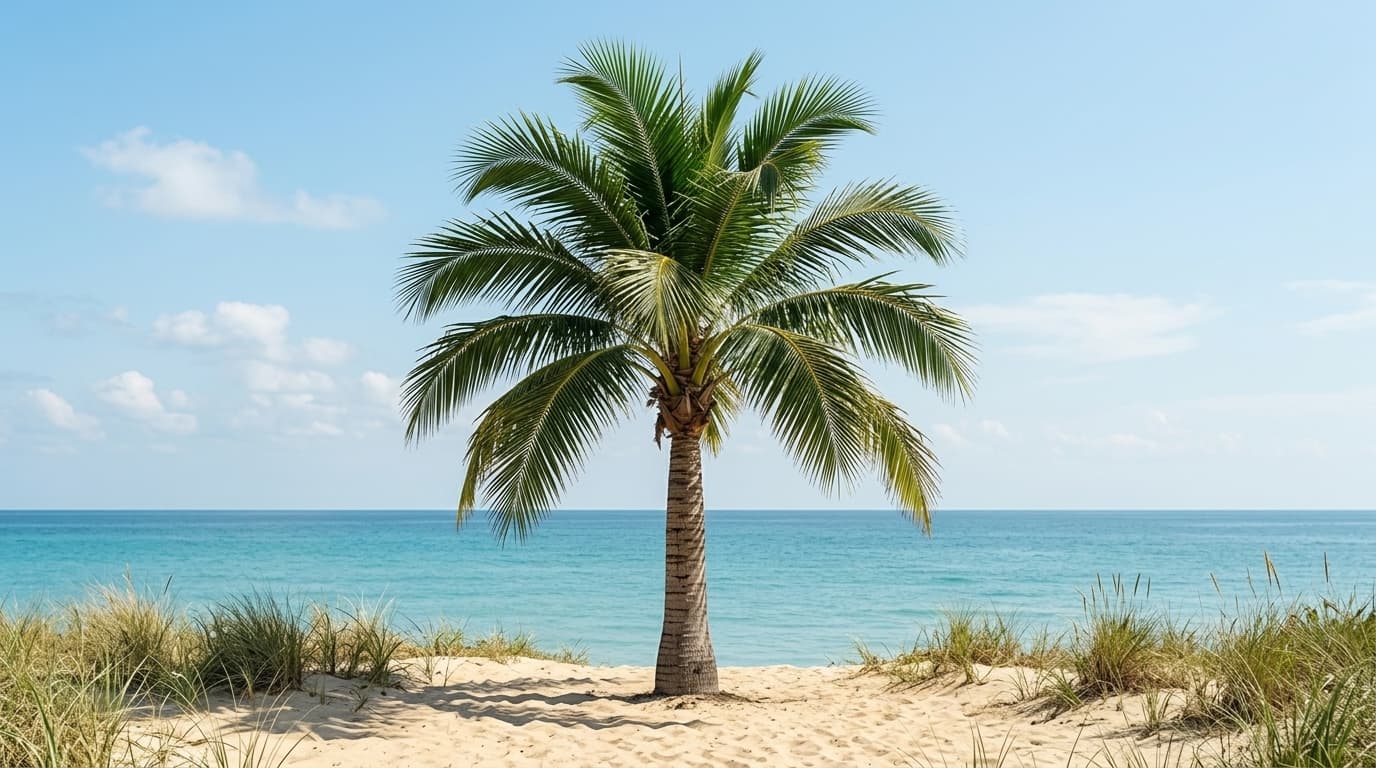
Flux 2
Black Forest Labs' open-source image model — high quality at a low credit cost.