Nano Banana 2 Lite from Google
Google's lightweight Nano Banana model, tuned for fast, low cost image generation.
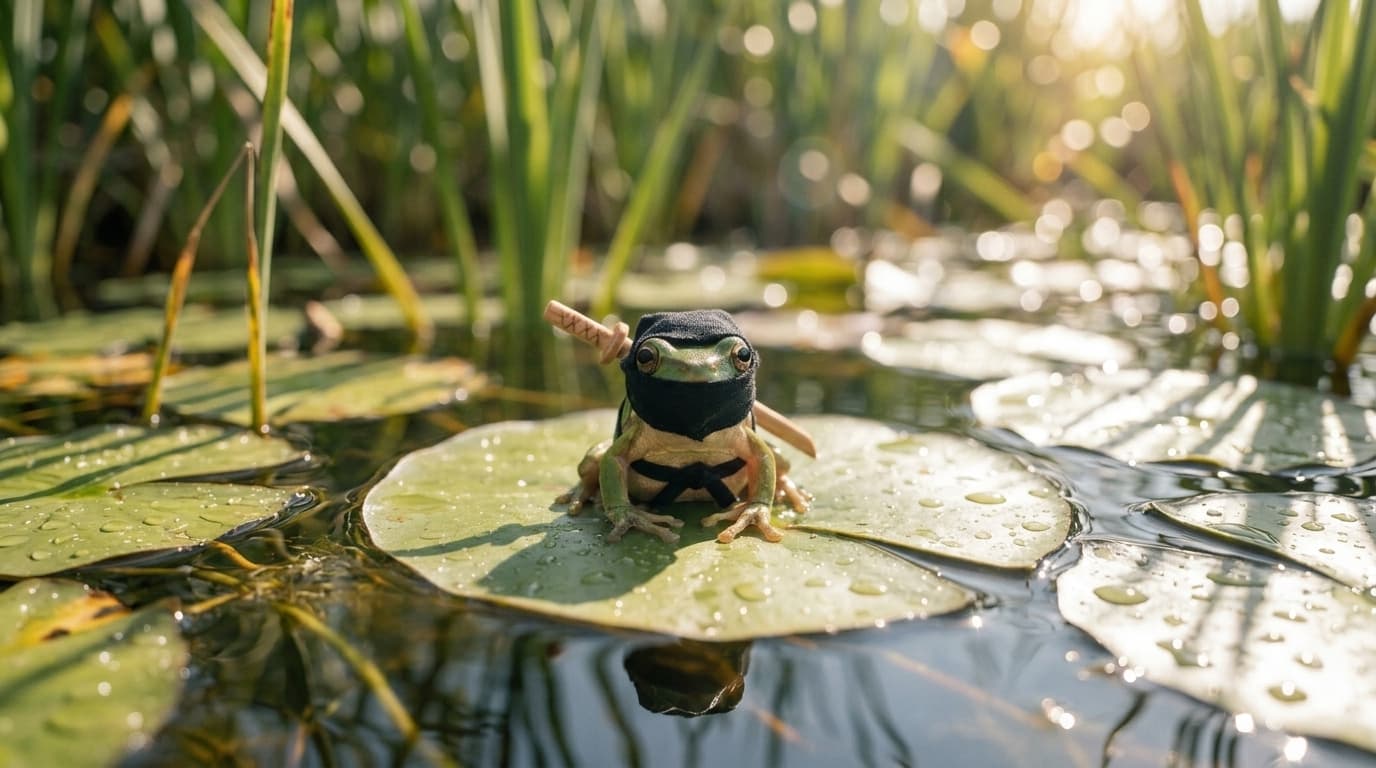
What you can make with Nano Banana 2 Lite
Try more ideas, faster
Nano Banana 2 Lite is cheaper and faster than Nano Banana 2, so you can try more prompts and compare more takes before you pick one.
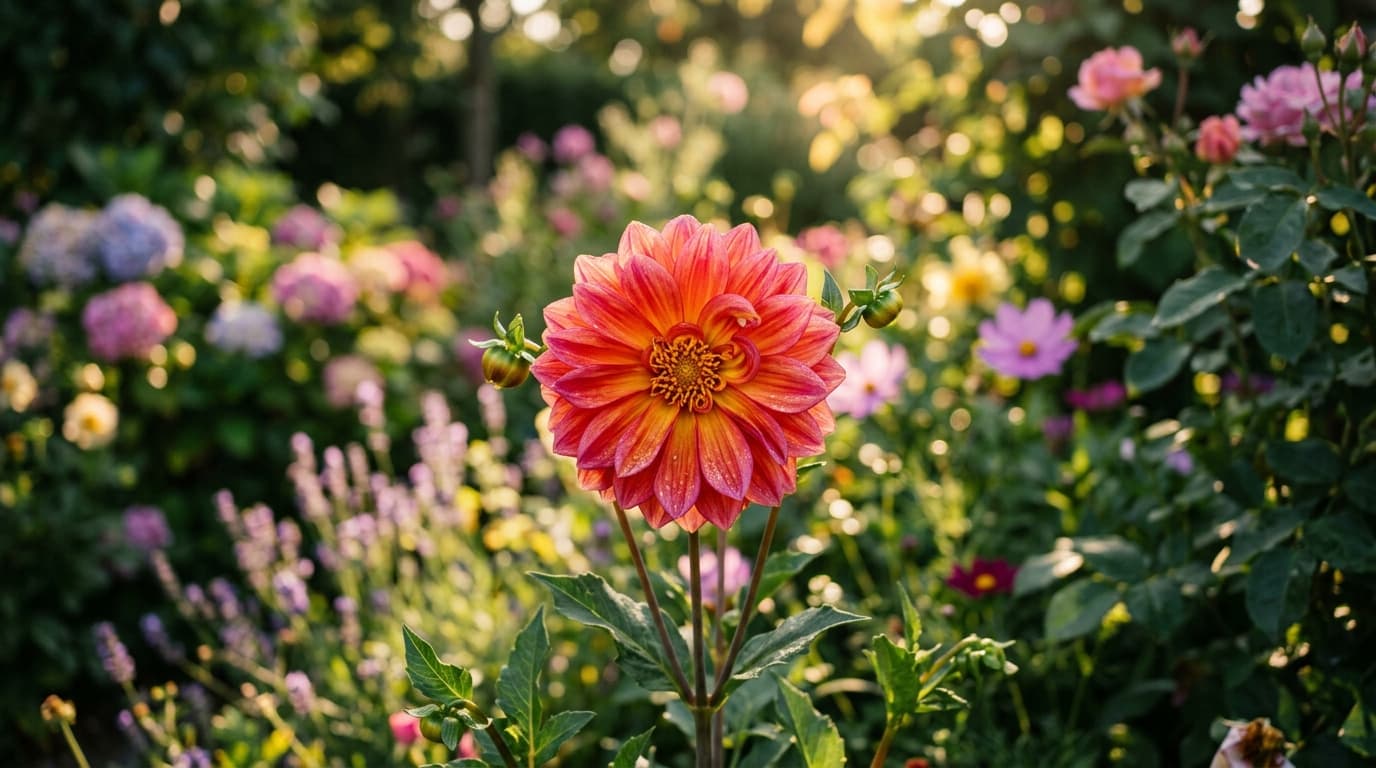
Edit any image with a sentence
Upload a reference and describe the change. Swap backgrounds, lighting, or objects without masks or manual selection.
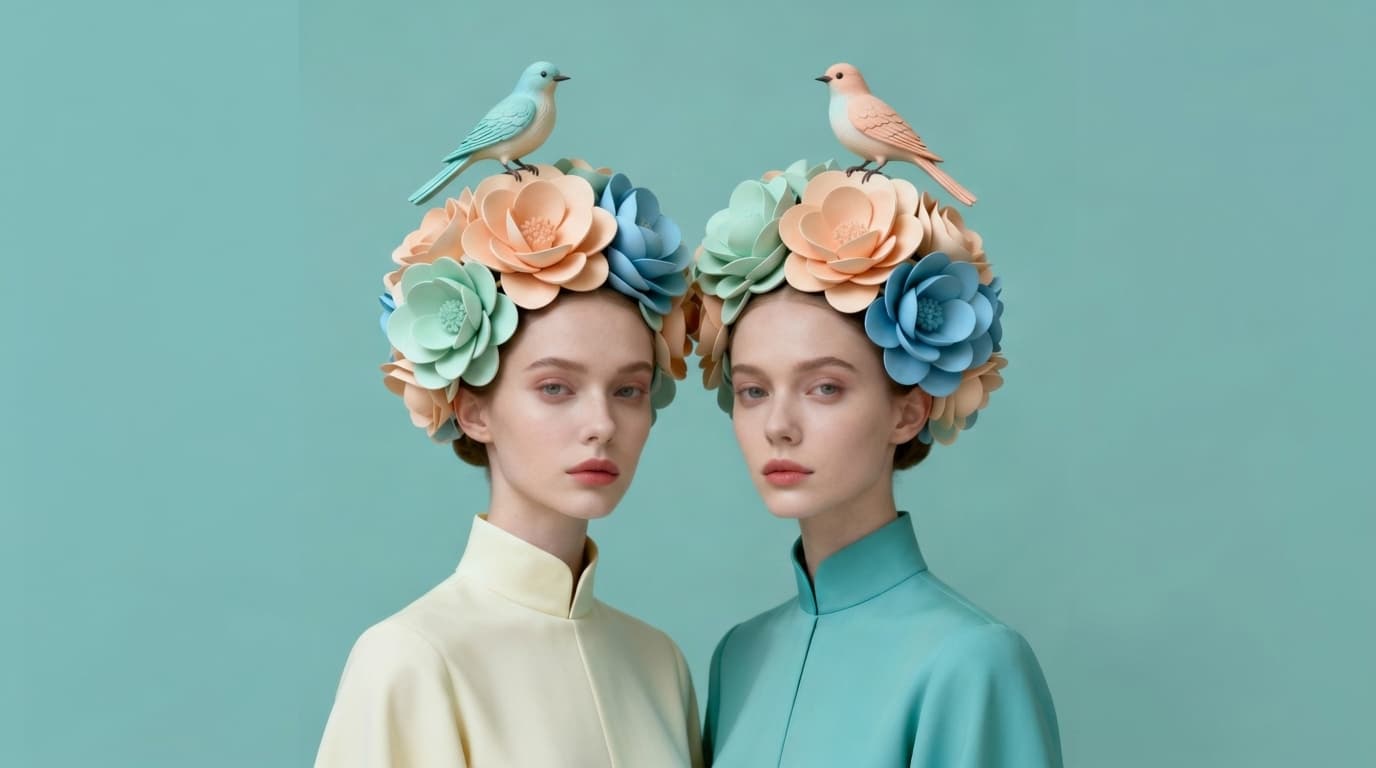
Keep characters and products consistent
Set an identity once and the model holds to it, so a character or product stays recognizable throughout.
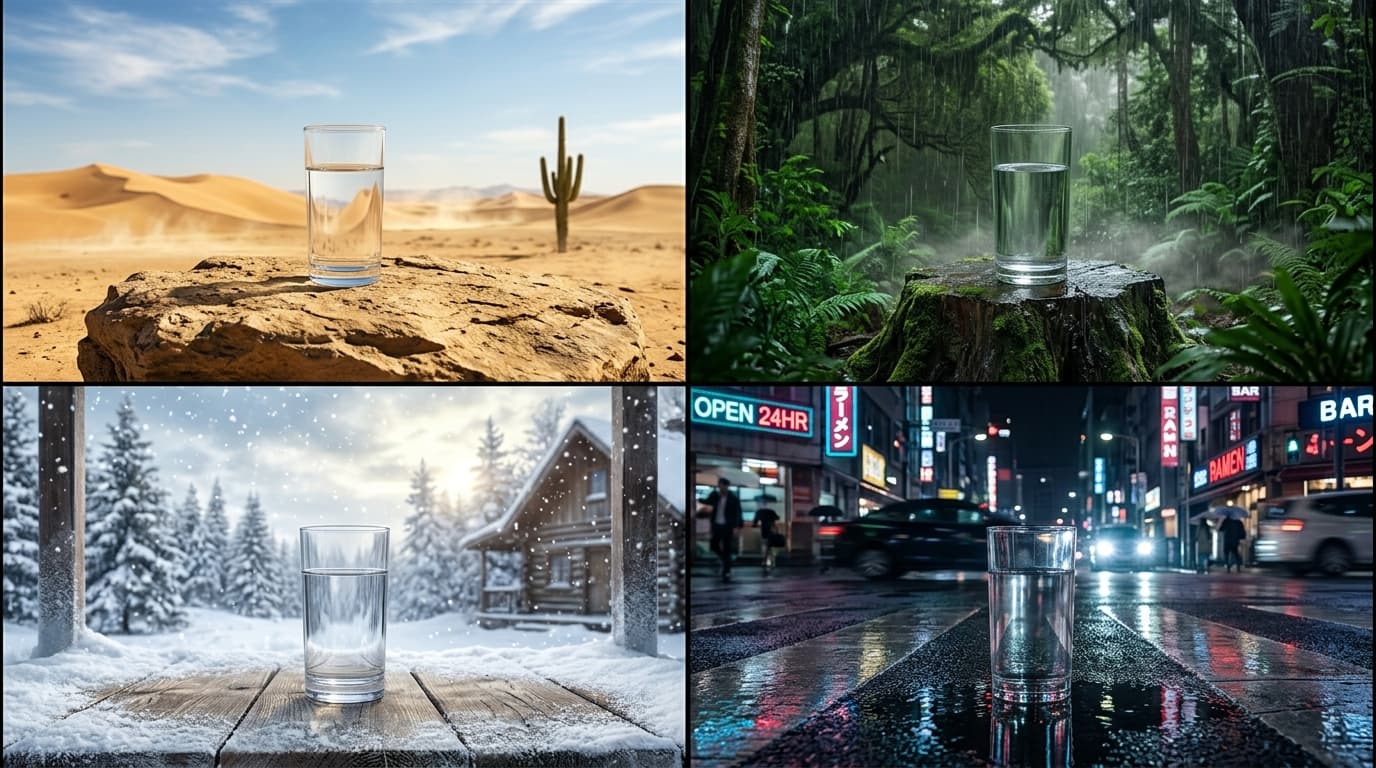
Inside Nano Banana 2 Lite
Flexible aspect ratios
Compose in 15 aspect ratios, from square to widescreen and vertical.
Reference-guided editing
Add up to 14 reference images to lock identity, style, and composition.
Production-ready output
Nano Banana 2 Lite renders clean, high-fidelity images built for real campaigns, products, and client work.
Create with Nano Banana 2 Lite
- 1
Select Nano Banana 2 Lite
Choose Nano Banana 2 Lite from the model library to start generating high-quality images.
- 2
Enter prompt and add references
- 3
Generate and download
Frequently asked questions
What is Nano Banana 2 Lite?
Nano Banana 2 Lite is an AI image generation model available on Morphix. Google's lightweight Nano Banana model, tuned for fast, low cost image generation.
How is Nano Banana 2 Lite different from Nano Banana 2?
Nano Banana 2 Lite is the speed and cost tier of the family: it generates in about four seconds, costs fewer credits per image, and outputs at a fixed 1K resolution. Nano Banana 2 balances quality and cost, with output up to 4K. Both run in the same Morphix workspace, so you can draft with Lite and re-run the keeper on Nano Banana 2.
What is Nano Banana 2 Lite best for?
High volume, fast turnaround work: drafting concepts, exploring prompt directions, and social content where you generate many images and keep a few. Google positions it as the successor to the original Nano Banana, at a lower price per image.
How do I use Nano Banana 2 Lite on Morphix?
Open the image studio on Morphix, select Nano Banana 2 Lite, write a prompt, and generate. Every model shares one subscription and credit pool, so there are no API keys or separate sign-ups.
What resolution and aspect ratios does Nano Banana 2 Lite support?
On Morphix, Nano Banana 2 Lite supports 15 aspect ratios, including auto, 21:9, 16:9, and more.
Does Nano Banana 2 Lite support reference-guided generation?
Yes. Nano Banana 2 Lite supports reference-guided workflows on Morphix, so you can use images to steer composition, subject identity, and style.
Can I use Nano Banana 2 Lite images commercially?
Yes. On Morphix paid plans, images you generate with Nano Banana 2 Lite include commercial licensing for campaigns, products, and client deliverables.
Who should use Nano Banana 2 Lite?
Nano Banana 2 Lite is useful for designers, marketers, creative teams, and independent creators who need polished AI-generated images for concepts, campaigns, client work, and production work.
Explore more models
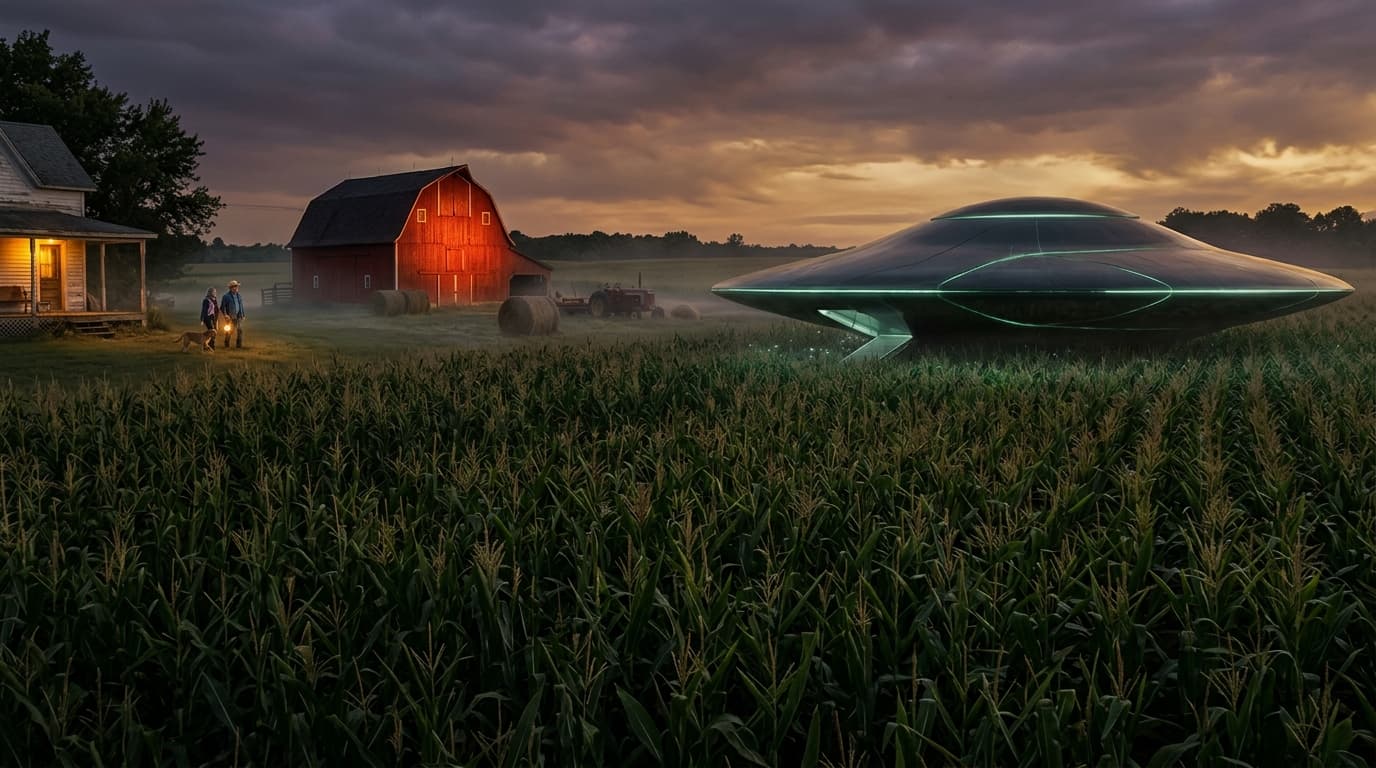
Nano Banana Pro
Google's latest image generation model with 4K output and multi-image input.

Seedream 4
ByteDance's high-fidelity image model with up to 10 reference images.
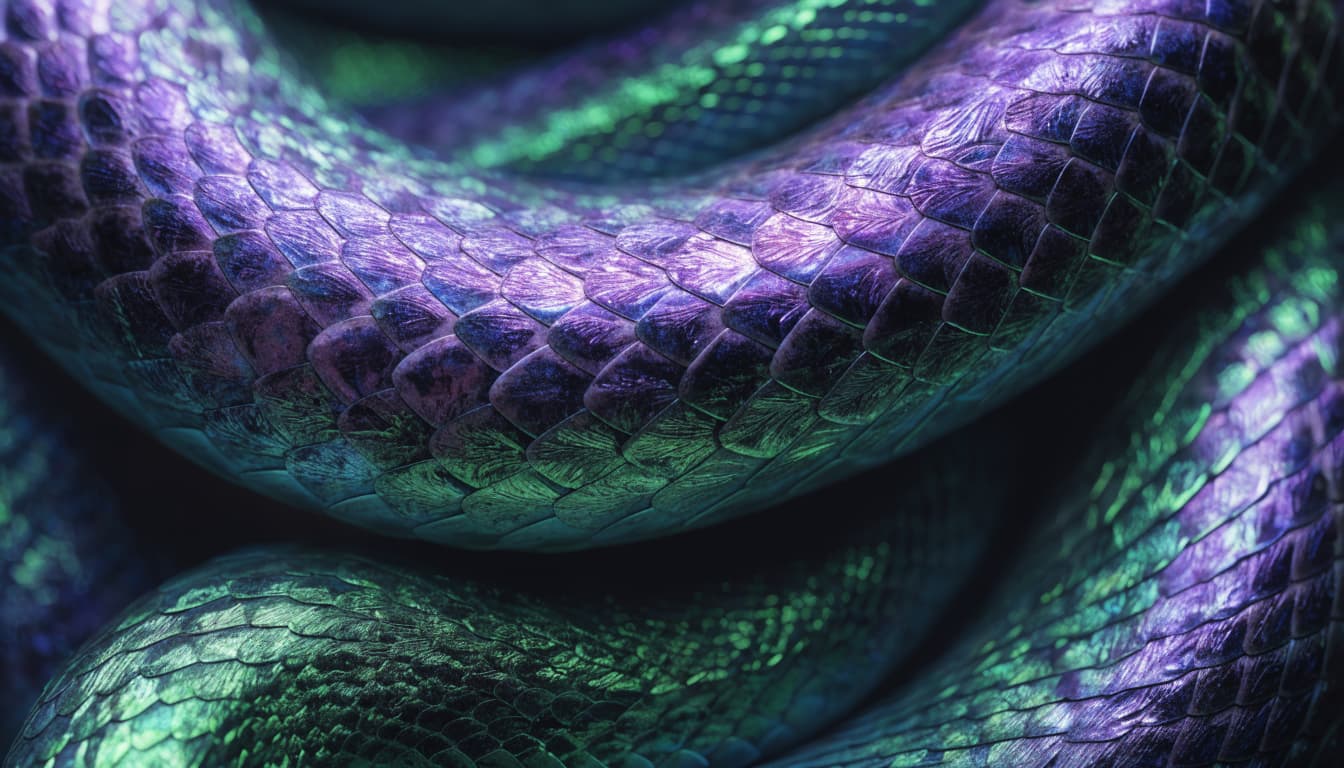
Recraft V4
Recraft's flagship image model, rebuilt around design taste and dependable typography.
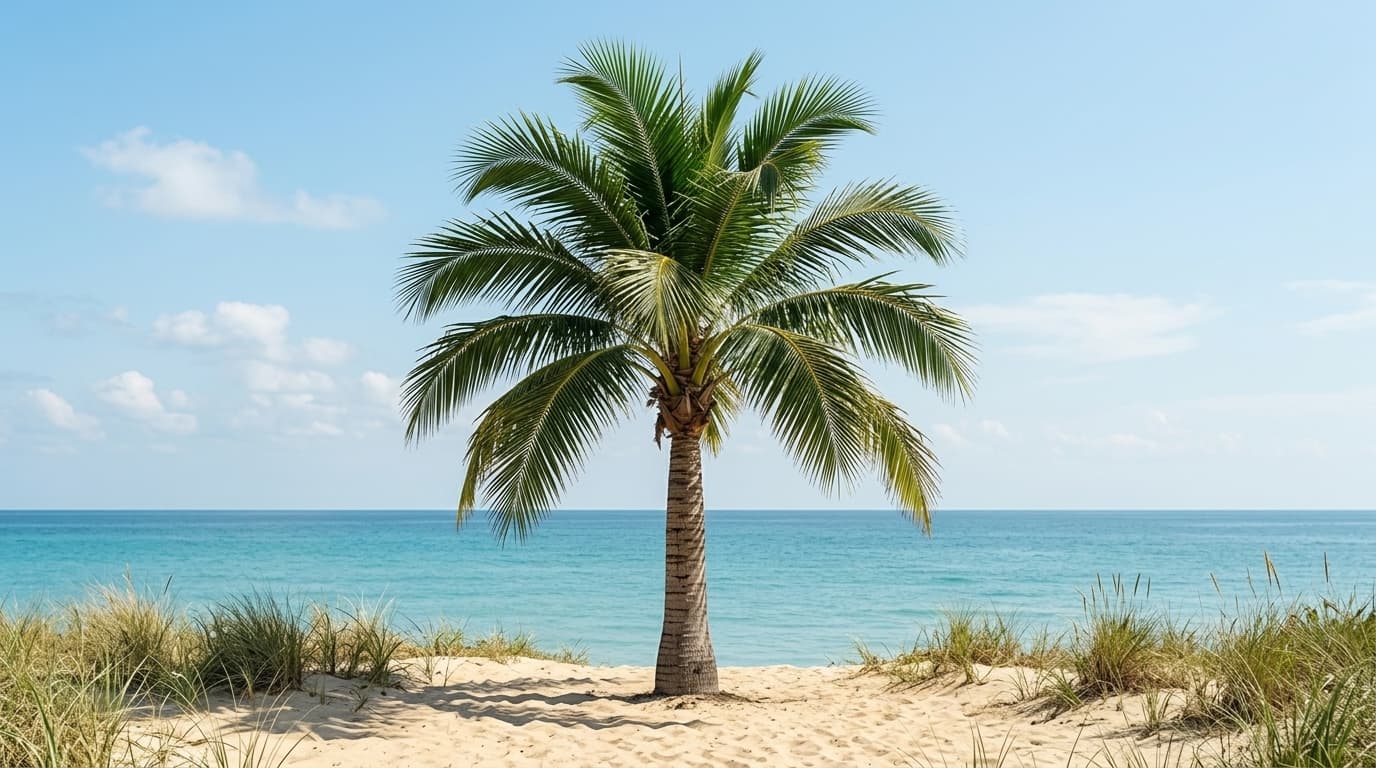
Flux 2
Black Forest Labs' open-source image model — high quality at a low credit cost.
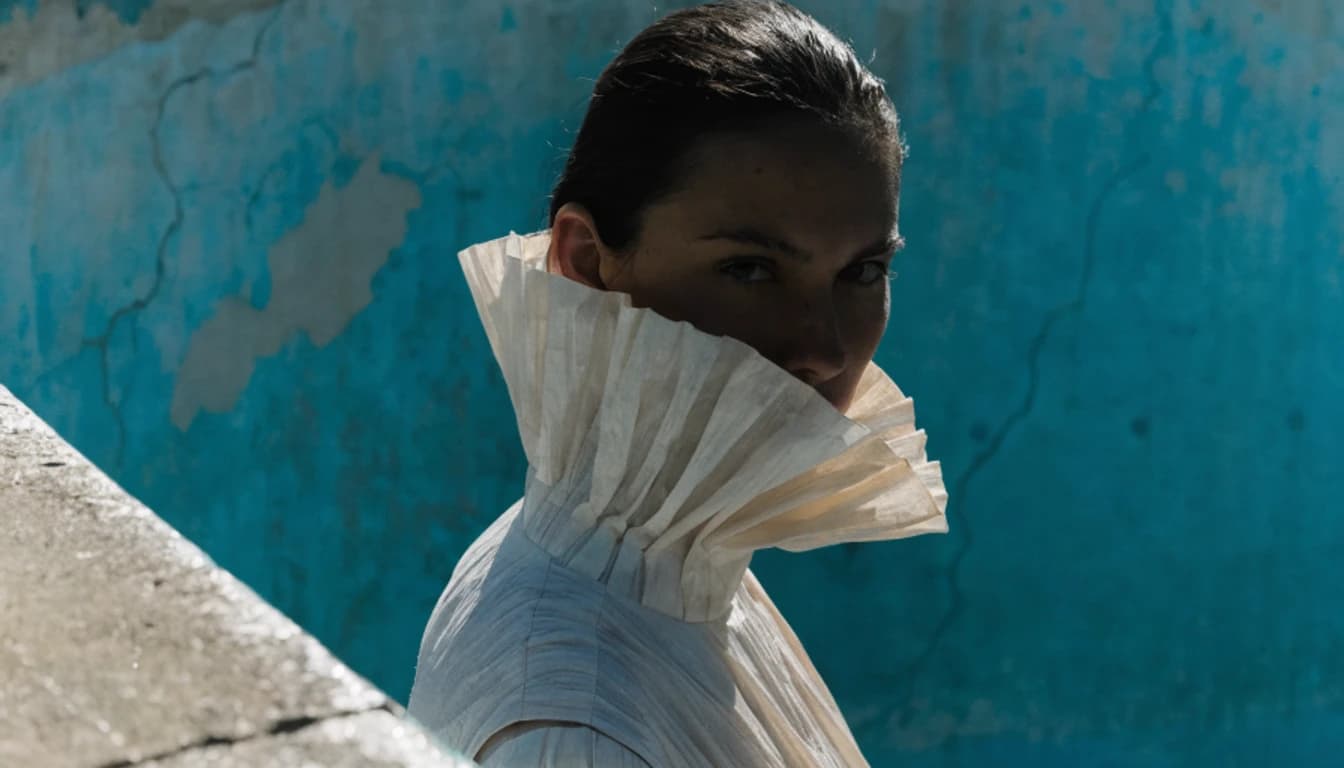
Flux 3 Image
Black Forest Labs' newest image model. Generation and precise editing in one model, with native 4K output, accurate text, and up to 10 reference images.