Flux 3 Image from Black Forest Labs
Black Forest Labs' newest image model. Generation and precise editing in one model, with native 4K output, accurate text, and up to 10 reference images.
What you can make with Flux 3 Image
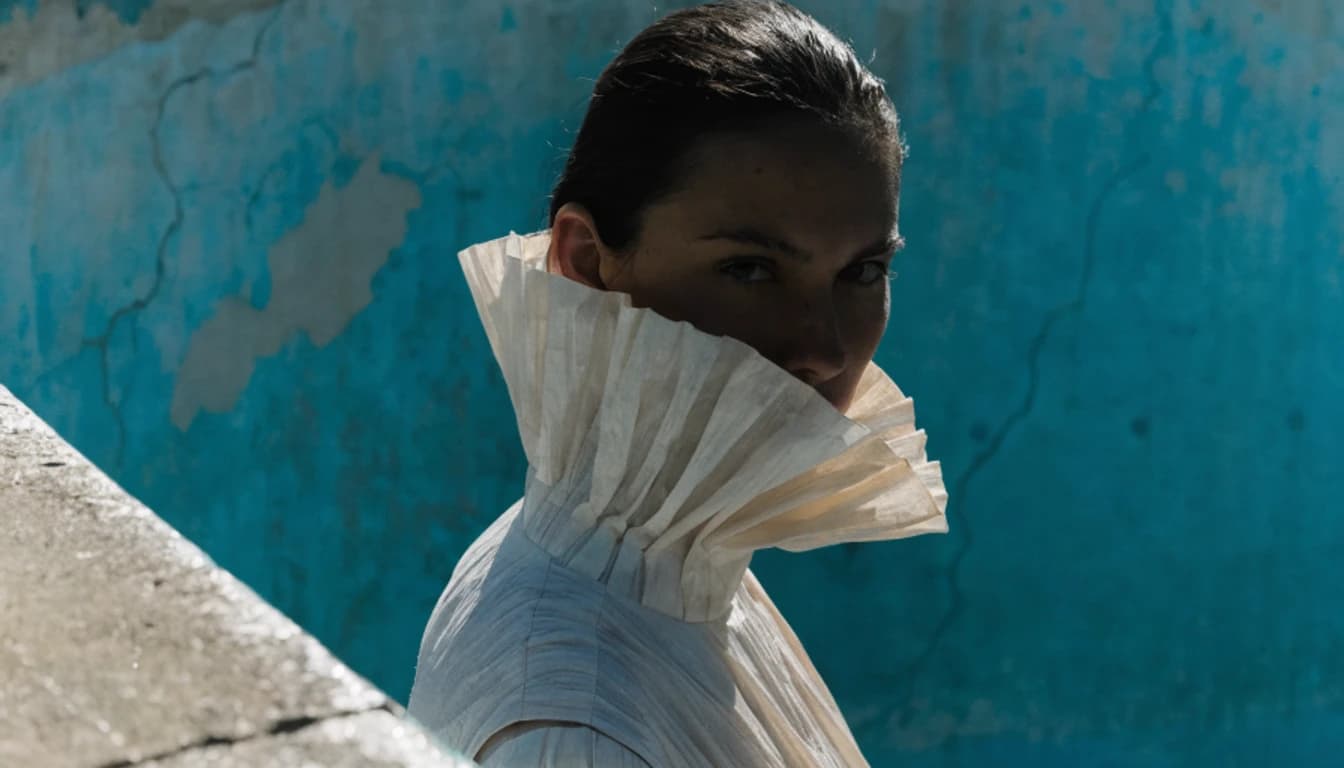
Edit one part, keep the rest
Upload an image and describe the change. Flux 3 Image recolors, replaces, moves, or removes what you name while preserving the original around it. Several edits can go in one request, so a full round of notes lands in a single pass.

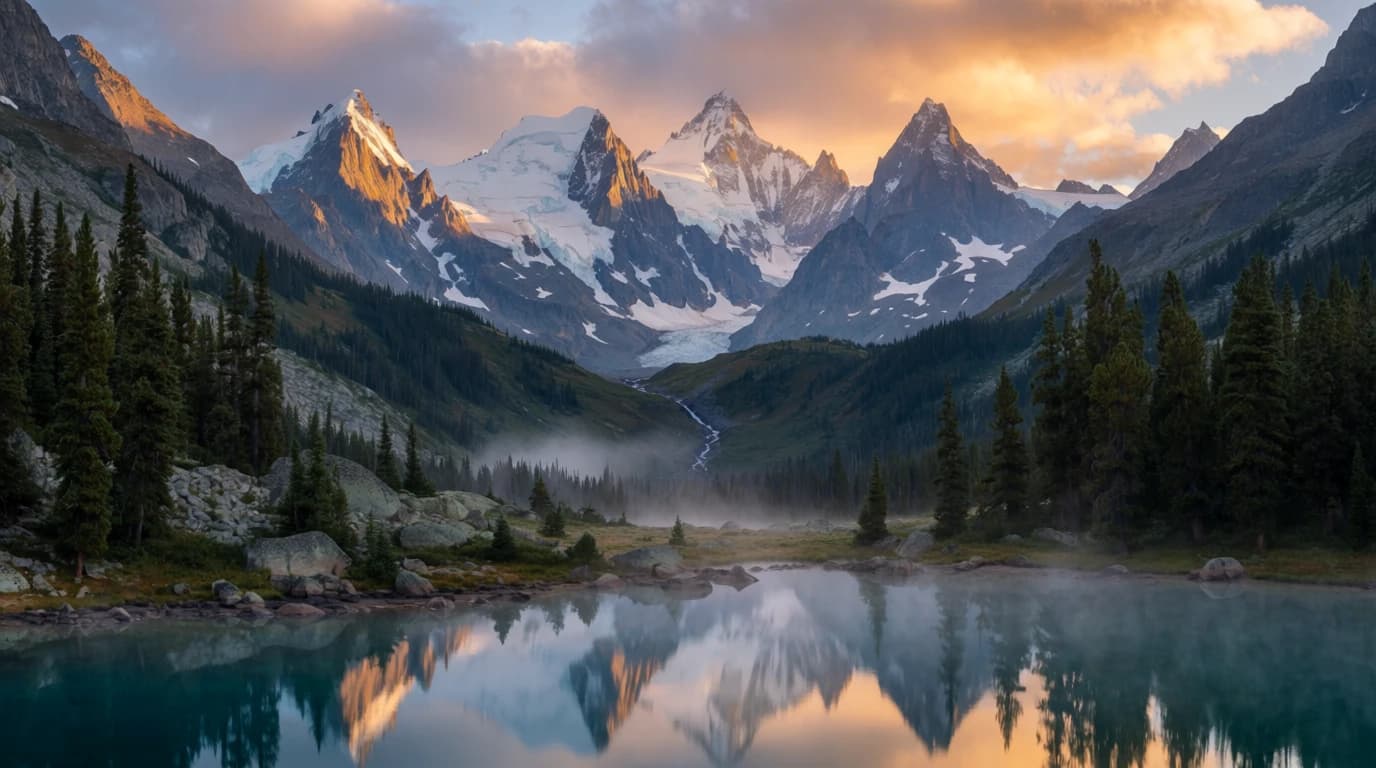
Native 4K with text that reads
Flux 3 Image renders at the size you ask for, up to about 16 megapixels or 5456 by 3072 pixels. Fine texture and small lettering are drawn at full size instead of being enlarged afterward, so signage, labels, and headlines stay sharp in print and on large displays.
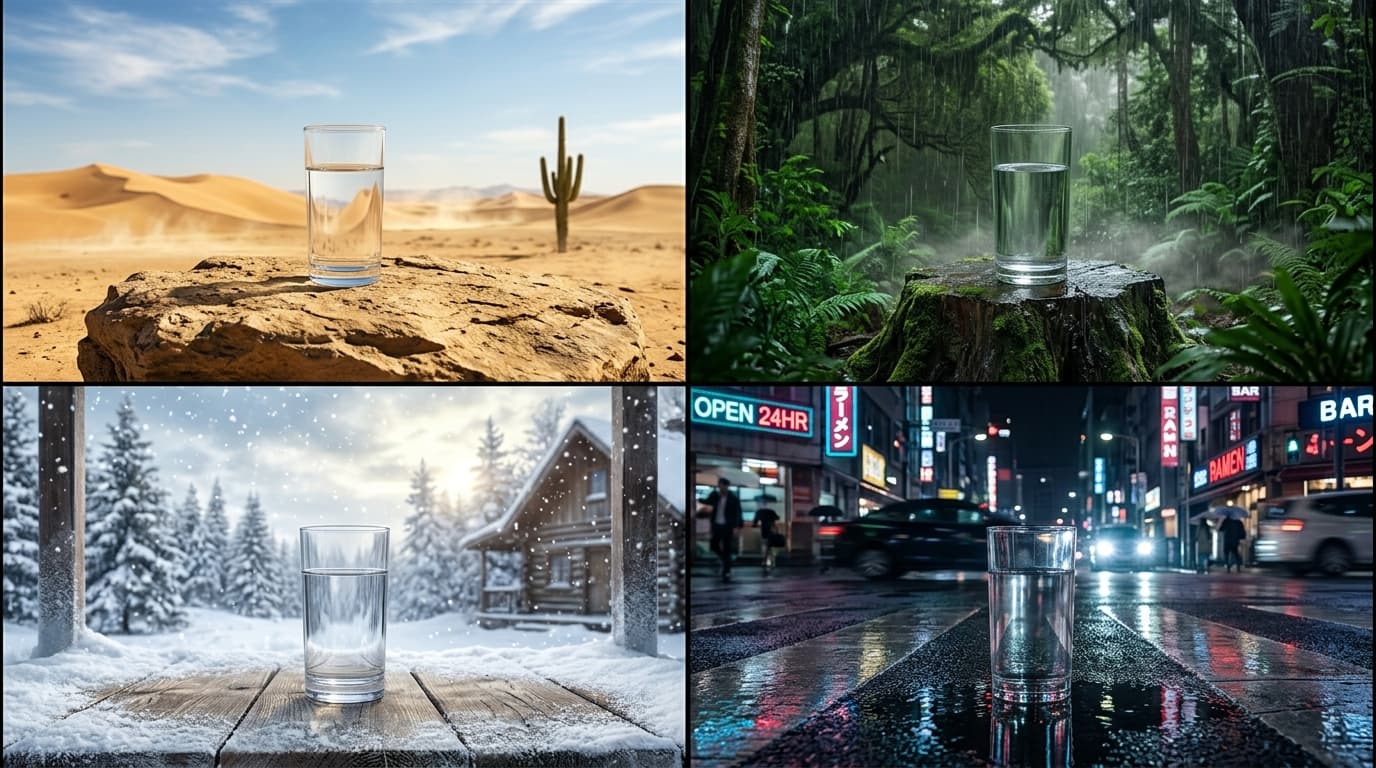
Compose from up to 10 references
Bring a product, a character, a location, and a style into one generation. The model decides where each reference sits and how large it appears, then renders them as a single coherent scene.
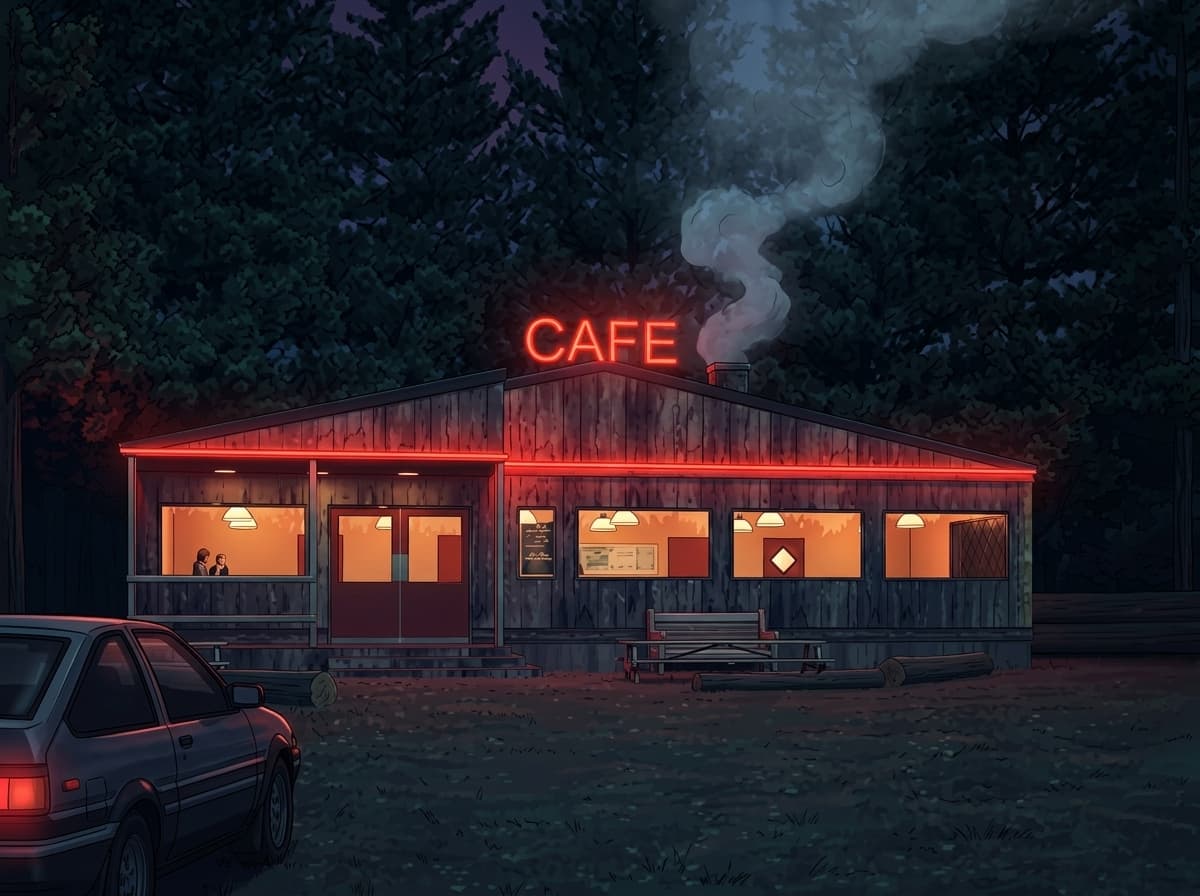
Grounded in the real world
Before it draws, Flux 3 Image researches the prompt with web and image search. Real places, products, and recent subjects come out closer to how they actually look.
Inside Flux 3 Image
4K resolution output
Render crisp, production-ready images at up to 4K.
Flexible aspect ratios
Compose in 12 aspect ratios, from square to widescreen and vertical.
Reference-guided editing
Add up to 10 reference images to lock identity, style, and composition.
Production-ready output
Flux 3 Image renders clean, high-fidelity images built for real campaigns, products, and client work.
Create with Flux 3 Image
- 1
Select Flux 3 Image
Choose Flux 3 Image from the model library to start generating high-quality images.
- 2
Enter prompt and add references
- 3
Generate and download
Frequently asked questions
What is Flux 3 Image?
Flux 3 Image is an AI image generation model available on Morphix. Black Forest Labs' newest image model. Generation and precise editing in one model, with native 4K output, accurate text, and up to 10 reference images.
How is Flux 3 Image different from Flux 2?
Flux 3 Image launched on October 1, 2026 on the multimodal architecture Black Forest Labs built for image, video, and audio. It handles generation and editing in one model, takes up to 10 reference images, and renders natively up to about 16 megapixels, four times the 4 megapixel ceiling of the Flux 2 family. Both run in the same Morphix workspace, so you can switch between them per project.
Can Flux 3 Image edit an existing image?
Yes. Upload the image and describe the change clearly, such as replacing the background with a snowy mountain, instead of describing the whole scene again. Leave the aspect ratio on auto and the result matches your first reference image.
Can Flux 3 Image render text inside an image?
Yes. Accurate text rendering is one of the qualities Black Forest Labs highlights for the model, and because 2K and 4K are generated natively, small lettering is not softened by a separate upscaling pass.
How do I use Flux 3 Image on Morphix?
Open the image studio on Morphix, select Flux 3 Image, write a prompt, and generate. Every model shares one subscription and credit pool, so there are no API keys or separate sign-ups.
What resolution and aspect ratios does Flux 3 Image support?
On Morphix, Flux 3 Image generates images at 1K, 2K, and 4K resolution and supports 12 aspect ratios, including auto, 1:1, 16:9, and more.
Does Flux 3 Image support reference-guided generation?
Yes. Flux 3 Image supports reference-guided workflows on Morphix, so you can use images to steer composition, subject identity, and style.
Can I use Flux 3 Image images commercially?
Yes. On Morphix paid plans, images you generate with Flux 3 Image include commercial licensing for campaigns, products, and client deliverables.
Who should use Flux 3 Image?
Flux 3 Image is useful for designers, marketers, creative teams, and independent creators who need polished AI-generated images for concepts, campaigns, client work, and production work.
Explore more models
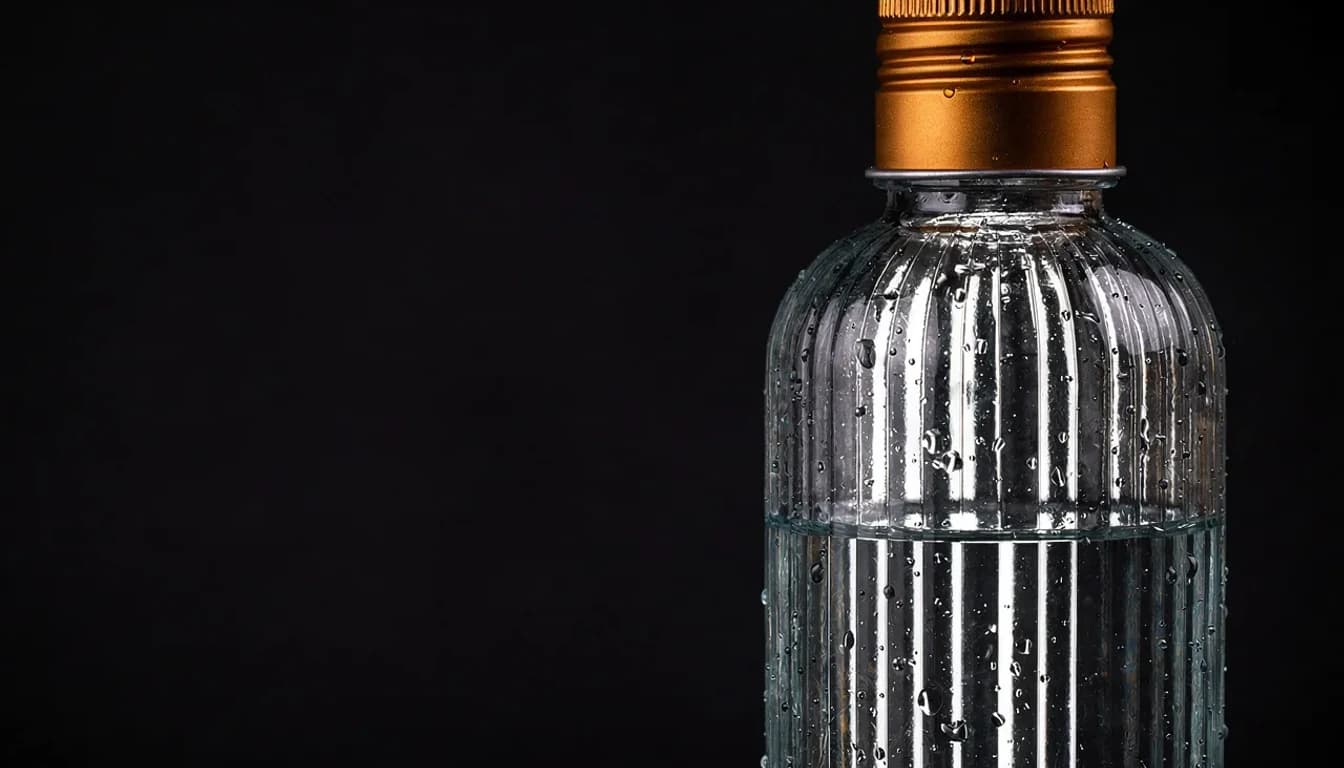
GPT Image 2
OpenAI's latest image model — strong prompt adherence and reliable text rendering.
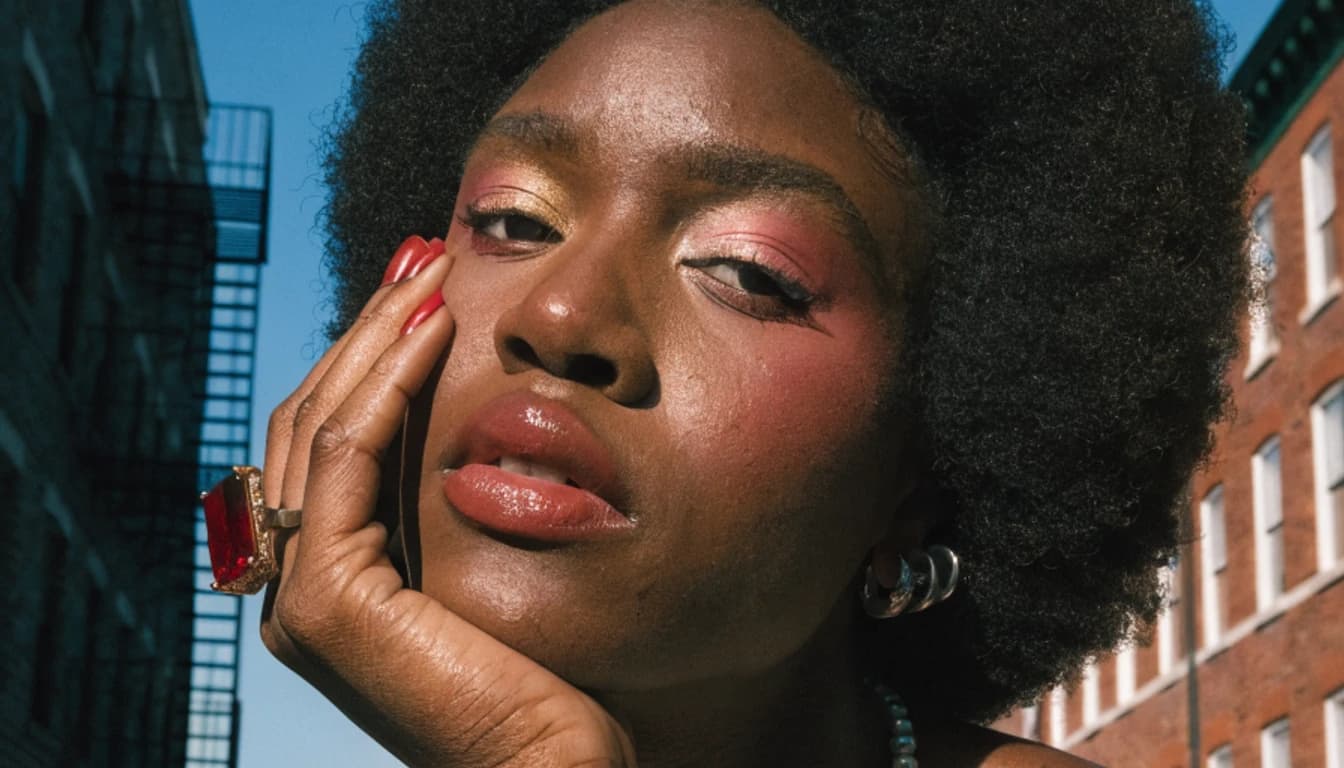
GPT Image 2.5 Flare
OpenAI's fastest image model. Sharper detail than GPT Image 2 at up to 50% lower latency, built for everyday generation at volume.
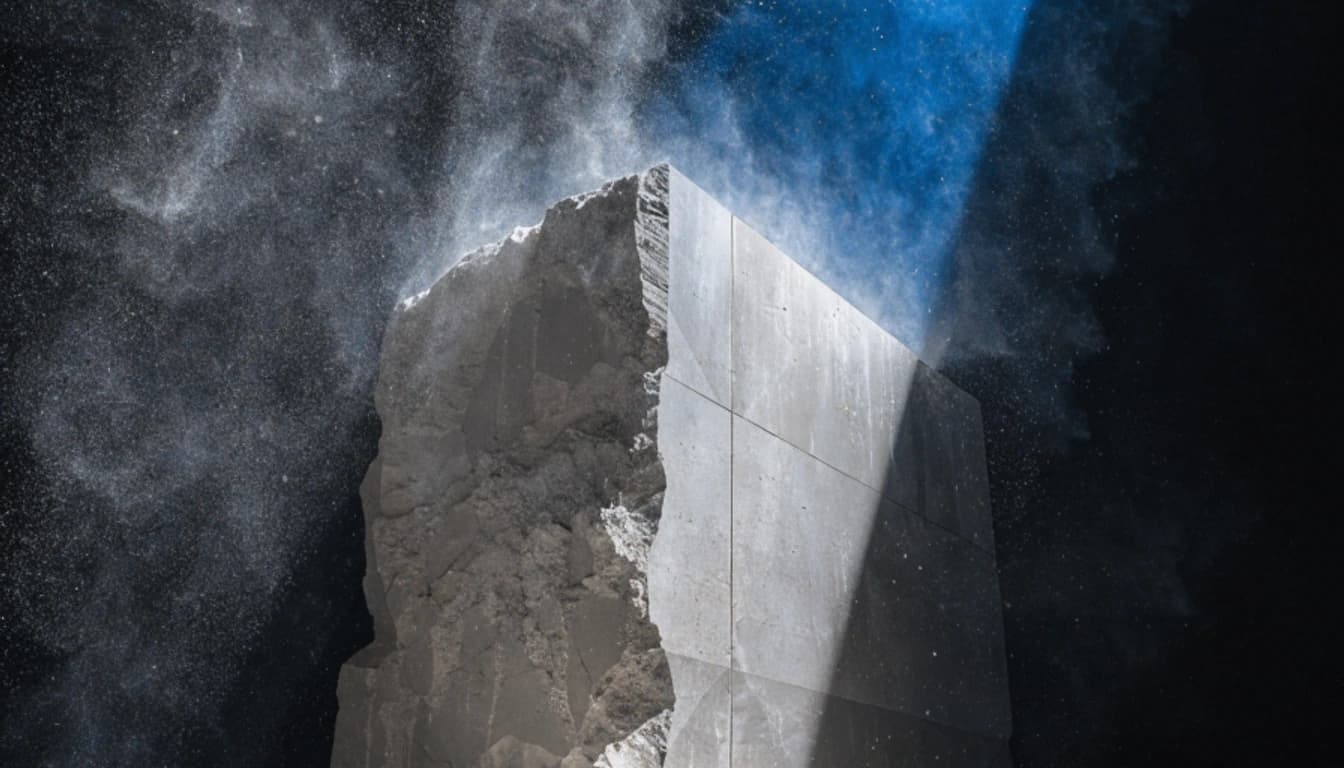
GPT Image 2.5 Sunburst
OpenAI's most capable image model. Ranked first for text to image and image editing, built for precise edits on premium creative work.

Qwen Image
Alibaba's open-source image model with strong text rendering at a low credit cost.
Sora 2
OpenAI's flagship text-to-video model, with synced audio and cinematic motion.