GPT Image 2.5 Flare from OpenAI
OpenAI's fastest image model. Sharper detail than GPT Image 2 at up to 50% lower latency, built for everyday generation at volume.
What you can make with GPT Image 2.5 Flare
Built for everyday image work
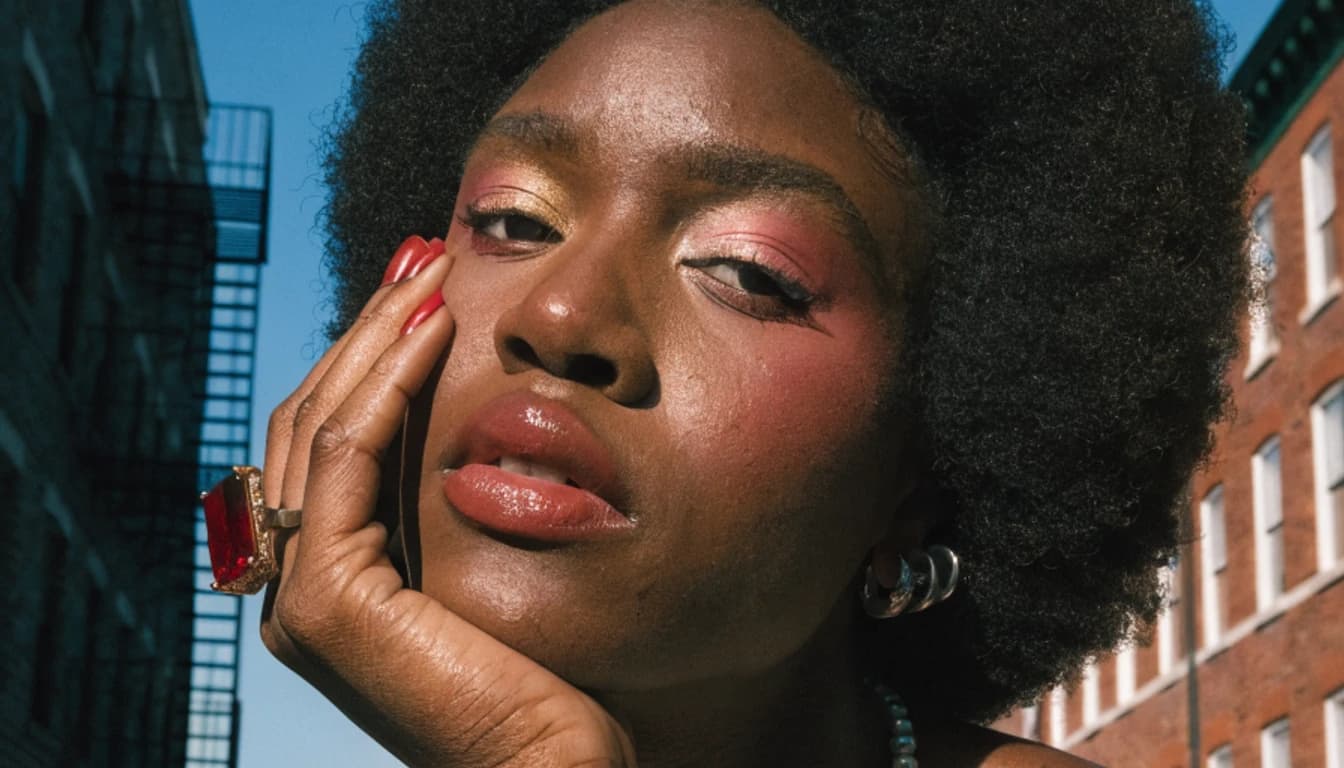
Flare is the default model of the GPT Image 2.5 family. It draws infographics, logos, UI mockups, comic strips, product shots, and marketing visuals with the natural lighting and legible text the GPT Image line is known for, in about half the time GPT Image 2 takes.

Best for speed and volume
Reach for Flare when you need many images quickly: social campaigns, ad variations, storyboards, and early concept rounds. It ranks second only to Sunburst in the Arena text to image, image edit, and multi image edit leaderboards, and it beats GPT Image 2 in all three, so the speed does not cost you quality.
Edit only what you ask for
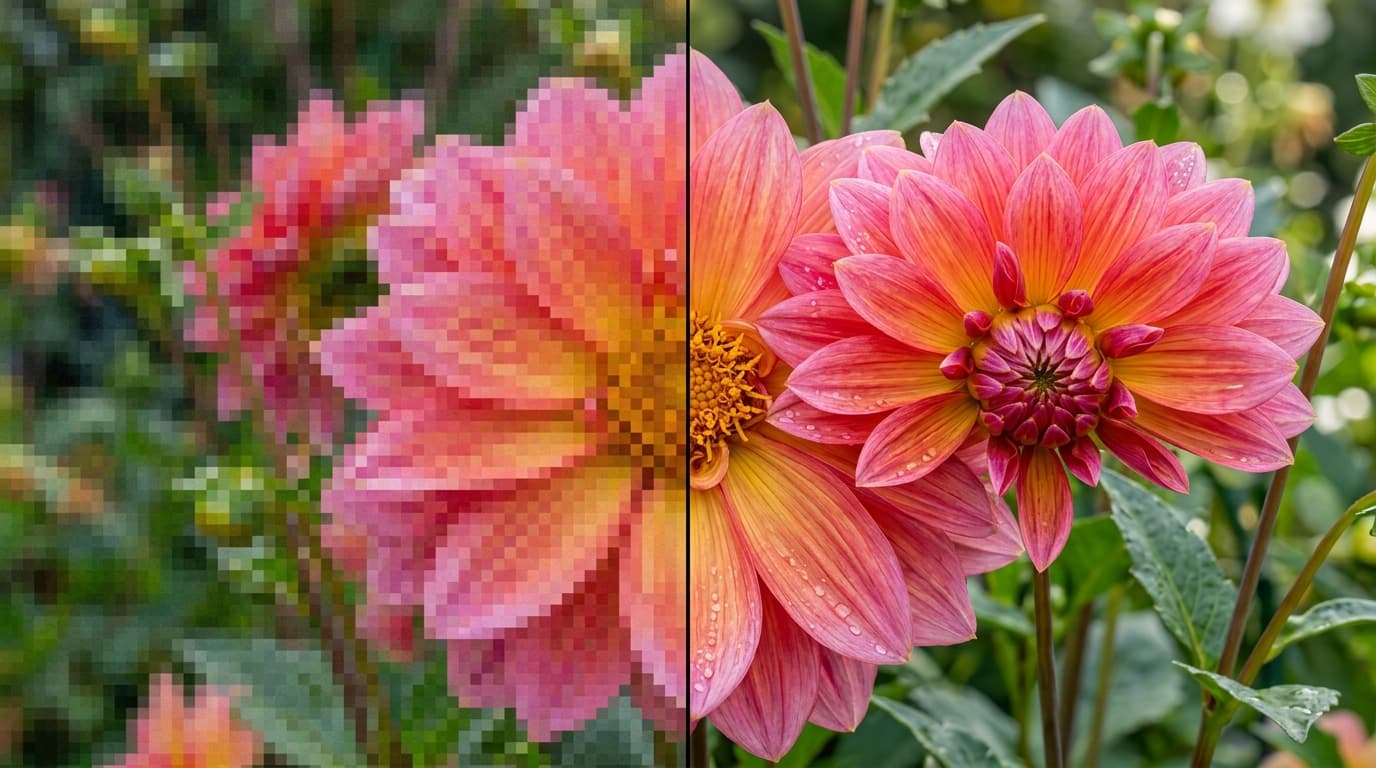
Upload a photo and describe the change. Flare swaps a background, adjusts the lighting, removes an object, or translates the text in an image while the subject, composition, and everything you did not mention stay put.

Text and layouts that read
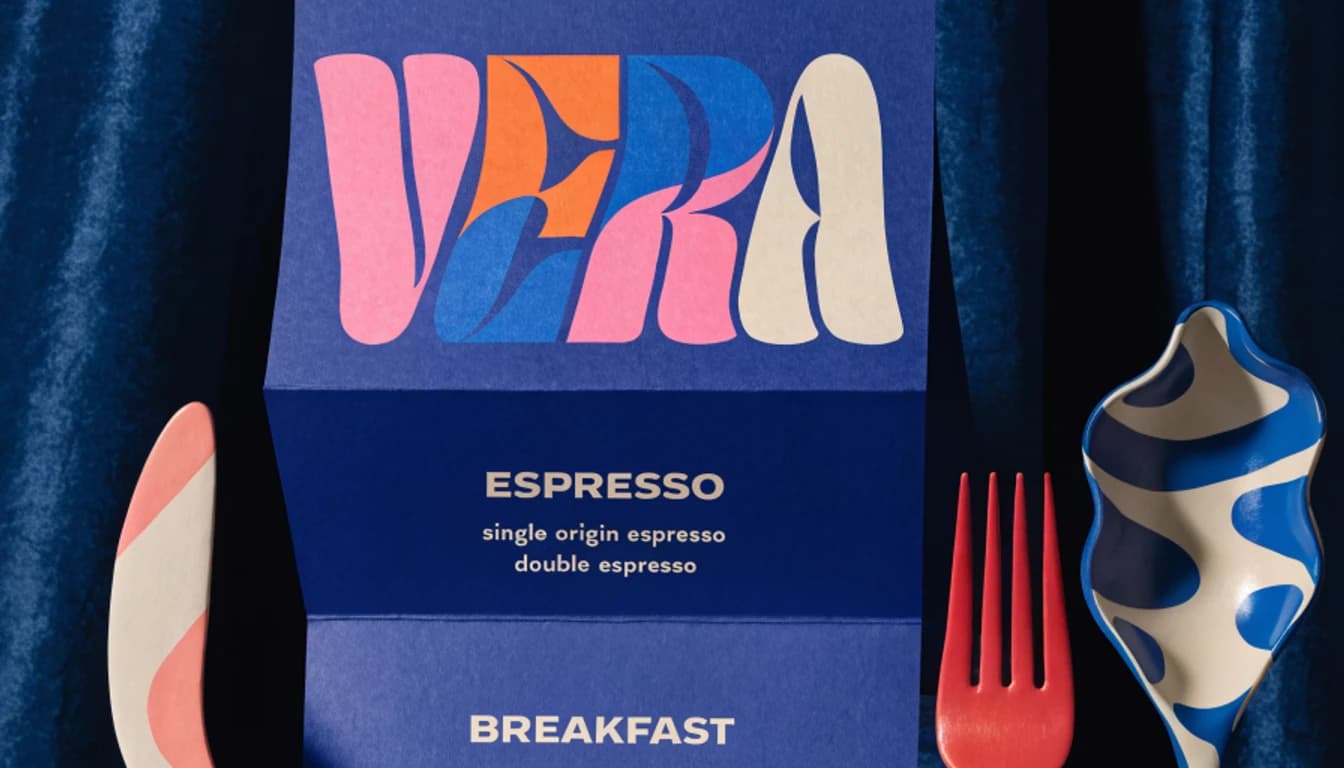
Dense copy, small lettering, and complex layouts such as infographics, interface mockups, and posters come out legible and correctly placed. Ask for a transparent background to get a clean cutout, or request an exact pixel size up to 3840 by 2160.
Keep characters and products consistent
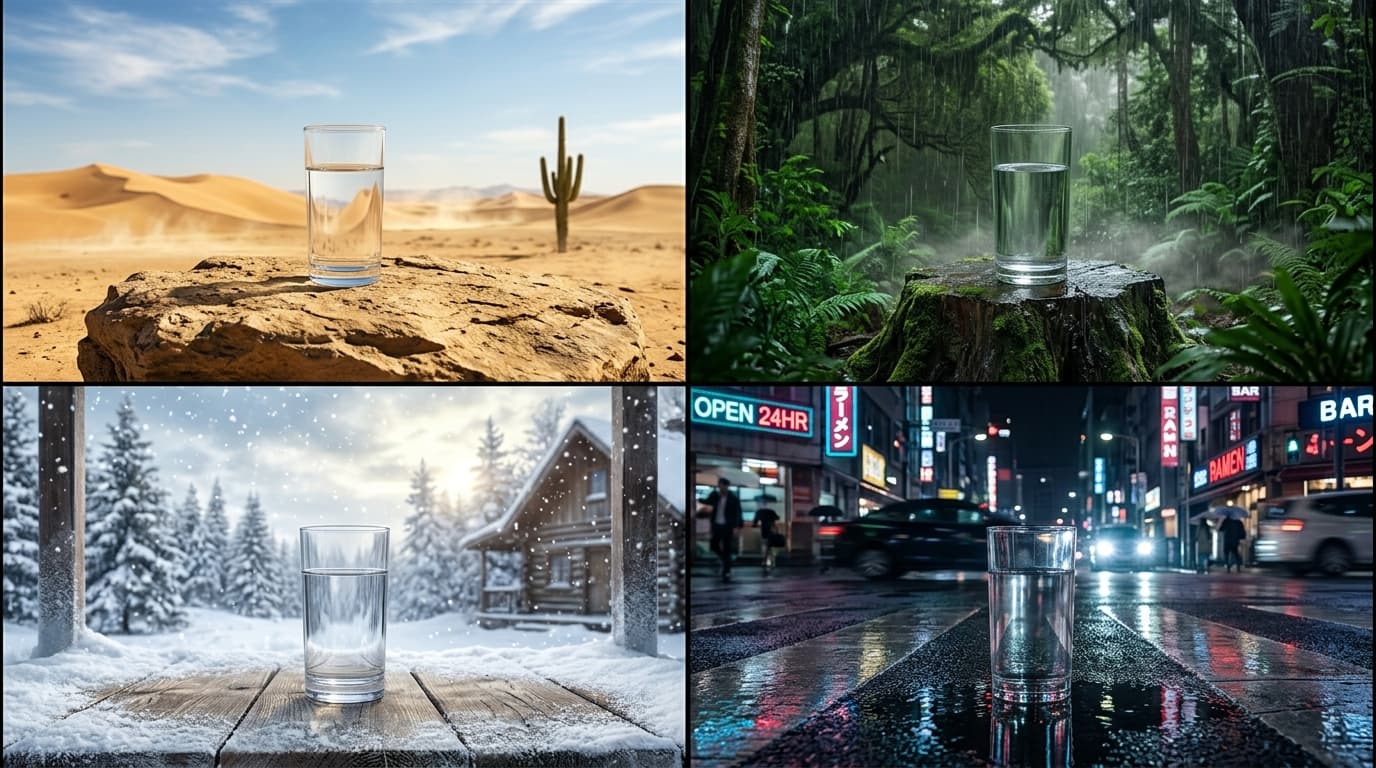
Reuse the same subject in new scenes and it stays on model. The look you set carries across every result.
Inside GPT Image 2.5 Flare
Flexible aspect ratios
Compose in 8 aspect ratios, from square to widescreen and vertical.
Reference-guided editing
Add up to 16 reference images to lock identity, style, and composition.
Production-ready output
GPT Image 2.5 Flare renders clean, high-fidelity images built for real campaigns, products, and client work.
Create with GPT Image 2.5 Flare
- 1
Select GPT Image 2.5 Flare
Choose GPT Image 2.5 Flare from the model library to start generating high-quality images.
- 2
Enter prompt and add references
- 3
Generate and download
Frequently asked questions
What is GPT Image 2.5 Flare?
GPT Image 2.5 Flare is an AI image generation model available on Morphix. OpenAI's fastest image model. Sharper detail than GPT Image 2 at up to 50% lower latency, built for everyday generation at volume.
How is GPT Image 2.5 Flare different from GPT Image 2?
Flare launched on September 8, 2026 as the successor to GPT Image 2 for everyday generation. OpenAI reports up to 50% lower latency, sharper detail, more natural lighting and textures, and better preservation of subjects from reference photos. In blind Arena voting it scores 18 points higher on text to image, 30 higher on single image edits, and 47 higher on multi image edits than GPT Image 2.
Should I use GPT Image 2.5 Flare or Sunburst?
Flare is the fast default for high volume work and everyday generation. Sunburst is the top ranked model of the two and is tuned for precise, multi round editing on premium creative work, at the cost of longer generation times. Both run in the same Morphix workspace, so you can draft with Flare and finish the keeper on Sunburst.
How do I use GPT Image 2.5 Flare on Morphix?
Open the image studio on Morphix, select GPT Image 2.5 Flare, write a prompt, and generate. Every model shares one subscription and credit pool, so there are no API keys or separate sign-ups.
What resolution and aspect ratios does GPT Image 2.5 Flare support?
On Morphix, GPT Image 2.5 Flare supports 8 aspect ratios, including auto, 1:1, 16:9, and more.
Does GPT Image 2.5 Flare support reference-guided generation?
Yes. GPT Image 2.5 Flare supports reference-guided workflows on Morphix, so you can use images to steer composition, subject identity, and style.
Can I use GPT Image 2.5 Flare images commercially?
Yes. On Morphix paid plans, images you generate with GPT Image 2.5 Flare include commercial licensing for campaigns, products, and client deliverables.
Who should use GPT Image 2.5 Flare?
GPT Image 2.5 Flare is useful for designers, marketers, creative teams, and independent creators who need polished AI-generated images for concepts, campaigns, client work, and production work.
Explore more models
GPT Image 2.5 Sunburst
OpenAI's most capable image model. Ranked first for text to image and image editing, built for precise edits on premium creative work.

Qwen Image
Alibaba's open-source image model with strong text rendering at a low credit cost.
Sora 2
OpenAI's flagship text-to-video model, with synced audio and cinematic motion.
Kling 2.5 Turbo Pro
Fast, expressive Kling video generation with start and end frame control.
Kling 4.0
Kuaishou's next flagship video model. 30 second clips in 4K with up to 10 keyframes, 15 references, and stereo audio. Launching October 2026.