Morphix MCP. Available to any agent.
Connect your AI agent to Morphix in under a minute and create images, video, and audio right where you already work.
Copy the Morphix URL
Click copy. You will paste it in the next step.
https://mcp.morphix.pro/mcp
Open Settings, then Connectors
In Claude, go to Settings, choose Connectors, and click Add custom connector.
Open Claude settingsConnect and sign in
Paste the URL, click Add, and finish the Morphix sign in. Then just ask for an image.
Skip the tab switch. Just ask.
Describe what you want and Morphix sends finished images, video, and audio straight back into the conversation.
Images
Turn a sentence into finished visuals
Ask for campaign concepts, product shots, editorial imagery, or storyboard frames and get them back in seconds. Powered by Nano Banana Pro, Seedream, Flux, GPT Image, and more.

Video
Bring a still or an idea to life
Hand over an image or a short idea and get a finished clip back, ready to drop into your edit. Powered by Sora 2, Veo 3.1, Kling, Seedance, and more.
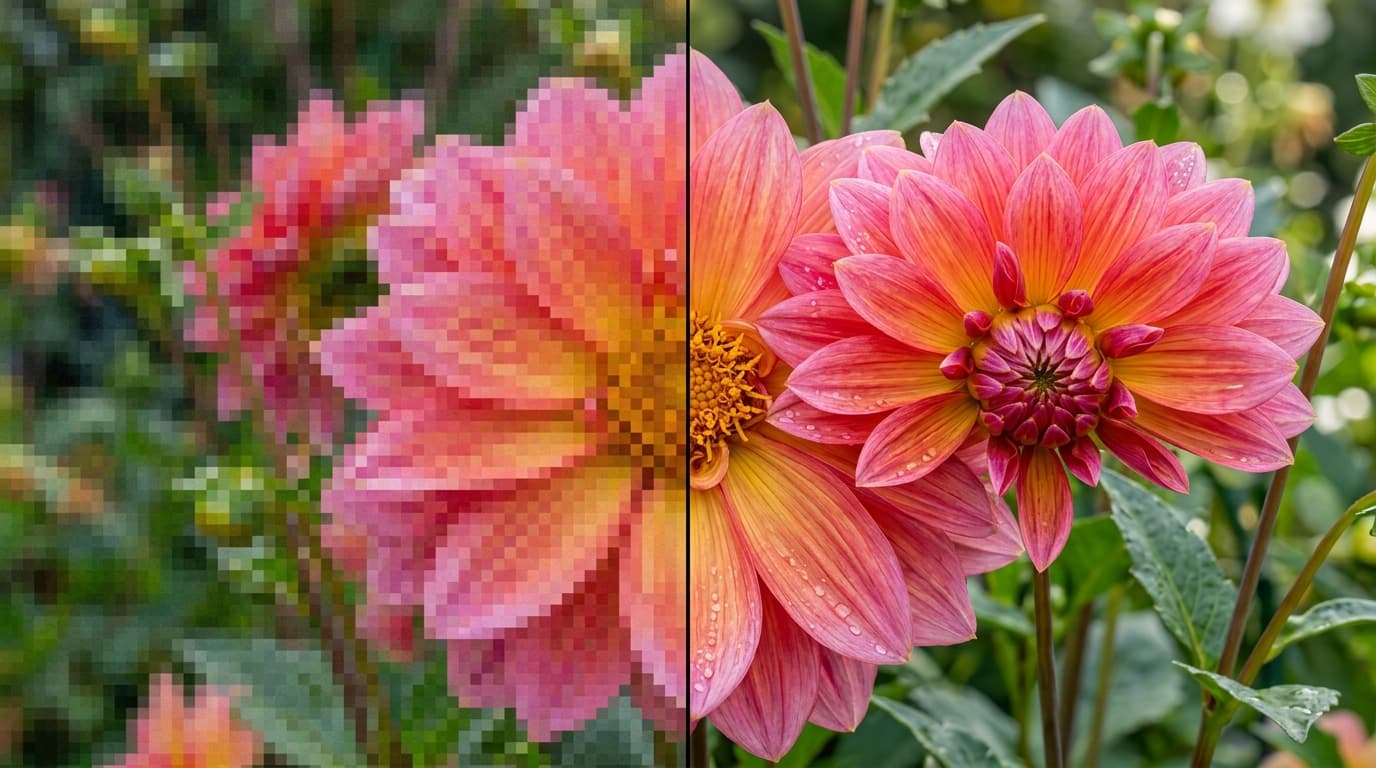
Upscale
Make any image bigger and sharper
Send a photo and get a crisp high resolution version back, up to 4K with Topaz and Nano Banana Pro. Perfect for rescuing old assets or preparing files for print.
Audio
Give your words a voice
Turn any script into natural speech with Eleven Labs voices, ready for videos, podcasts, and presentations. Pick a voice and your agent handles the rest.
Library
Your library travels with you
Every result lands in your Morphix library, and your agent can pull past generations back into the conversation whenever you need them.



Frequently asked questions
What is Morphix MCP?
Morphix MCP is a Model Context Protocol server that connects your AI agent to Morphix. Once connected, your agent can generate images, video, and audio, upscale media, and browse your library without leaving the conversation.
What can it do?
Everything you would open the studio for. Ask your agent to generate images and video, create speech audio, upscale images and video up to 4K, compare models, and pull past generations back into the chat.
Which agents work with it?
Any agent that supports remote MCP servers, including Claude, ChatGPT, Claude Code, and Cursor. If your tool can add an MCP server by URL, it can use Morphix.
How do I connect it?
Copy the Morphix URL, add it as a connector or MCP server in your agent, and sign in with your Morphix account. The whole flow takes under a minute.
Which models can I use?
The same lineup as the studio, including Nano Banana Pro, Seedream, Flux, GPT Image, Sora 2, Veo 3.1, Kling, and Seedance. One subscription and credit pool covers all of them.
Do I need an API key?
No. You sign in with your Morphix account through OAuth when you connect. There are no keys to create, store, or rotate.
What does it cost?
Connecting is free. Generations through MCP spend the same credits as generations in the studio, so your existing plan covers both.
Where do my generations go?
Every result is saved to your Morphix library, so anything you create from your agent is also waiting for you in the studio.
Explore more of Morphix
Bring Morphix into your agent
Connect in under a minute and start creating right where you already work.