Recraft V4 from Recraft
Recraft's flagship image model, rebuilt around design taste and dependable typography.
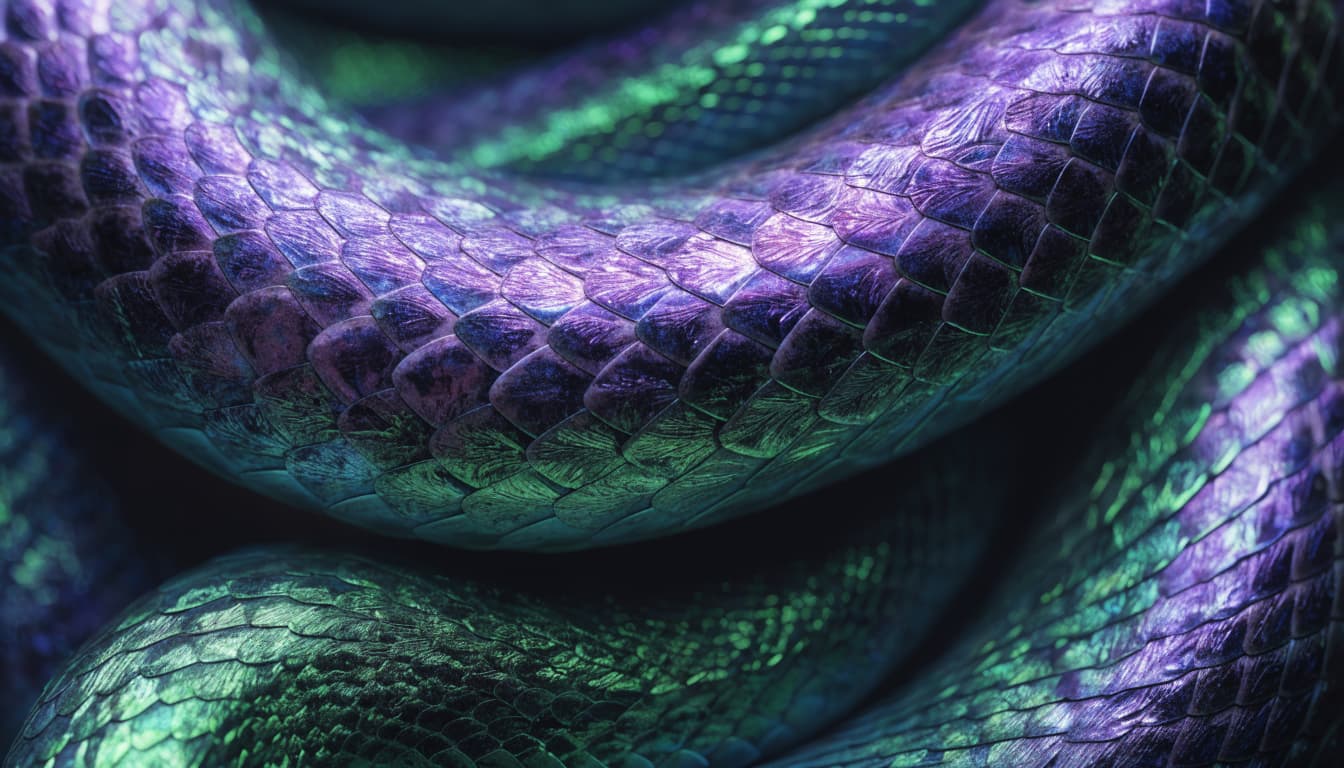
What you can make with Recraft V4
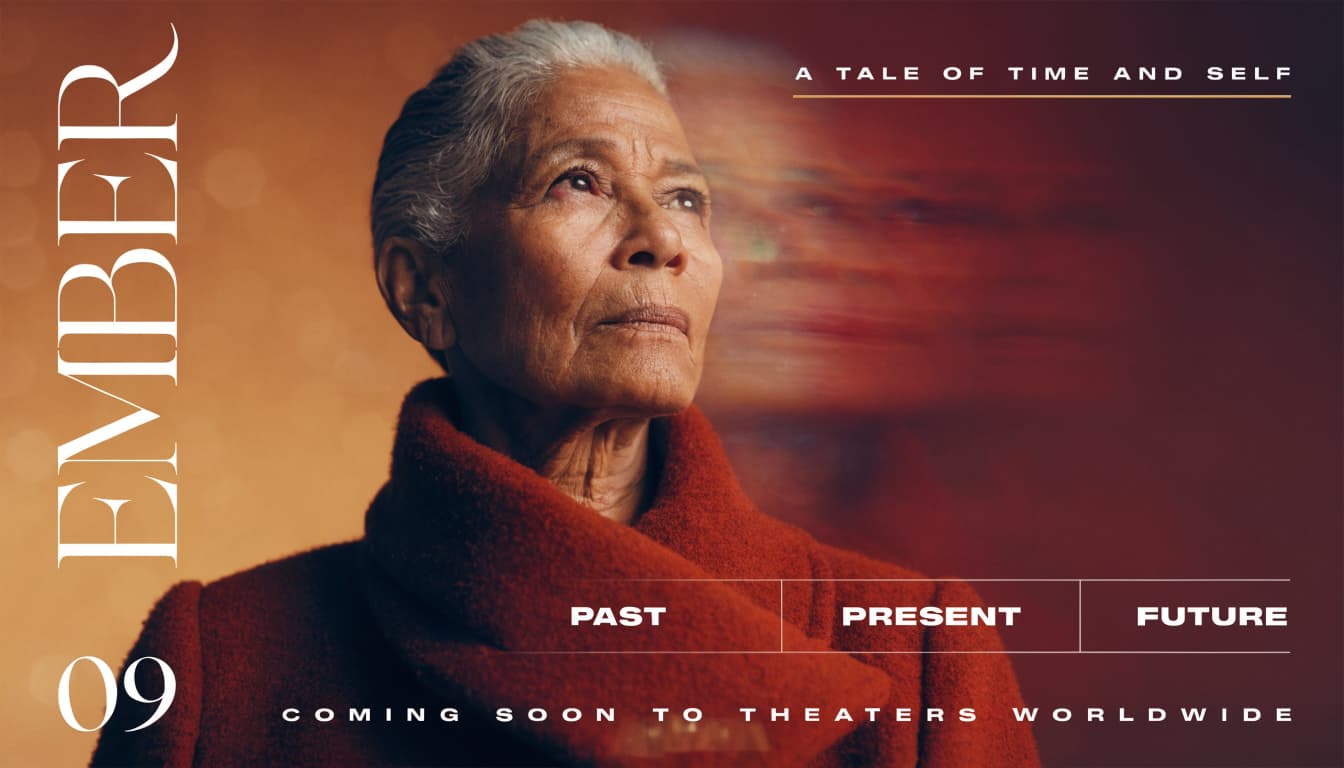
Typography that survives generation
Recraft V4 renders real type inside the image through a dedicated text pipeline. Headlines, subtitles, and footer lines come out legible and correctly spaced, so posters, packaging, and signage arrive ready to ship.
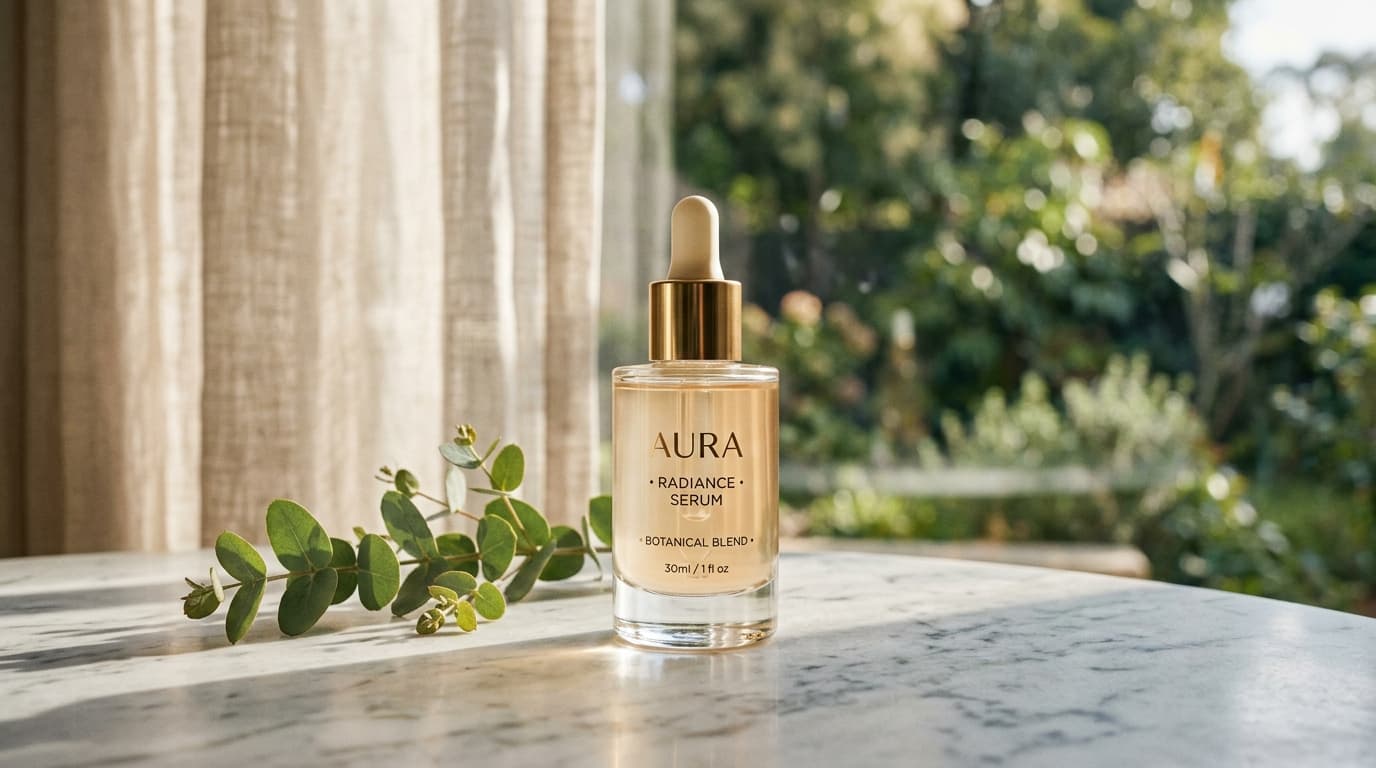
Built with design taste
V4 is a ground up rebuild judged the way designers judge work. Balanced framing, cohesive color, and detail that reads as intentional rather than stock, whether the subject is a product, a scene, or a layout.
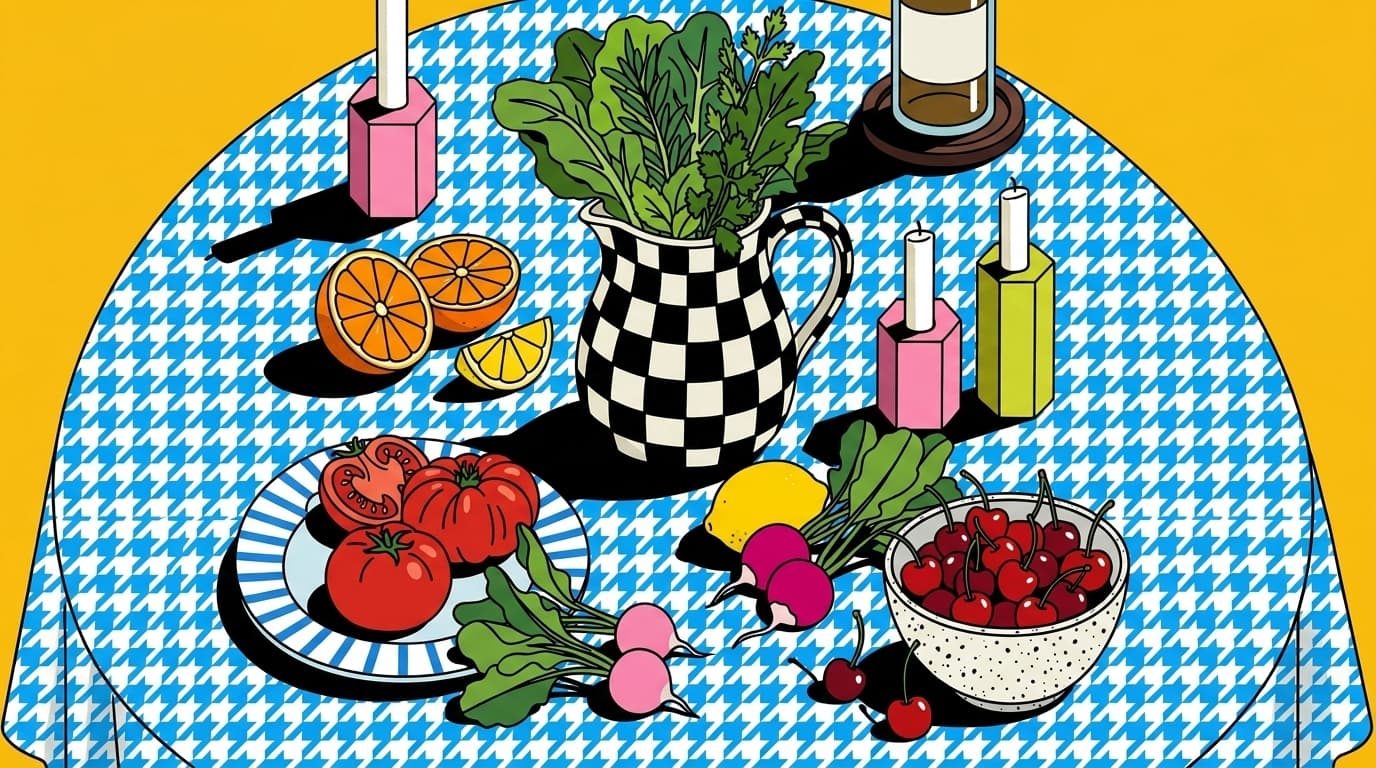
From photoreal to flat illustration
Ask for cinematic photography, an editorial poster, or clean vector style illustration and the whole image commits to that direction. One model covers the range a brand actually needs.
Inside Recraft V4
Flexible aspect ratios
Compose in 9 aspect ratios, from square to widescreen and vertical.
Production-ready output
Recraft V4 renders clean, high-fidelity images built for real campaigns, products, and client work.
Create with Recraft V4
- 1
Select Recraft V4
Choose Recraft V4 from the model library to start generating high-quality images.
- 2
Enter prompt and add references
- 3
Generate and download
Frequently asked questions
What is Recraft V4?
Recraft V4 is an AI image generation model available on Morphix. Recraft's flagship image model, rebuilt around design taste and dependable typography.
How is Recraft V4 different from Recraft V3?
V4 is a ground up rebuild, not an incremental update. Recraft retrained the model around prompt accuracy and design judgment, improved photorealism and anatomy in complex scenes, and added a dedicated text rendering pipeline that keeps full phrases legible where V3 managed a few words.
Can Recraft V4 render text inside an image?
Yes, and it is the model's signature strength. It reliably sets short and mid length copy: headlines, taglines, labels, and section text for posters, packaging, and signage. Full paragraphs of body copy are still better placed in an editor afterward.
How do I use Recraft V4 on Morphix?
Open the image studio on Morphix, select Recraft V4, write a prompt, and generate. Every model shares one subscription and credit pool, so there are no API keys or separate sign-ups.
What resolution and aspect ratios does Recraft V4 support?
On Morphix, Recraft V4 supports 9 aspect ratios, including 1:1, 16:9, 3:2, and more.
Does Recraft V4 support reference-guided generation?
Recraft V4 is primarily used from text prompts on Morphix. You can still iterate quickly by refining your prompt, adjusting settings, and comparing outputs with other Morphix models.
Can I use Recraft V4 images commercially?
Yes. On Morphix paid plans, images you generate with Recraft V4 include commercial licensing for campaigns, products, and client deliverables.
Who should use Recraft V4?
Recraft V4 is useful for designers, marketers, creative teams, and independent creators who need polished AI-generated images for concepts, campaigns, client work, and production work.
Explore more models
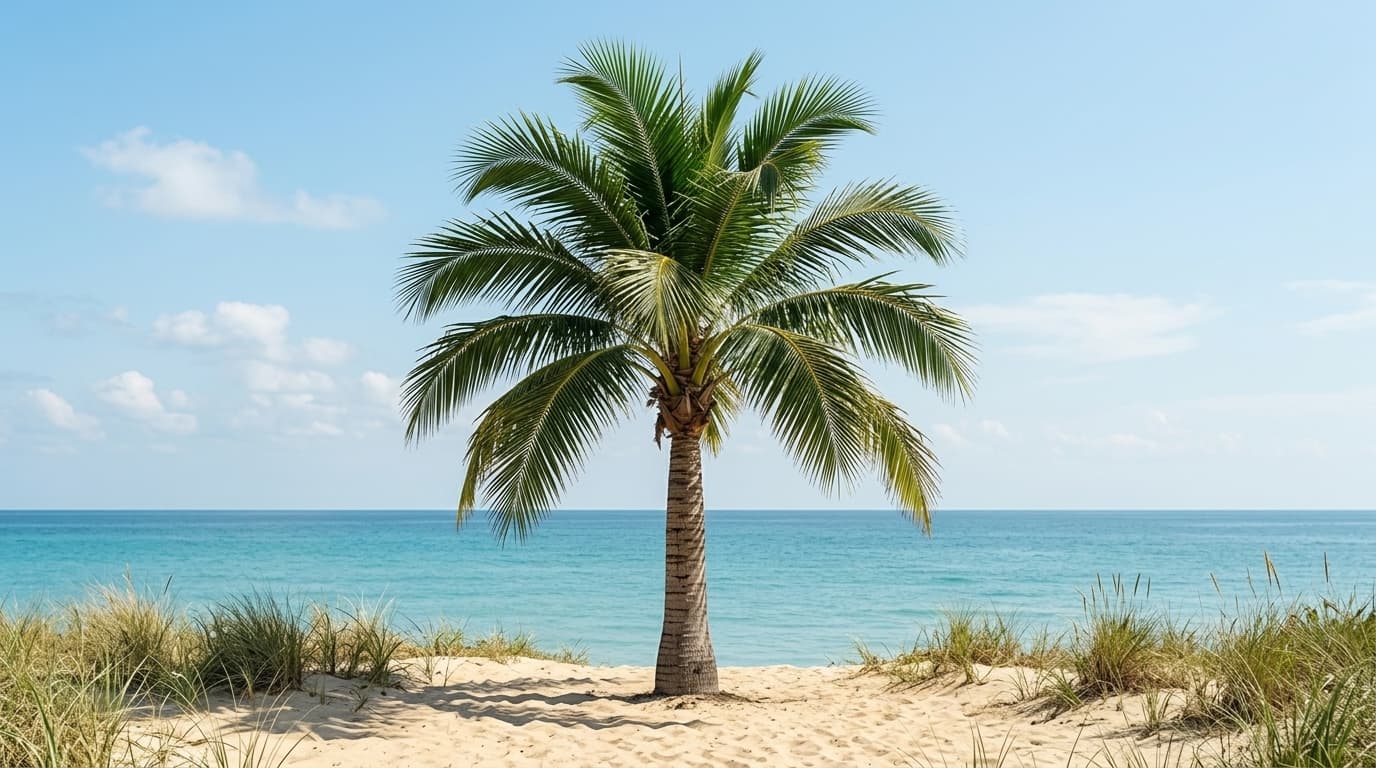
Flux 2
Black Forest Labs' open-source image model — high quality at a low credit cost.
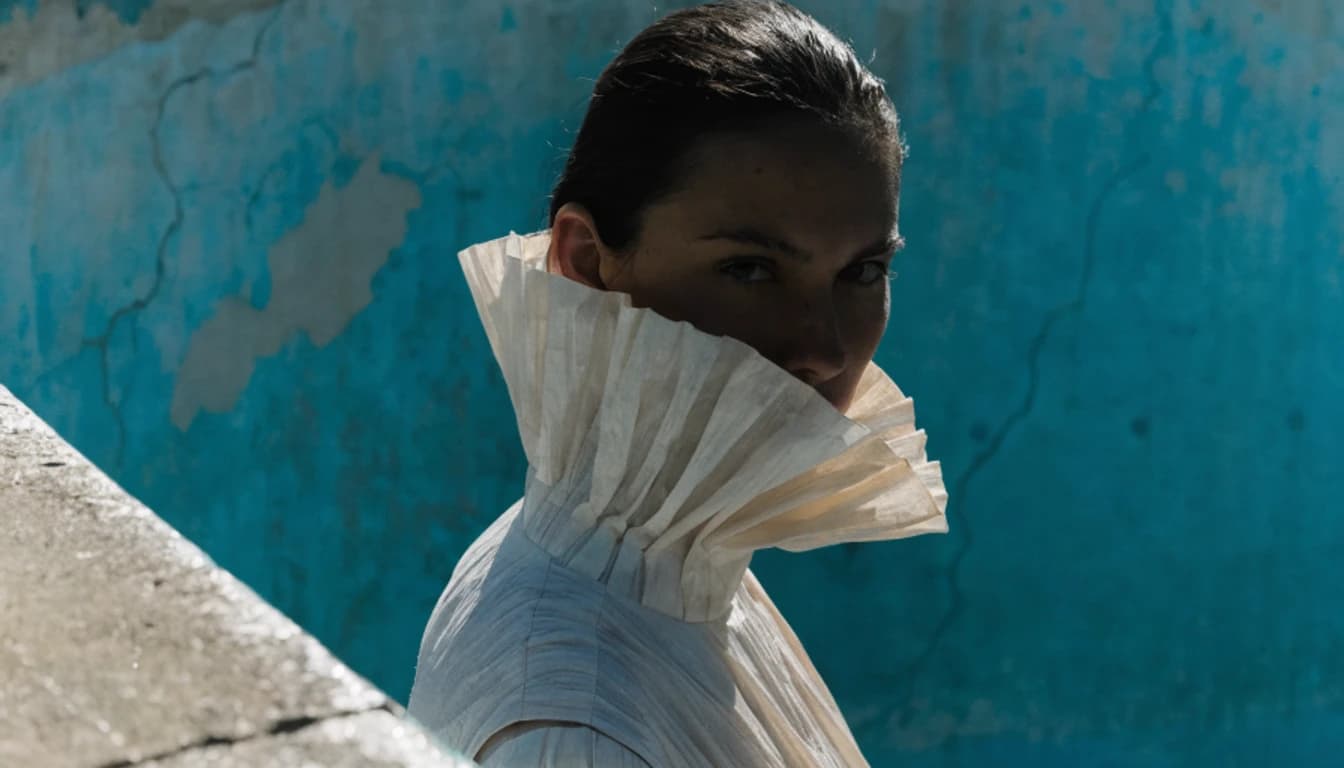
Flux 3 Image
Black Forest Labs' newest image model. Generation and precise editing in one model, with native 4K output, accurate text, and up to 10 reference images.
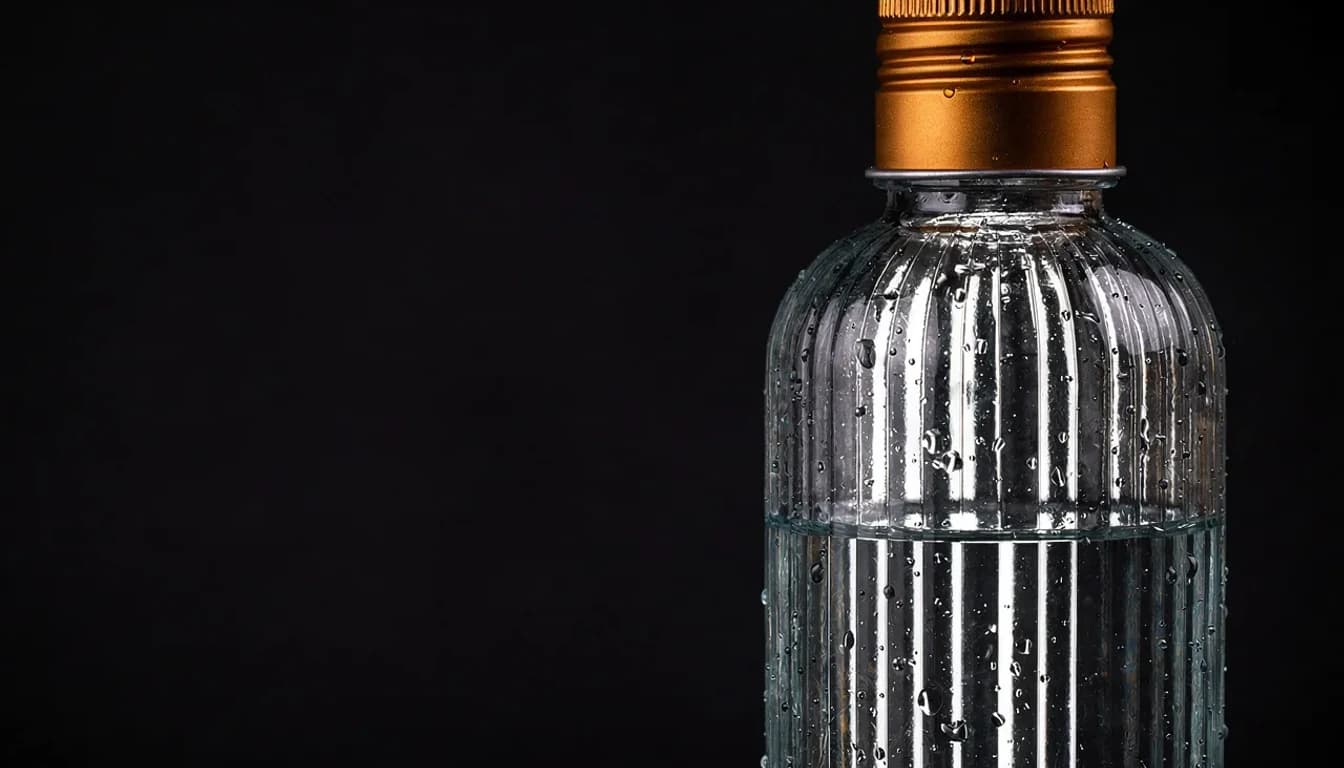
GPT Image 2
OpenAI's latest image model — strong prompt adherence and reliable text rendering.
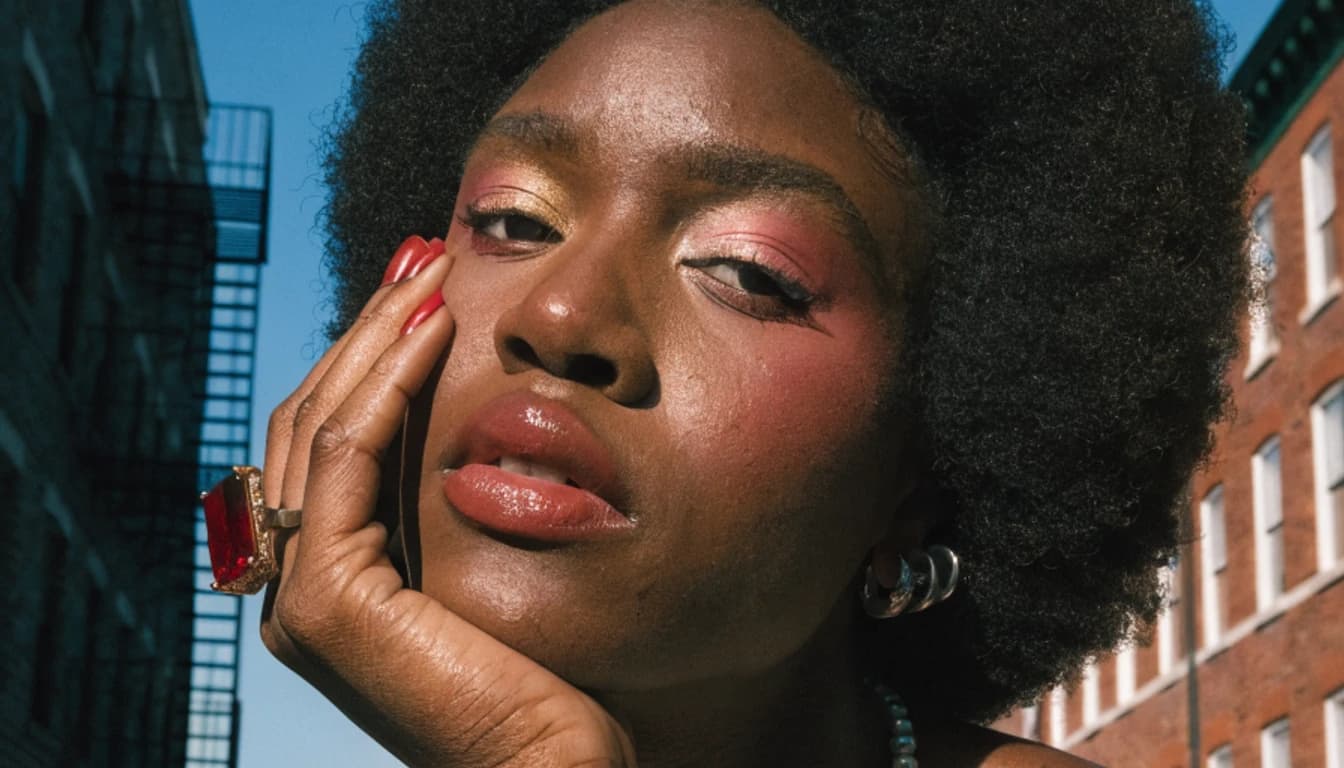
GPT Image 2.5 Flare
OpenAI's fastest image model. Sharper detail than GPT Image 2 at up to 50% lower latency, built for everyday generation at volume.
GPT Image 2.5 Sunburst
OpenAI's most capable image model. Ranked first for text to image and image editing, built for precise edits on premium creative work.