AI Construction Time-Lapse Generator for Builders
AI construction time lapse software for builders. Turn site photos into a professional progress video in minutes, with no cameras or editing.
See it in action
Examples made with AI Construction Time-Lapse Video Generator.
What you add
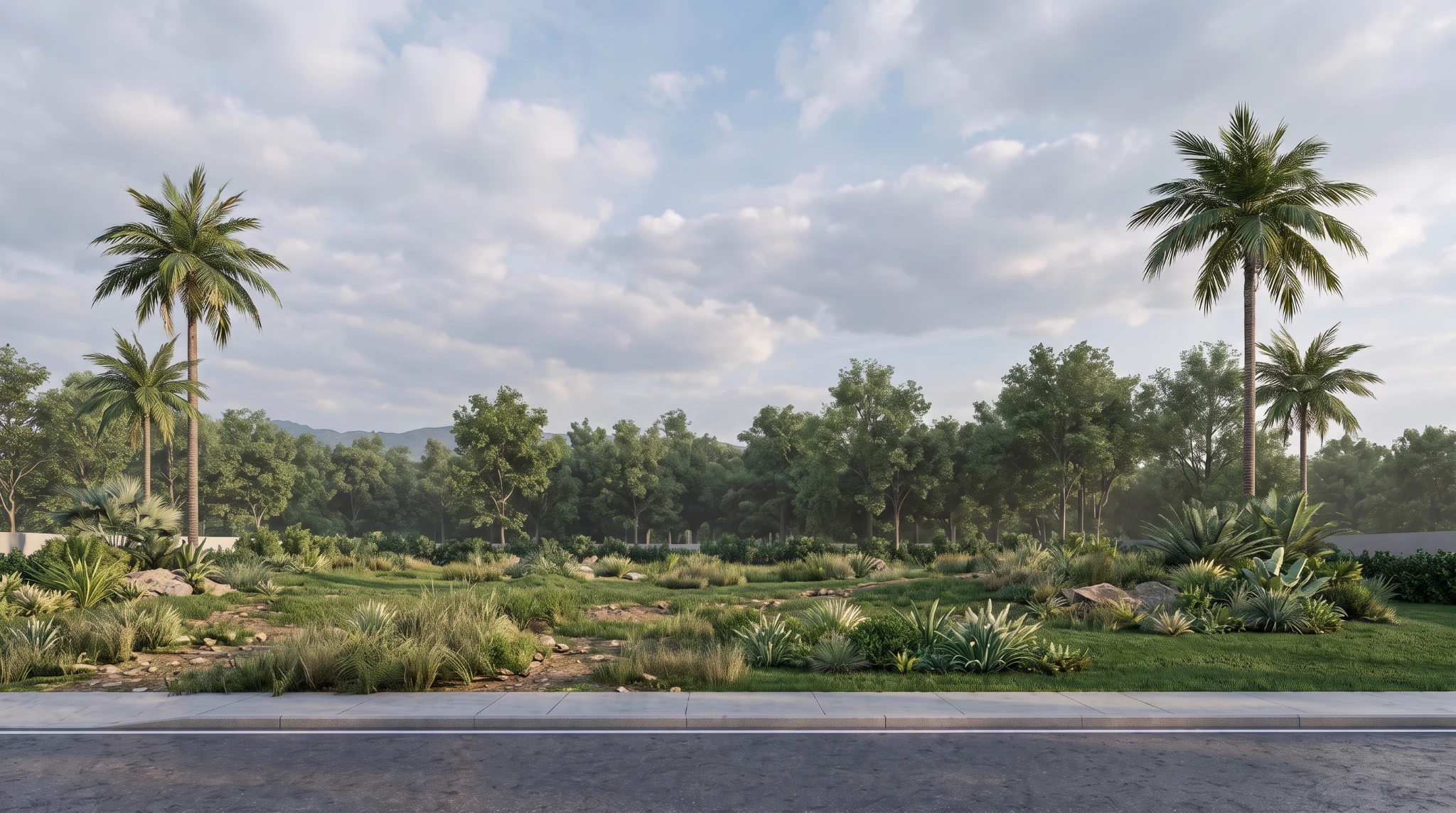
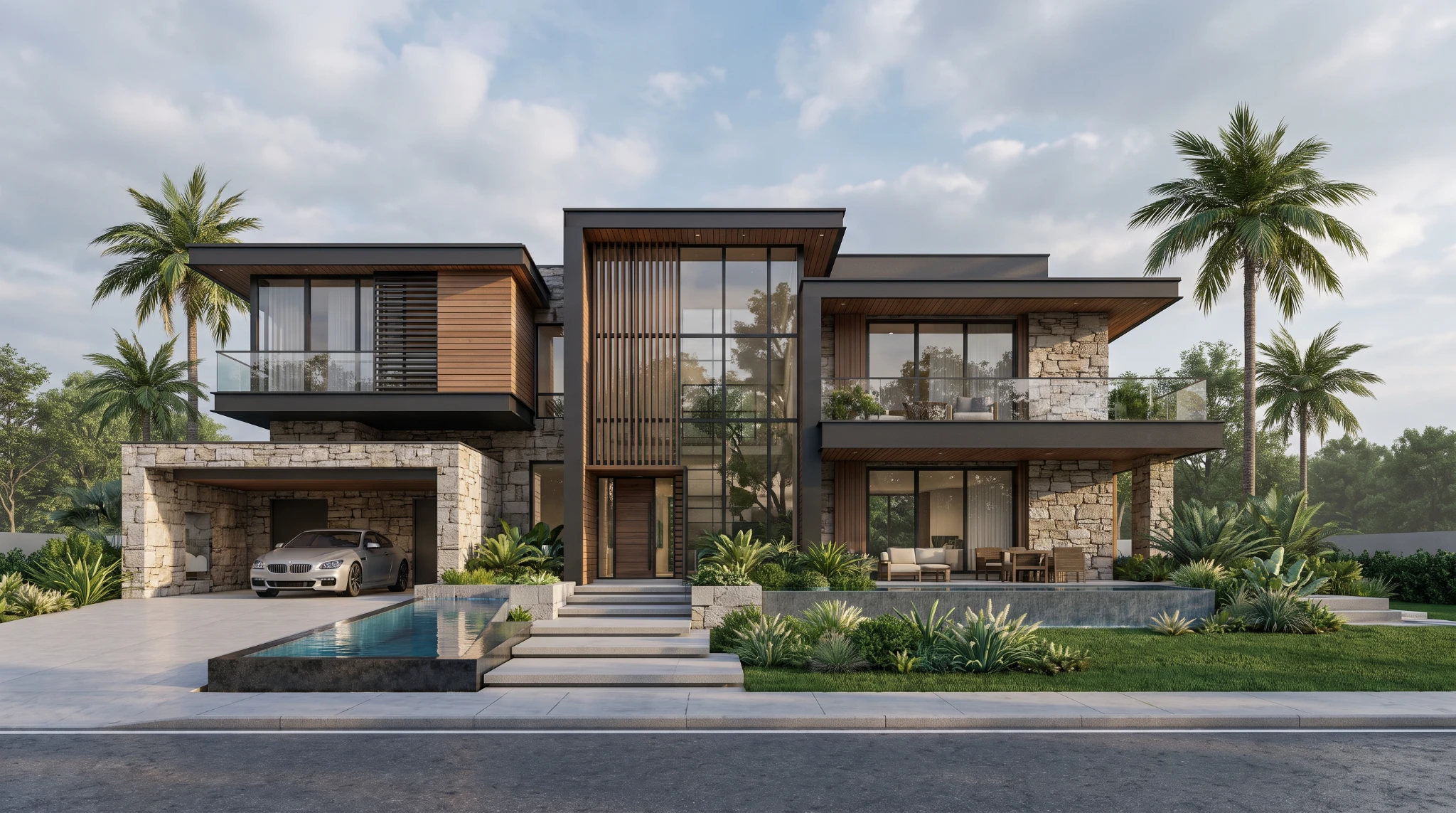
What you get
How it works
- 01
Upload site visuals
Upload your construction site photos or clips and select the start and end frames for your time-lapse.
- 02
Generate time-lapse
Render a smooth, professional construction time-lapse video with a single click.
- 03
Share with stakeholders
Download your time-lapse and share it in progress reports, client updates, investor decks, or marketing materials.
Trusted by thousands of users and companies worldwide.
Morphix is one of the world's leading generative AI platforms.
Frequently asked questions
How do I make a construction time-lapse video?
Upload a start frame (or both start and end frames) of your construction site, click generate, and the AI produces a smooth construction time-lapse video in about a minute. You don't need editing software, manual stitching, or a dedicated capture rig — any site photos work as input.
Can I automate construction time-lapse video creation for infrastructure projects?
Yes. The AI handles the time-lapse generation end to end — no manual sequencing, no frame-by-frame editing. It works for buildings, bridges, roads, civil works, and other infrastructure projects where you have progress photos of the site.
What photos do I need to upload?
One reference photo of the site is enough to get started. For best results, upload a clear start frame and, optionally, an end frame showing the finished structure. Weekly or monthly site photos taken from a consistent angle produce the most professional construction time-lapse output.
What is the best construction time lapse software?
Most traditional construction time-lapse companies require fixed cameras installed on site and weeks of footage. This AI construction time lapse software works from existing photos in minutes, so it's a good fit for builders, contractors, and project teams who need fast progress videos for client updates, investor decks, and marketing without dedicated hardware.
How long does it take to generate a construction time-lapse?
Most construction time-lapse videos render in around a minute, depending on duration and resolution. Output is 1080p by default and ready to download for progress reports, social media, sales presentations, or project handovers.
Can I use the time-lapse video commercially?
Yes. On a paid plan, generated construction time-lapse videos can be used in client presentations, marketing, investor updates, social channels, and tender documents, subject to our terms.
Explore more apps
Interior Reveal Video Generator
Upload one image and instantly generate a smooth, stabilized interior reveal video—no editing required.
Drone Flyover Video Generator
Upload one image and instantly generate a smooth, stabilized drone-style flyover (orbit) video with natural parallax—no editing required.
Scene Transition Video Maker
Upload two images and instantly create a fluid, cinematic transition video with natural camera movement. No editing required—AI handles everything.
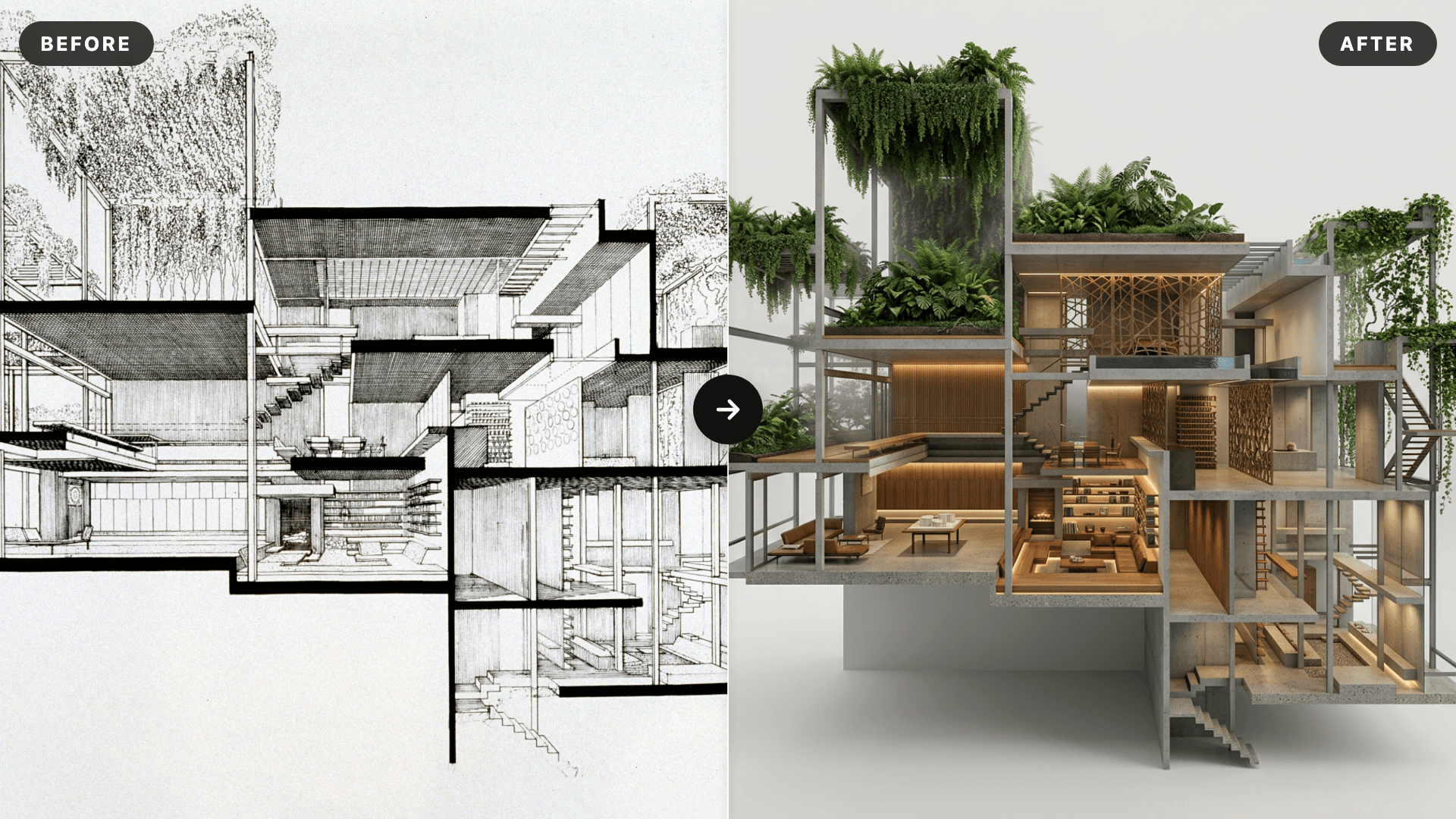
AI SketchUp Renderer — Sketch & Floor Plan to Render
Upload a SketchUp scene, sketch, floor plan, or elevation and instantly generate a photorealistic, client-ready render — preserving your original structure, layout, and design intent.
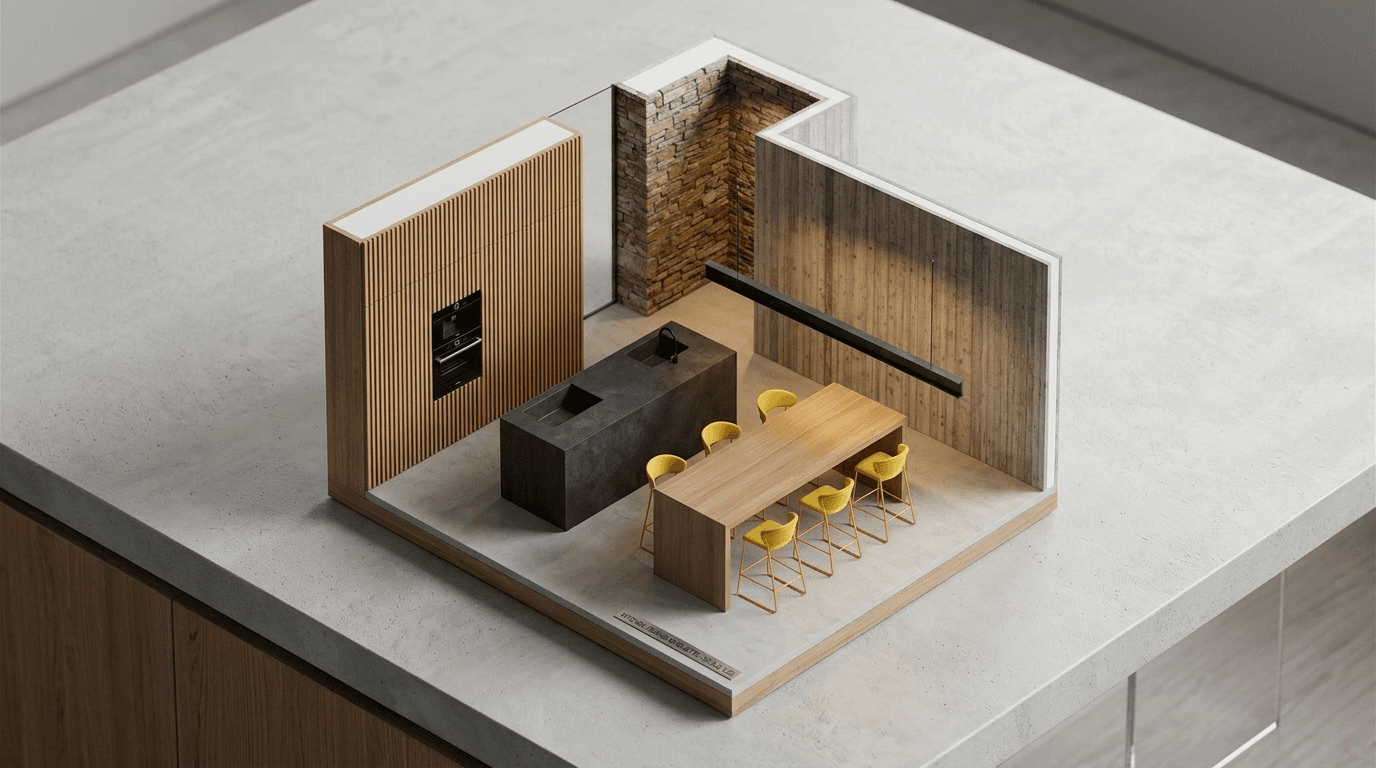
AI Miniature Generator — Photo to Isometric Scale Model
Upload an interior photo and instantly generate an isometric AI miniature — a clean scale-model render that reads as a physical architectural maquette on a desk.