Scene Transition Video Maker
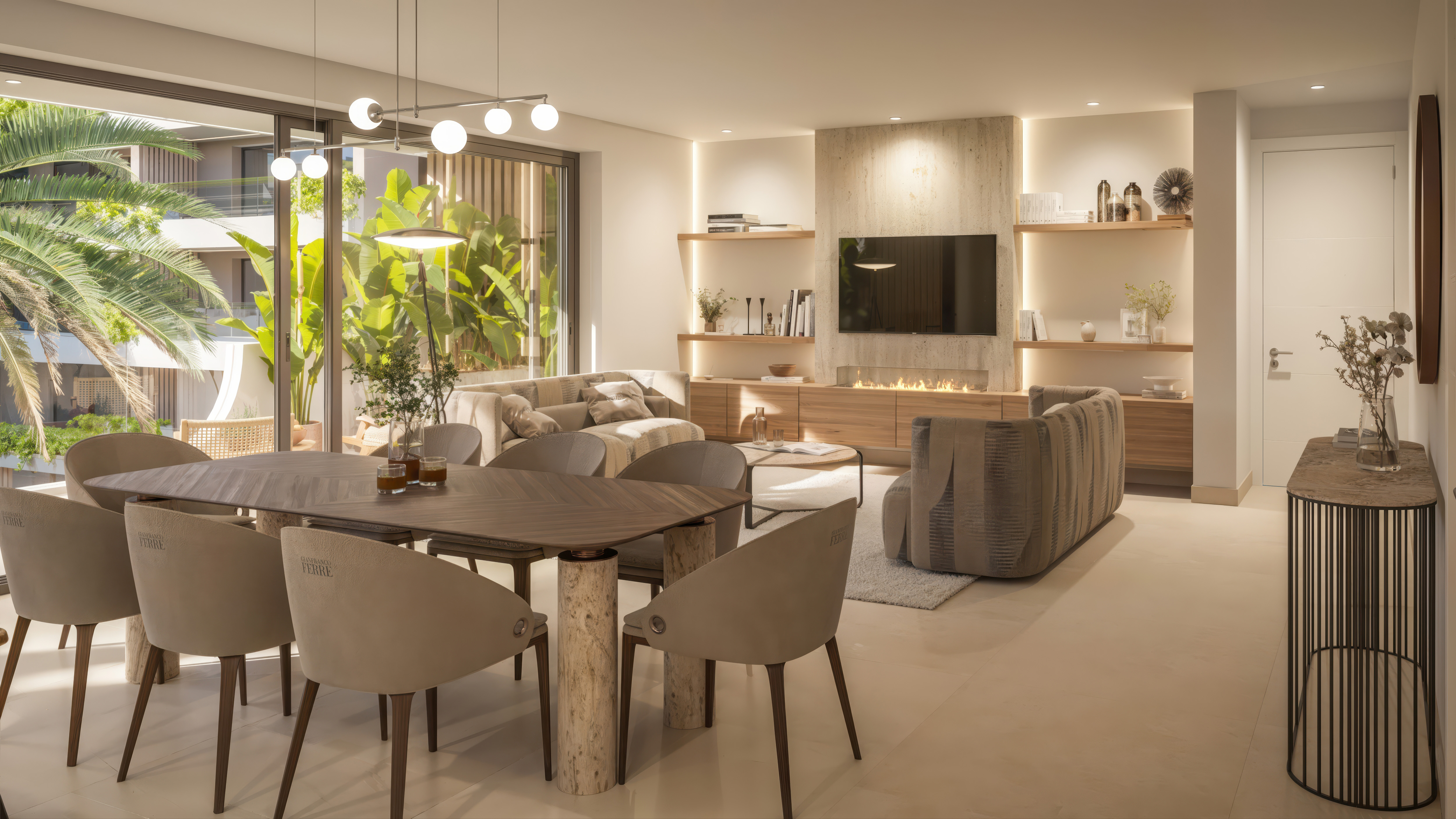
Generate smooth, cinematic transitions between any two images using realistic first-person camera movement. Perfect for creators, designers, and visual storytellers.
See it in action
Examples made with Scene Transition Video Maker.
What you add

What you get
How it works
- 01
Upload your images
Select or drag-and-drop two images representing the start and end of your transition.
- 02
Generate the transition
AI creates a smooth, realistic first-person camera movement between your two scenes automatically.
- 03
Download & share
Export your cinematic transition video to use in edits, presentations, social media posts, or creative projects.
Trusted by thousands of users and companies worldwide.
Morphix is one of the world's leading generative AI platforms.
Explore more apps
AI Construction Time-Lapse Video Generator
Automated AI construction time-lapse video generator. Upload site photos and instantly produce a professional progress video — no editing software, no manual stitching.
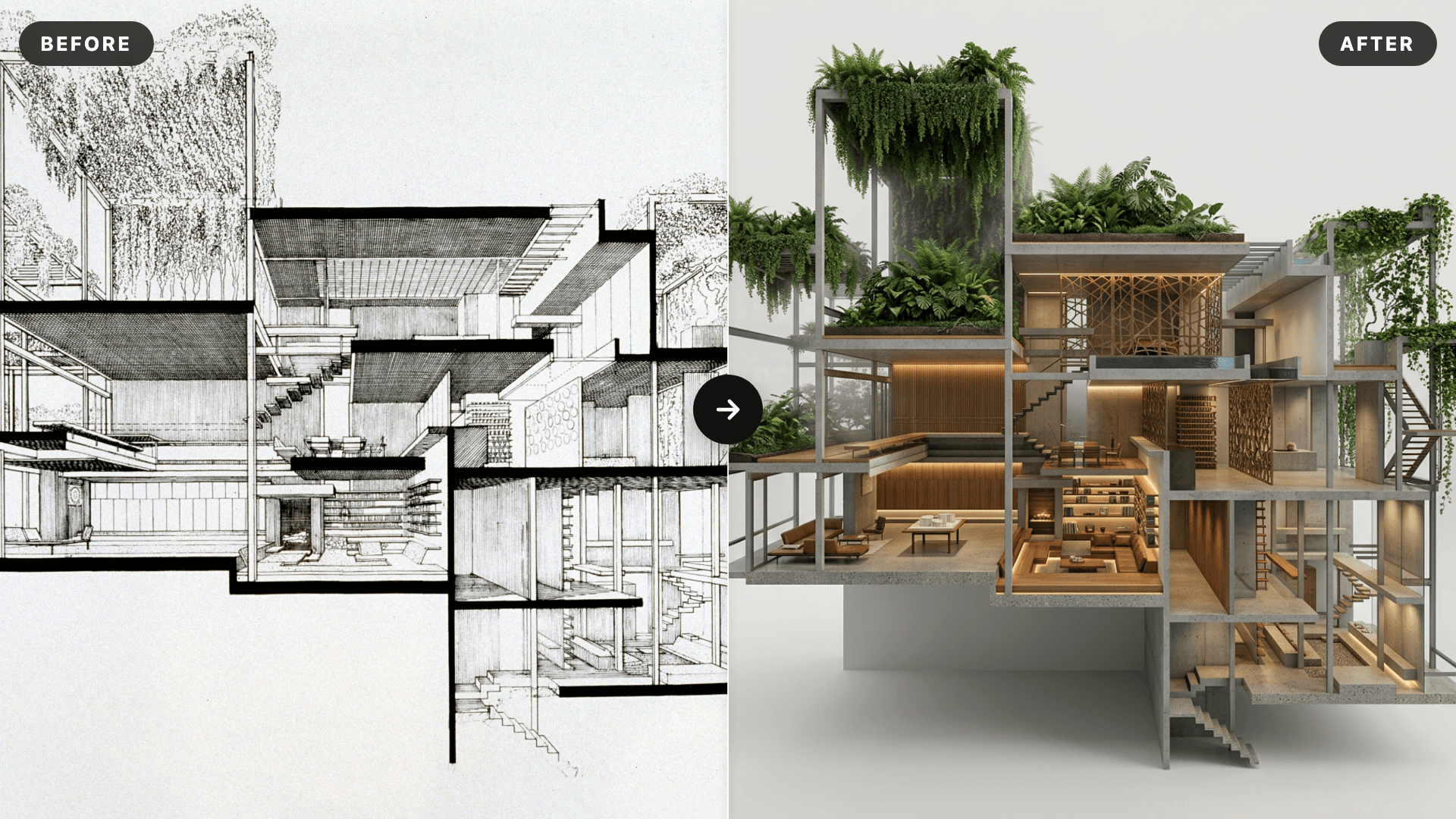
AI SketchUp Renderer — Sketch & Floor Plan to Render
Upload a SketchUp scene, sketch, floor plan, or elevation and instantly generate a photorealistic, client-ready render — preserving your original structure, layout, and design intent.
Interior Reveal Video Generator
Upload one image and instantly generate a smooth, stabilized interior reveal video—no editing required.
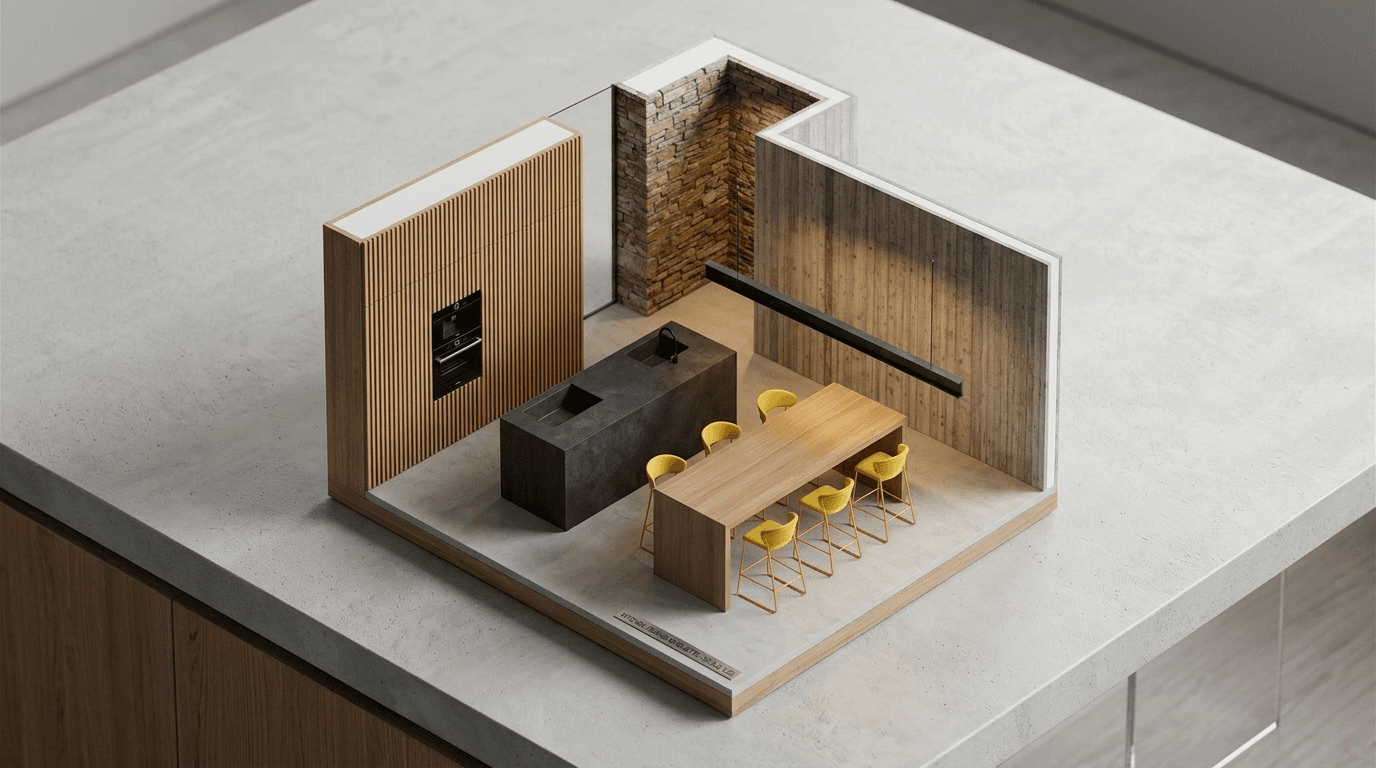
AI Miniature Generator — Photo to Isometric Scale Model
Upload an interior photo and instantly generate an isometric AI miniature — a clean scale-model render that reads as a physical architectural maquette on a desk.
Turn your photo to life
Turn your photo into a new animated video.