AI Miniature Generator — Turn a Photo into a 3D Scale Model
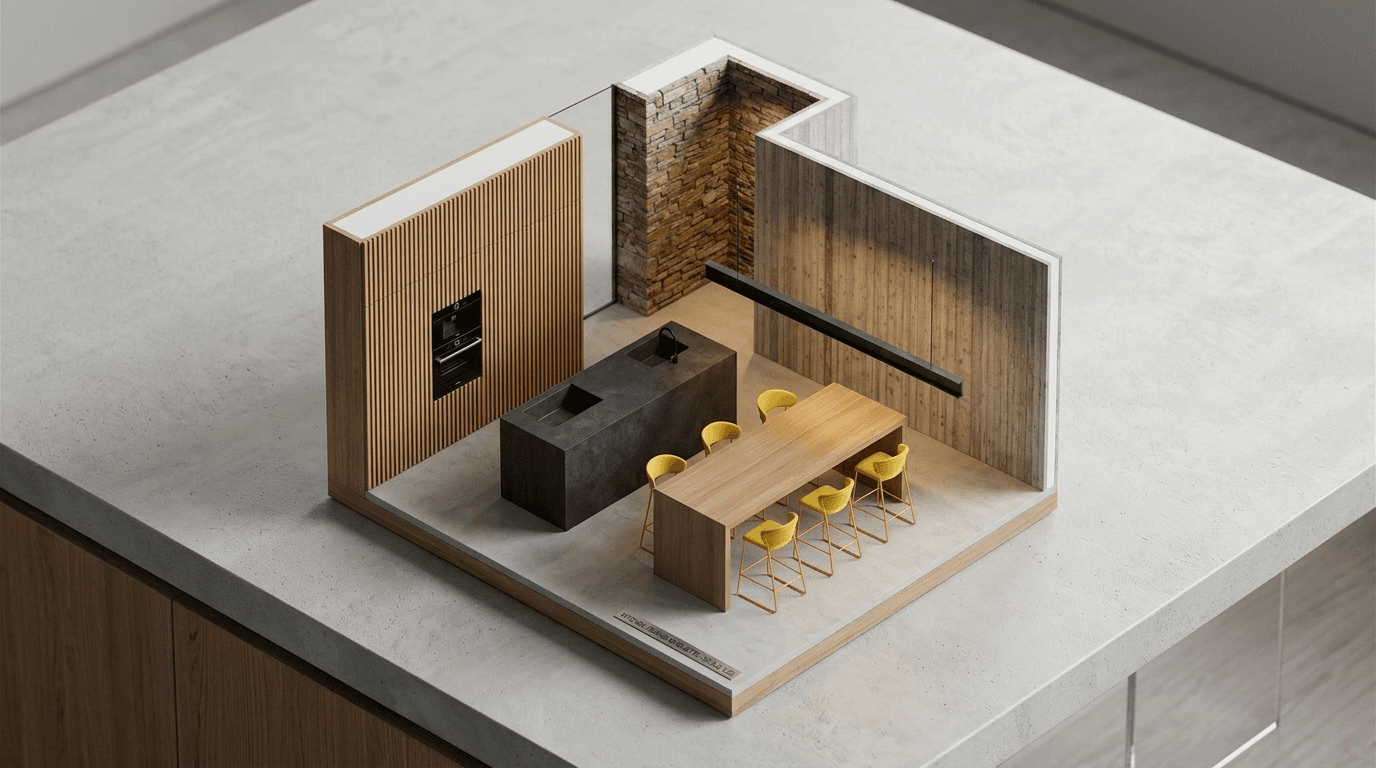
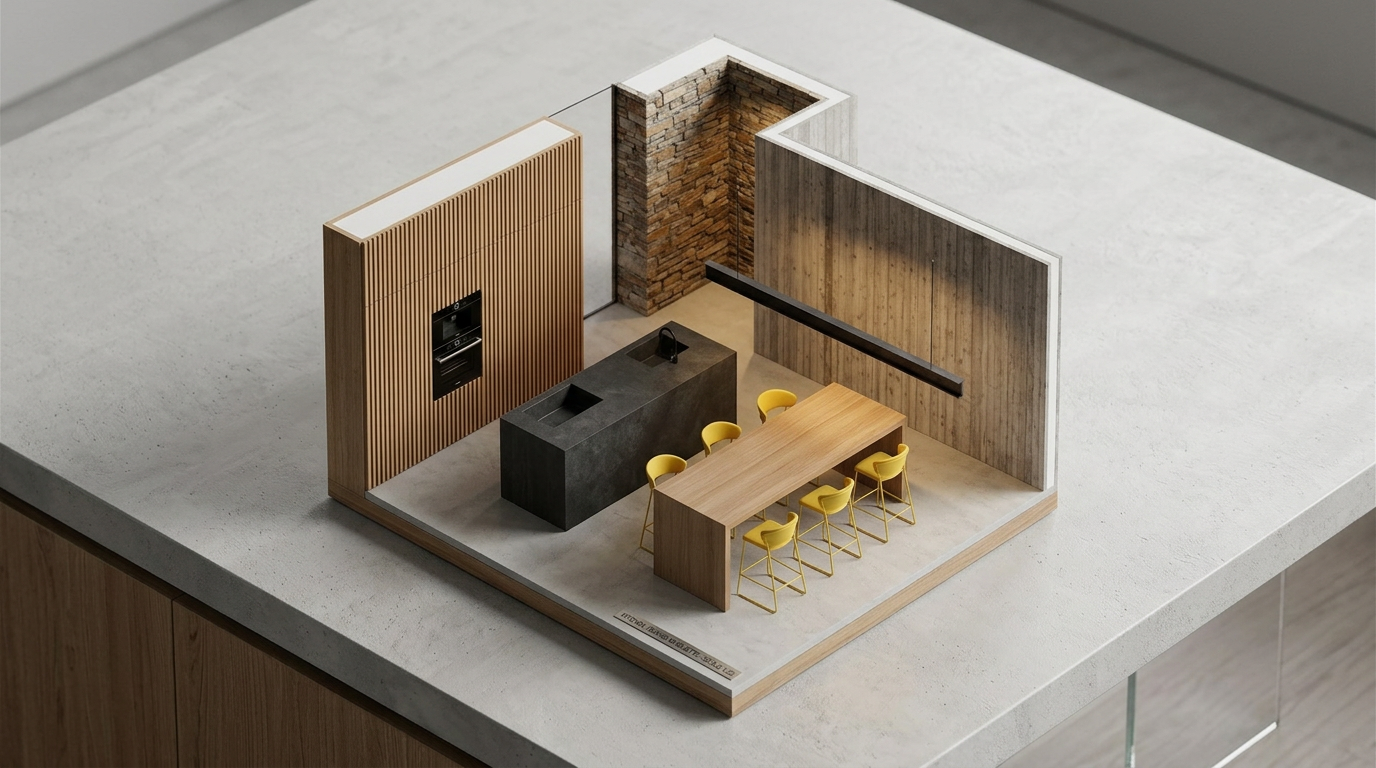
AI miniature generator that turns interior photos into isometric scale-model renders — a clean architectural maquette look for architects, interior designers, and product marketing.
See it in action
Examples made with AI Miniature Generator — Photo to Isometric Scale Model.
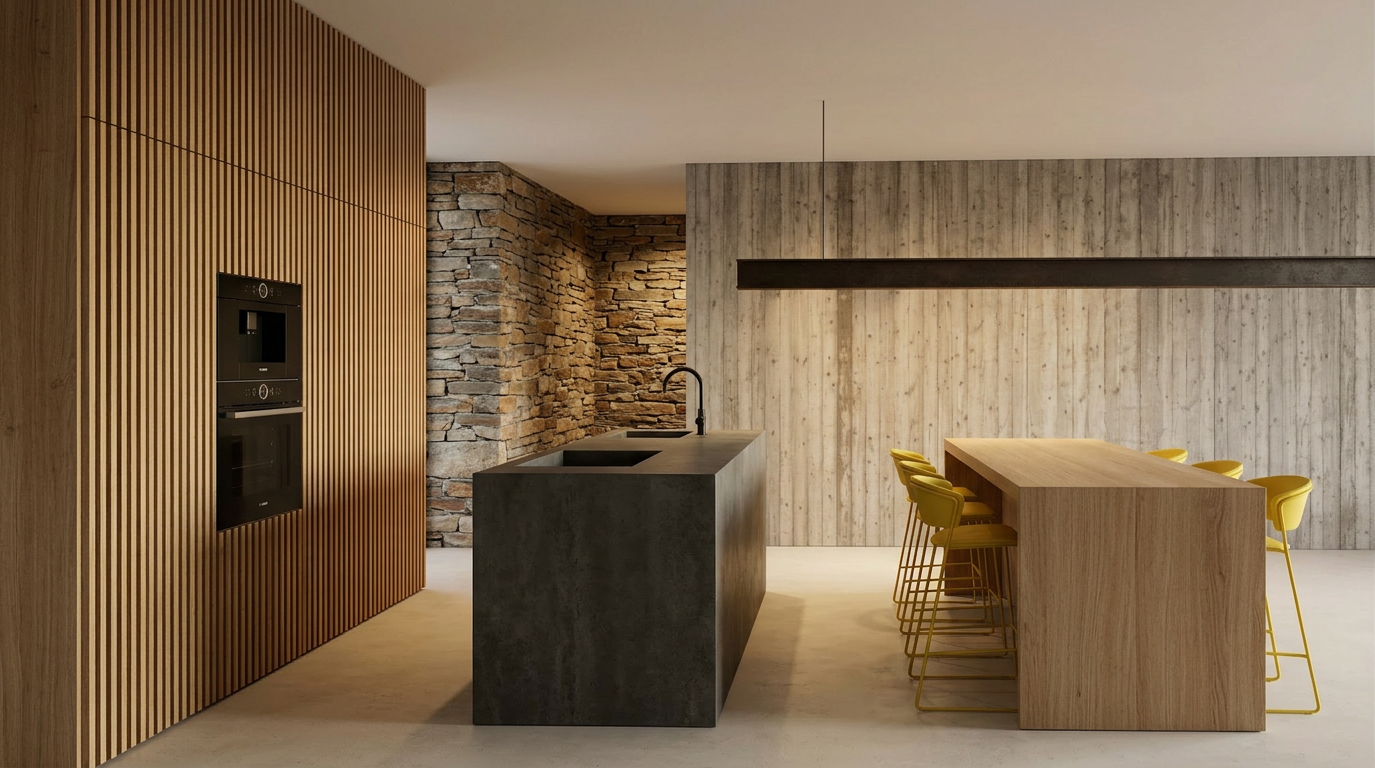
What you add
What you get
How it works
- 01
Upload your interior photo
Upload a photo of your interior design — a room, a styled space, or any scene you want to turn into a miniature scale model.
- 02
Generate the AI miniature
Create an isometric scale-model render of your interior in one click, with the look of a physical architectural maquette.
- 03
Download & share
Export your AI miniature render to use in client reviews, presentations, and marketing materials.
Trusted by thousands of users and companies worldwide.
Morphix is one of the world's leading generative AI platforms.
Frequently asked questions
How do I turn a photo into a 3D miniature with AI?
Upload an interior photo and the AI miniature generator produces an isometric scale-model render in about a minute — a clean miniature view that looks like a physical architectural maquette on a desk. No 3D software, no manual modeling.
Is the output a real 3D model file?
No. The AI miniature generator produces a high-resolution image of an isometric scale model, not a downloadable 3D file (.obj/.glb/.stl). It's designed for presentations, mood boards, social posts, and client reviews — not for use in Blender, Unreal, or a 3D printer.
What kind of photo works best for the AI miniature generator?
Clear interior photos work best — a single, well-lit shot of a room with visible furniture, finishes, and layout. The AI preserves the design intent (furniture types, materials, proportions, spatial arrangement) and re-stages it as a top-down isometric miniature.
Can architects and interior designers use this for client presentations?
Yes. The output reads as a clean architectural maquette — useful for concept presentations, portfolio pieces, social media reels, and as a complementary visual alongside renders and floor plans.
How is this different from a tilt-shift photo or a dollhouse render?
Tilt-shift turns a real photo into a miniature-look by faking depth of field. This AI miniature generator rebuilds the scene as a true isometric scale-model render, with the geometry, lighting, and material response of a physical maquette — not just a blur effect.
Can I use the AI miniature renders commercially?
Yes. On a paid plan, generated miniatures can be used in client presentations, portfolios, marketing materials, and social content, subject to our terms and the underlying model providers' usage policies.
Explore more apps
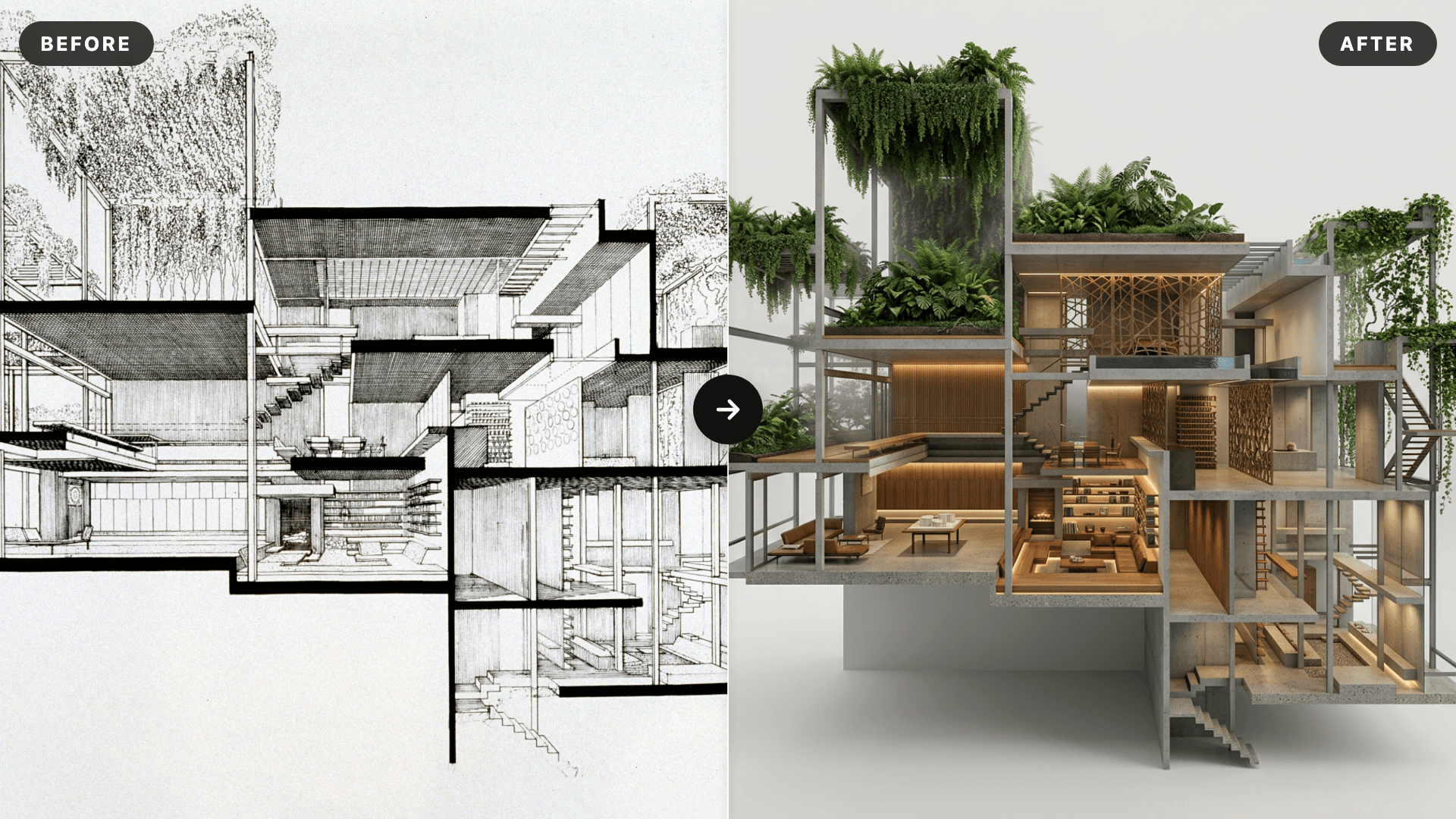
AI SketchUp Renderer — Sketch & Floor Plan to Render
Upload a SketchUp scene, sketch, floor plan, or elevation and instantly generate a photorealistic, client-ready render — preserving your original structure, layout, and design intent.
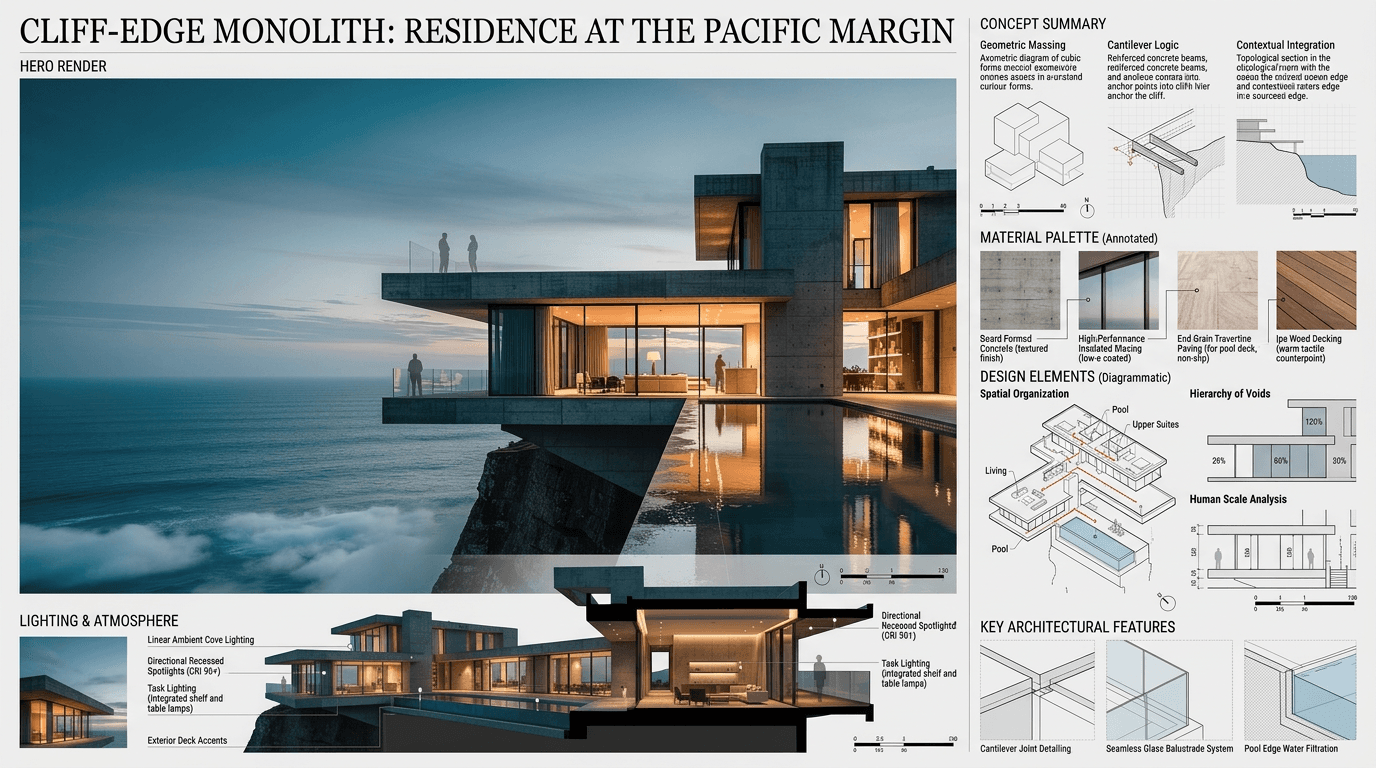
Architectural Concept Analysis
Upload a reference image and instantly generate a professional architectural concept analysis and A0 presentation board with AI — concept summary, material palette, lighting strategy, and design feature callouts in one click.
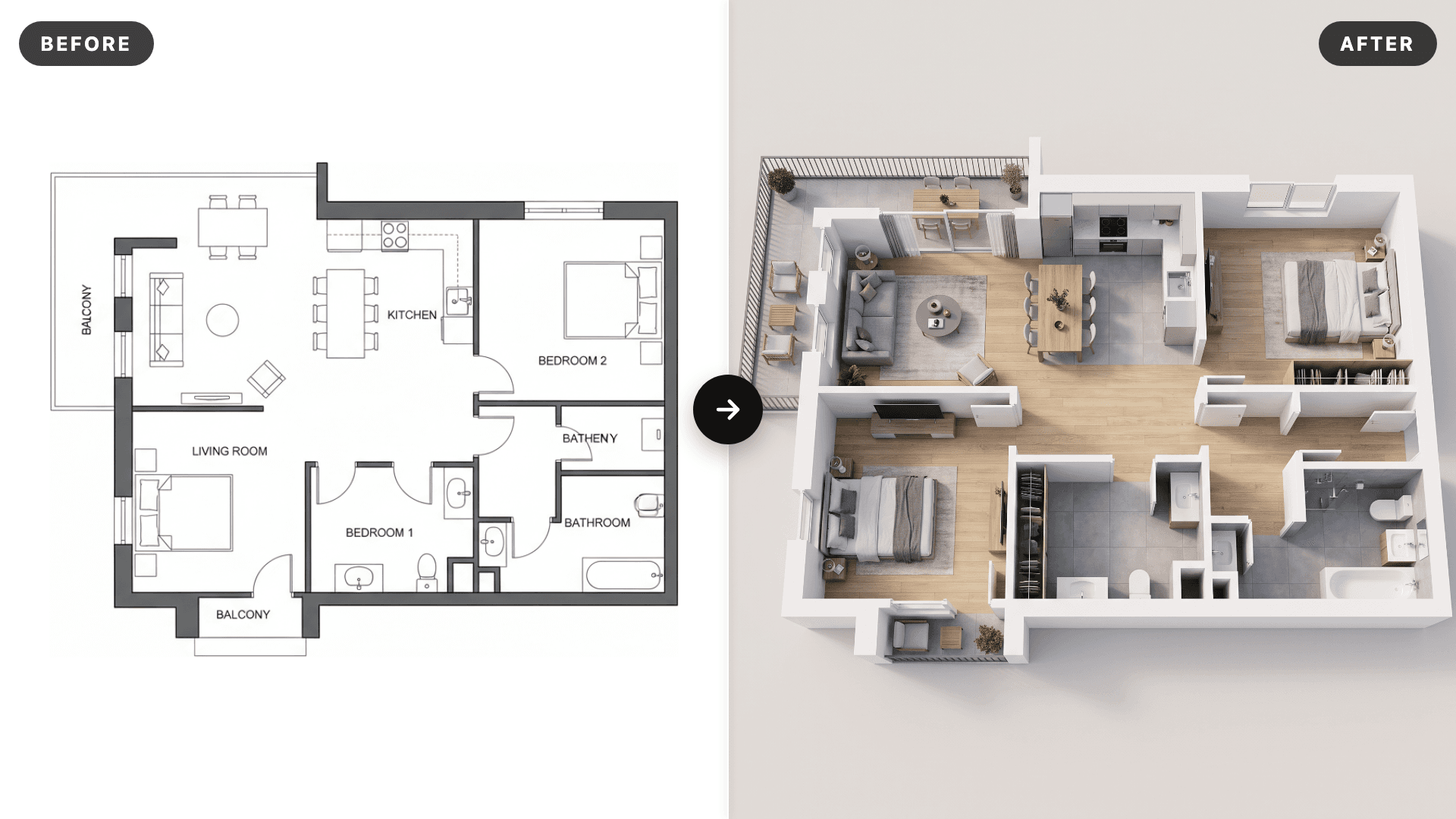
AI 3D Floor Plan Renderer: Floor Plan to 3D Render
Turn any 2D floor plan into a photorealistic 3D floor plan render in seconds. Upload a CAD export, PDF screenshot or hand drawn plan and the AI extrudes the walls, adds realistic flooring and furnishes every room while keeping the exact layout. Online 3D floor plan rendering for architects, interior designers, real estate agents and house plan sellers, no SketchUp, Lumion or 3ds Max needed.
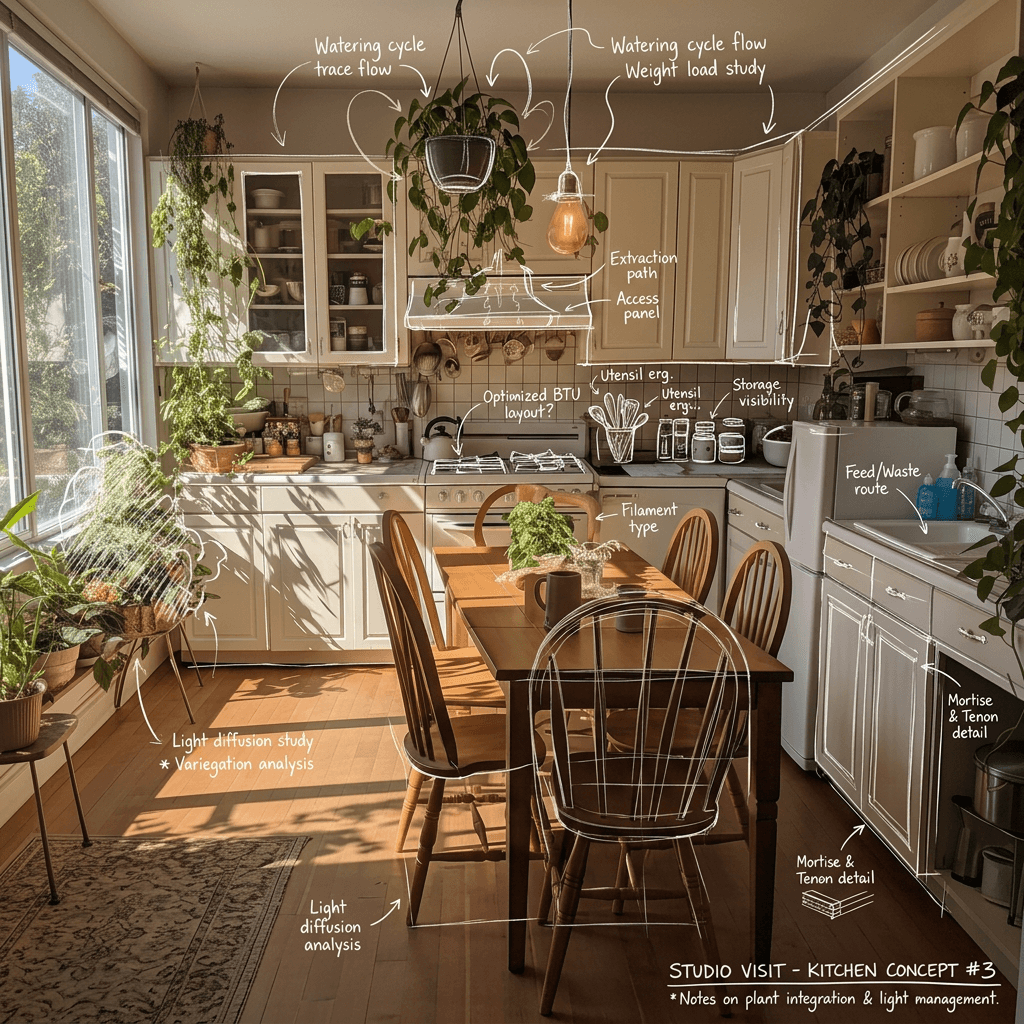
Hand Drawn Sketching
Upload a picture and instantly generate a hand drawn sketch with details using AI. Perfect for architects, interior designers, product showcasing, and marketing.
Scene Transition Video Maker
Upload two images and instantly create a fluid, cinematic transition video with natural camera movement. No editing required—AI handles everything.