AI Architectural Concept Analysis Generator
Generate professional architectural concept analyses and A0 presentation boards with AI — for architects, studios, and students. Upload a reference image and produce a client-ready concept board in minutes.
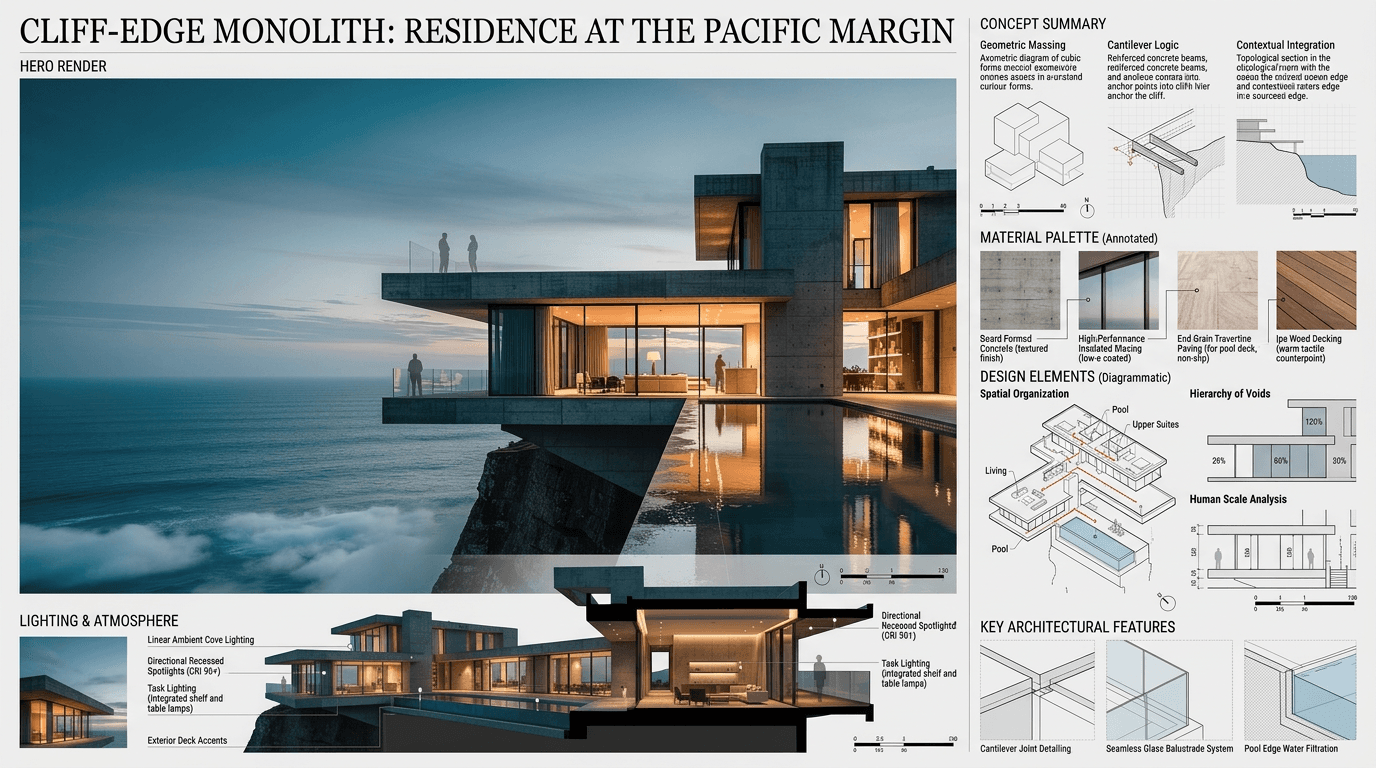
See it in action
Examples made with Architectural Concept Analysis.
What you add
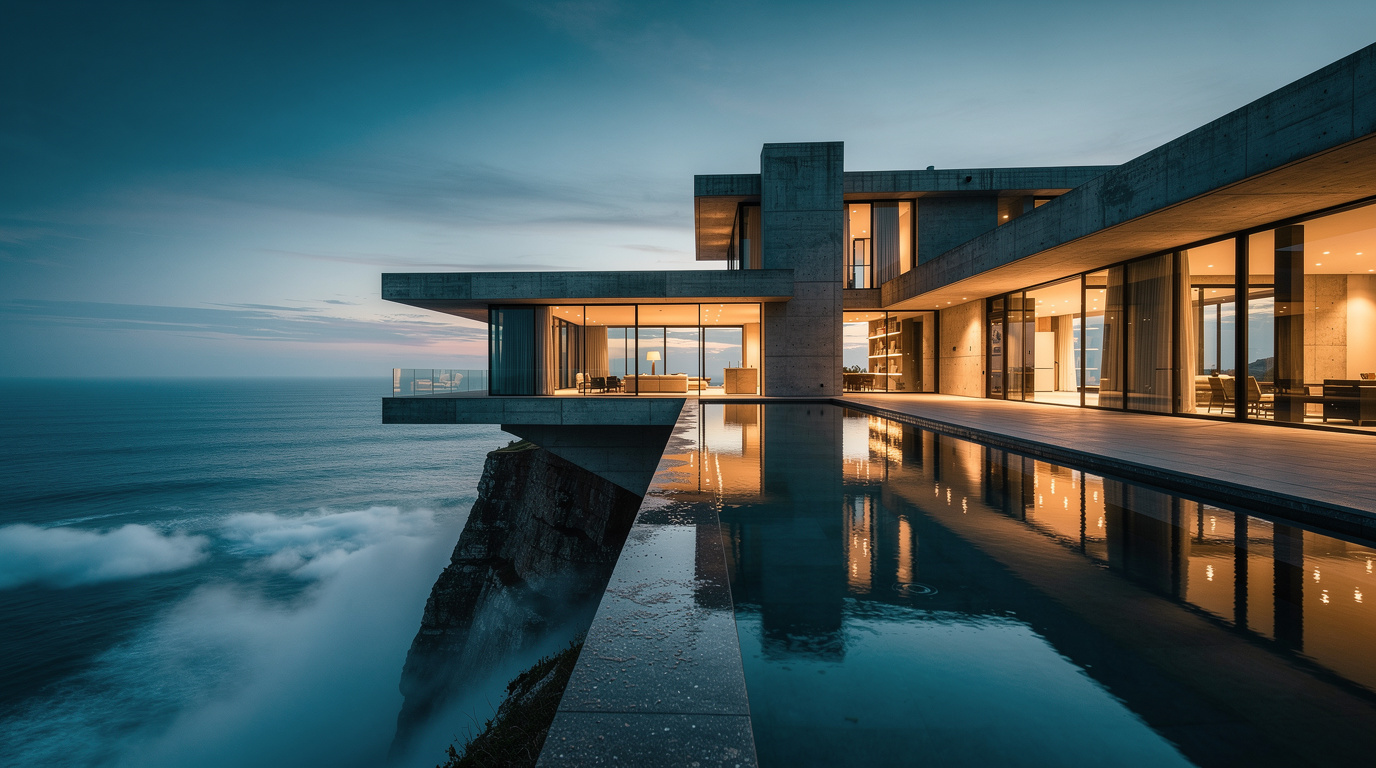
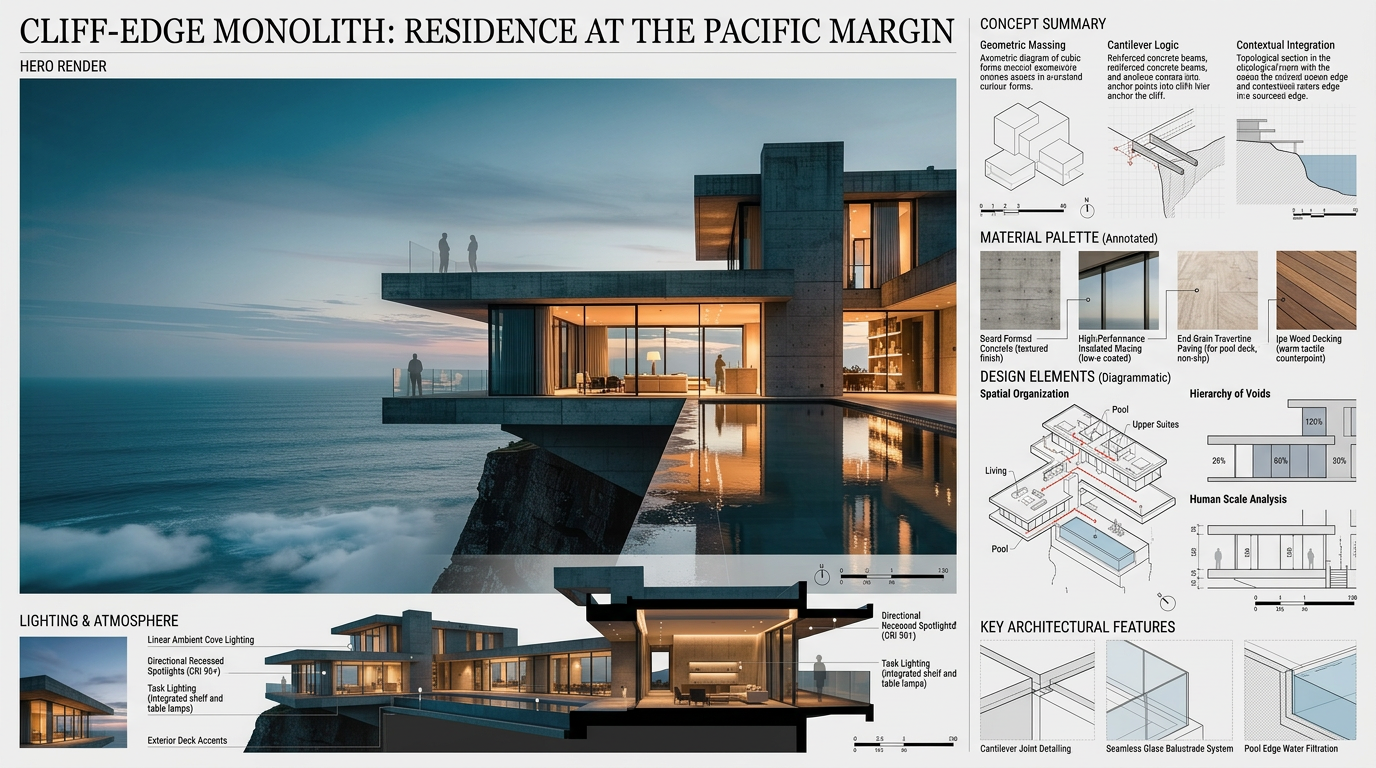
What you get
How it works
- 01
Upload your picture
Upload a picture of your architectural concept.
- 02
Generate a professional architectural concept analysis and A0 presentation board
Create a professional architectural concept analysis and A0 presentation board in one click.
- 03
Download & share
Export your professional architectural concept analysis and A0 presentation board to use in client reviews, presentations, and marketing materials.
Trusted by thousands of users and companies worldwide.
Morphix is one of the world's leading generative AI platforms.
Frequently asked questions
What is an architectural concept analysis?
An architectural concept analysis explains the core design idea behind a project — how massing, materials, spatial organization, lighting, and atmosphere reinforce a single architectural concept. It's typically presented on an A0 board as part of a portfolio, studio presentation, or competition submission, combining a hero render with annotated diagrams and material studies.
Can AI generate an architectural concept analysis?
Yes. Upload a reference image of your project and the AI produces a complete architectural concept analysis and A0 presentation board — including concept summary, material palette, lighting strategy, and design feature callouts. The output is editorial-grade and ready for client meetings, portfolios, or competition boards.
What goes on an A0 architectural presentation board?
A strong A0 board typically includes the project title, a hero render, a concept summary, an annotated material palette, design element diagrams, lighting and atmosphere notes, and key architectural features. The AI generates each of these sections with a consistent layout and an architectural annotation style.
What kind of image should I upload?
Any clear interior or exterior reference of your project works — renders, photographs, or even hand sketches. The AI reads the geometry, materials, and atmosphere from the image and builds a concept narrative around it. For best results, use a single hero shot that captures the project's main spatial idea.
Is this useful for architecture students and studios?
Both. Studios use it to produce client-facing concept boards faster, and students use it for studio reviews, portfolio submissions, and competition entries. The output is structured around real architectural reasoning — geometry, materials, lighting, atmosphere — rather than generic moodboard imagery.
Can I use the AI-generated board commercially?
Yes. On a paid plan, generated boards can be used in client presentations, portfolios, competition entries, marketing, and tender documents, subject to our terms and the underlying model providers' usage policies.
Explore more apps
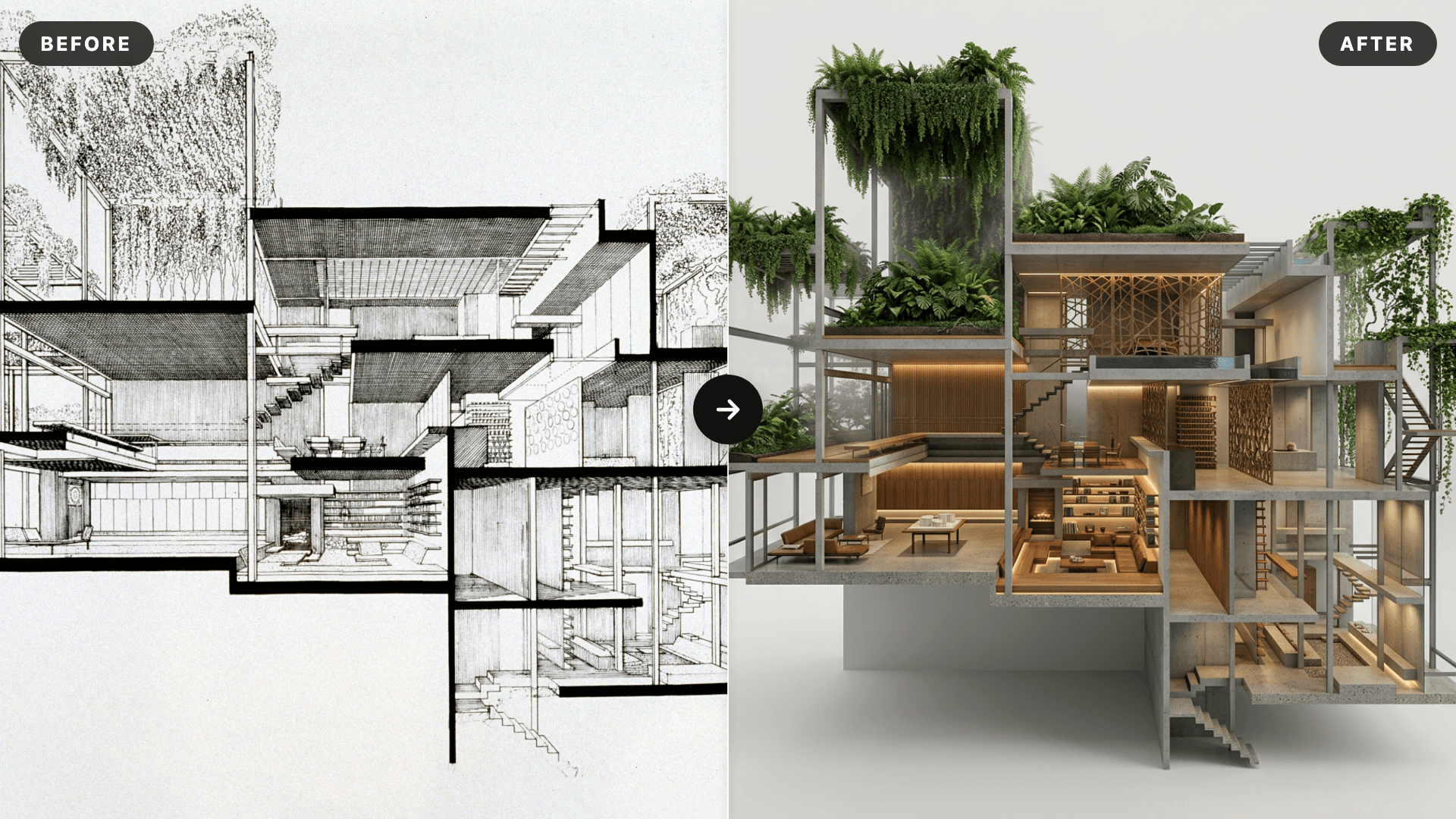
AI SketchUp Renderer — Sketch & Floor Plan to Render
Upload a SketchUp scene, sketch, floor plan, or elevation and instantly generate a photorealistic, client-ready render — preserving your original structure, layout, and design intent.
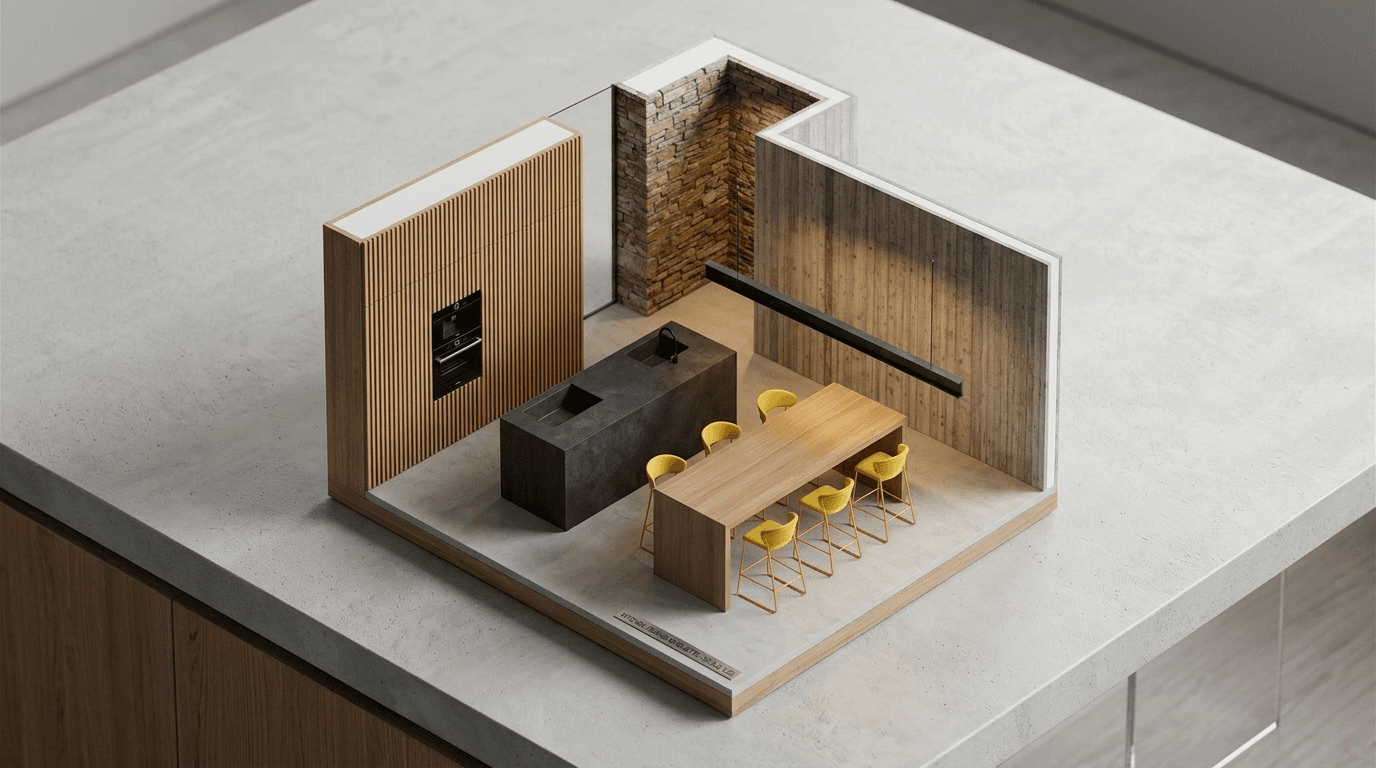
AI Miniature Generator — Photo to Isometric Scale Model
Upload an interior photo and instantly generate an isometric AI miniature — a clean scale-model render that reads as a physical architectural maquette on a desk.
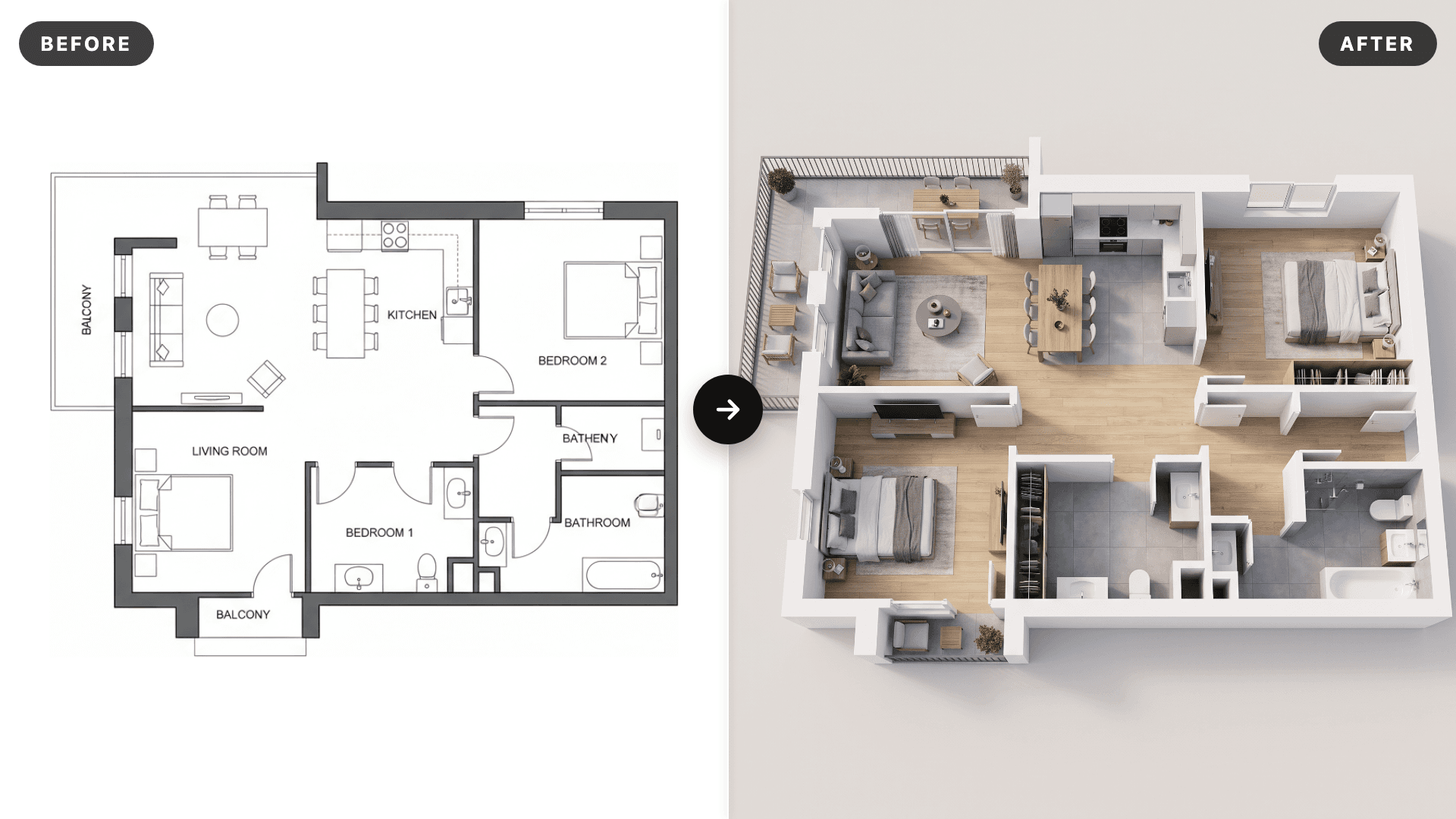
AI 3D Floor Plan Renderer: Floor Plan to 3D Render
Turn any 2D floor plan into a photorealistic 3D floor plan render in seconds. Upload a CAD export, PDF screenshot or hand drawn plan and the AI extrudes the walls, adds realistic flooring and furnishes every room while keeping the exact layout. Online 3D floor plan rendering for architects, interior designers, real estate agents and house plan sellers, no SketchUp, Lumion or 3ds Max needed.
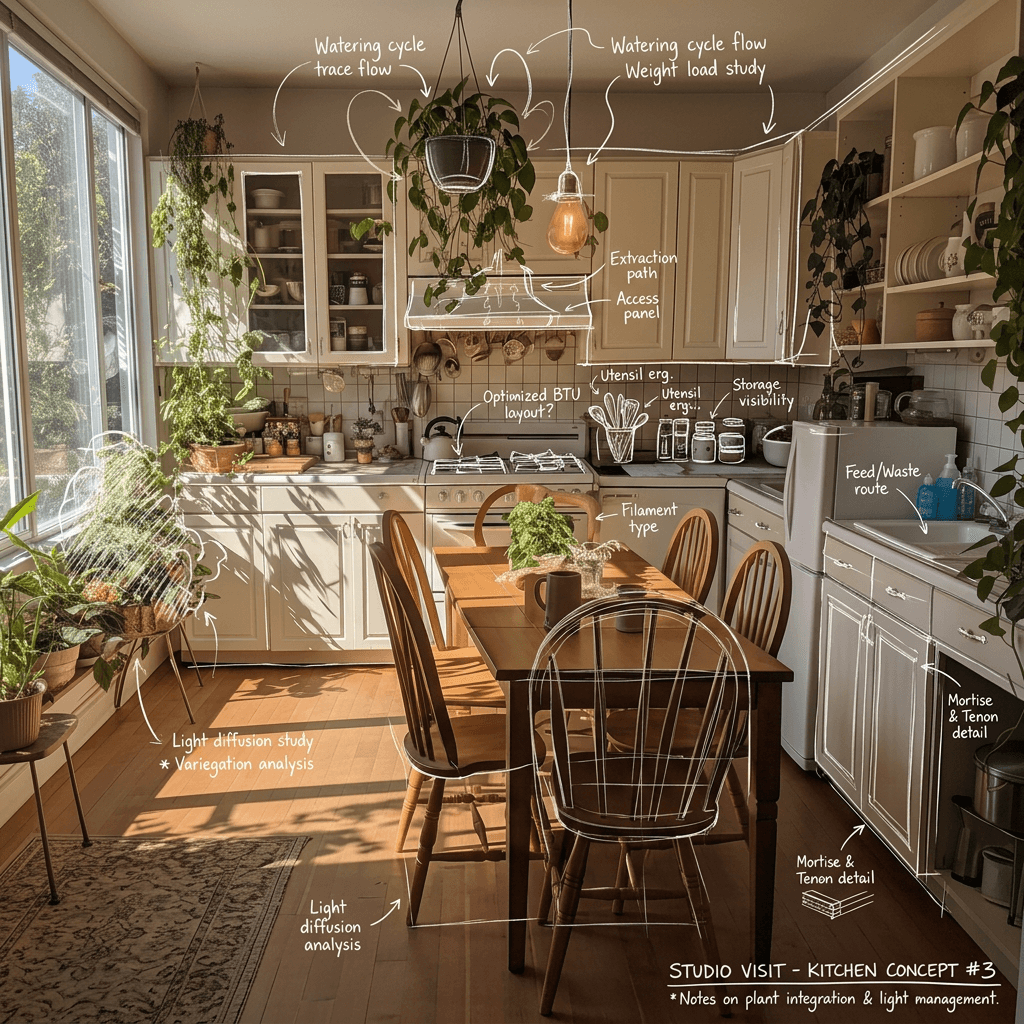
Hand Drawn Sketching
Upload a picture and instantly generate a hand drawn sketch with details using AI. Perfect for architects, interior designers, product showcasing, and marketing.
Scene Transition Video Maker
Upload two images and instantly create a fluid, cinematic transition video with natural camera movement. No editing required—AI handles everything.