Gemini Omni 1.1 Flash from Google
Google's multimodal video model with native audio, conversational editing, and 4K output.
What you can make with Gemini Omni 1.1 Flash
Video that takes notes
Omni treats a clip as a conversation. Generate a shot, then describe what changes, and the model revises it while holding characters, lighting, and composition steady instead of rerolling the scene.

Edit footage with a sentence
Attach an existing video and describe the change, from swapping the weather to restyling the whole shot. Omni applies the edit and preserves everything you did not mention.

Draft at 360p, deliver in 4K
The 360p draft mode renders about 60% faster at a third of the 720p cost, so you iterate the idea cheaply and rerun the winning prompt at 1080p or 4K for the final cut.
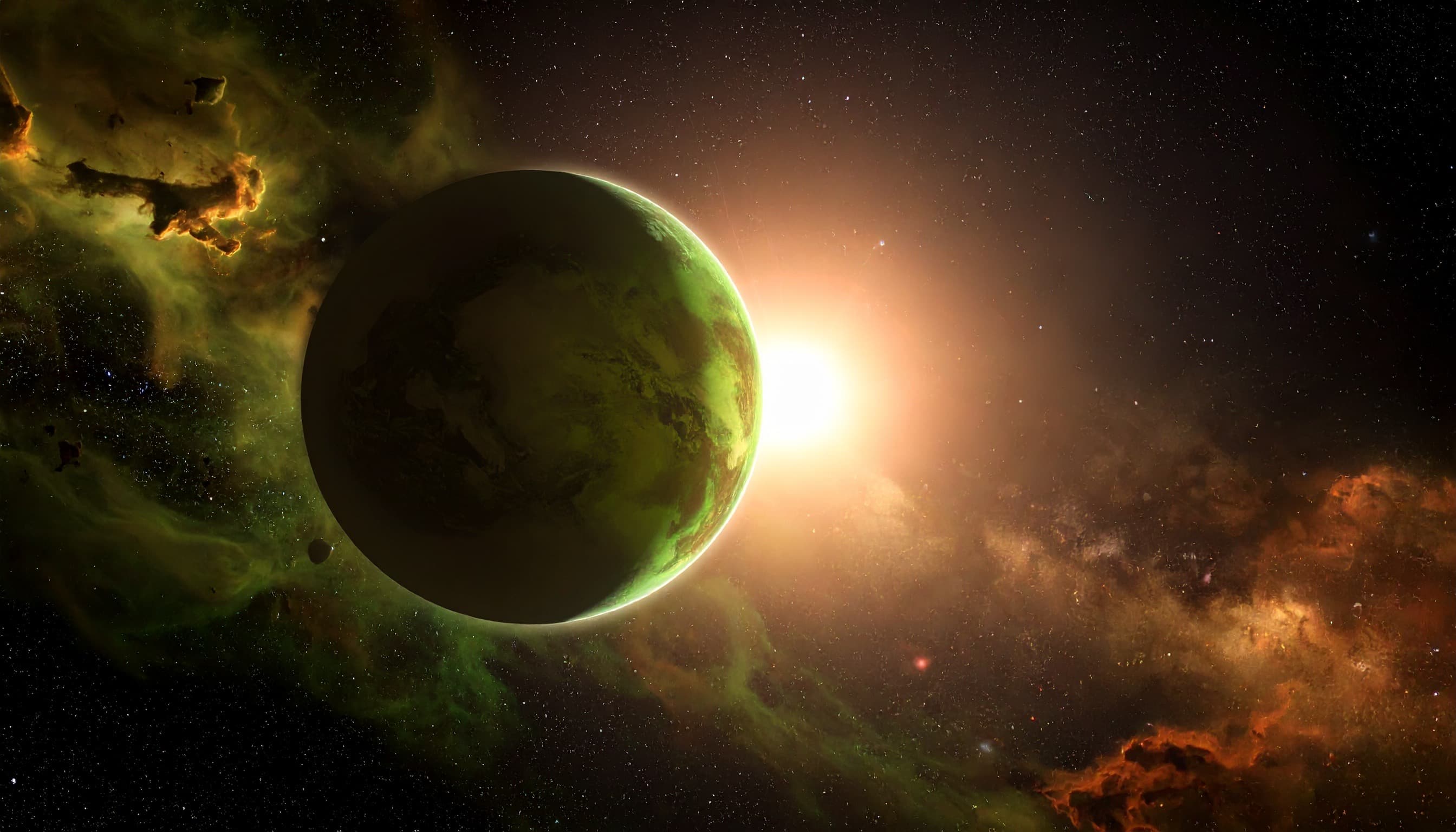
Sound arrives with the picture
Dialogue, ambience, and effects generate in the same pass. Quote lines verbatim in the prompt to direct delivery, or write no music and no dialogue to suppress the defaults.

Ranked at the top of the arena
In blind human voting on Artificial Analysis, Omni 1.1 leads the without audio text to video ranking and sits within three Elo of first place with audio, well ahead of Veo 3.1.

Inside Gemini Omni 1.1 Flash
4K resolution output
Render crisp, production-ready footage at up to 4K.
Flexible aspect ratios
Compose in 2 aspect ratios, from square to widescreen and vertical.
Clips up to 10 seconds
Generate fixed-length shots without stitching multiple runs.
Frame and reference control
Steer motion with start and end frames and reference images for precise, repeatable results.
Video reference input
Drive style, motion, and pacing from an existing video clip, not just a still or a prompt.
Production-ready output
Gemini Omni 1.1 Flash renders clean, high-fidelity footage built for real campaigns, products, and client work.
Create with Gemini Omni 1.1 Flash
- 1
Select Gemini Omni 1.1 Flash
Choose Gemini Omni 1.1 Flash from the model library to start generating cinematic videos.
- 2
Enter prompt and add references
- 3
Generate and download
Frequently asked questions
What is Gemini Omni 1.1 Flash?
Gemini Omni 1.1 Flash is an AI video generation model available on Morphix. Google's multimodal video model with native audio, conversational editing, and 4K output.
Is Gemini Omni 1.1 the same as Veo 4?
No. Veo 4 is not a Google product name, only third party shorthand. Omni is a separate model line that pairs Gemini reasoning with Google's video rendering stack, and Google still ships Veo separately for cinematic generation.
What is new in Gemini Omni 1.1?
The August 2026 update added the 360p draft mode, 4K output, first and last frame interpolation, video reference clips, and a longer extension window that reads up to 10 seconds of prior footage and chains clips to 40 seconds cumulative through the API.
Can Gemini Omni 1.1 make videos longer than 10 seconds?
Each generation is a 10 second clip. Google's API can chain extensions to 40 seconds cumulative, and on Morphix each run returns one 10 second clip with audio.
How is Gemini Omni 1.1 different from Veo 3.1?
Omni adds video editing, reference images, a cheap 360p draft mode, and 4K output, and it currently ranks well above Veo 3.1 in blind arena voting. Veo 3.1 remains the choice for its longer track record and wider duration options.
How do I use Gemini Omni 1.1 Flash on Morphix?
Open the video studio on Morphix, select Gemini Omni 1.1 Flash, write a prompt or upload a reference frame, and generate. Every model shares one subscription and credit pool, so there are no API keys or separate sign-ups.
What resolution and duration does Gemini Omni 1.1 Flash support?
On Morphix, Gemini Omni 1.1 Flash supports 360p, 720p, 1080p, and 4k output at a 10-second duration per generation.
Does Gemini Omni 1.1 Flash support reference-guided generation?
Yes. Gemini Omni 1.1 Flash supports reference-guided workflows on Morphix, so you can use images to steer composition, subject identity, and style.
Can I use Gemini Omni 1.1 Flash videos commercially?
Yes. On Morphix paid plans, videos you generate with Gemini Omni 1.1 Flash include commercial licensing for campaigns, products, and client deliverables.
Who should use Gemini Omni 1.1 Flash?
Gemini Omni 1.1 Flash is useful for designers, marketers, creative teams, and independent creators who need polished AI-generated videos for concepts, campaigns, client work, and production work.
Explore more models
Wan 3.0
Alibaba's newest text to video model with cinematic motion and camera movement.
Wan 2.6
Alibaba's open-source video model — strong quality, friendly price.

Nano Banana 2
Google's fast image model with strong world knowledge and 4K output.
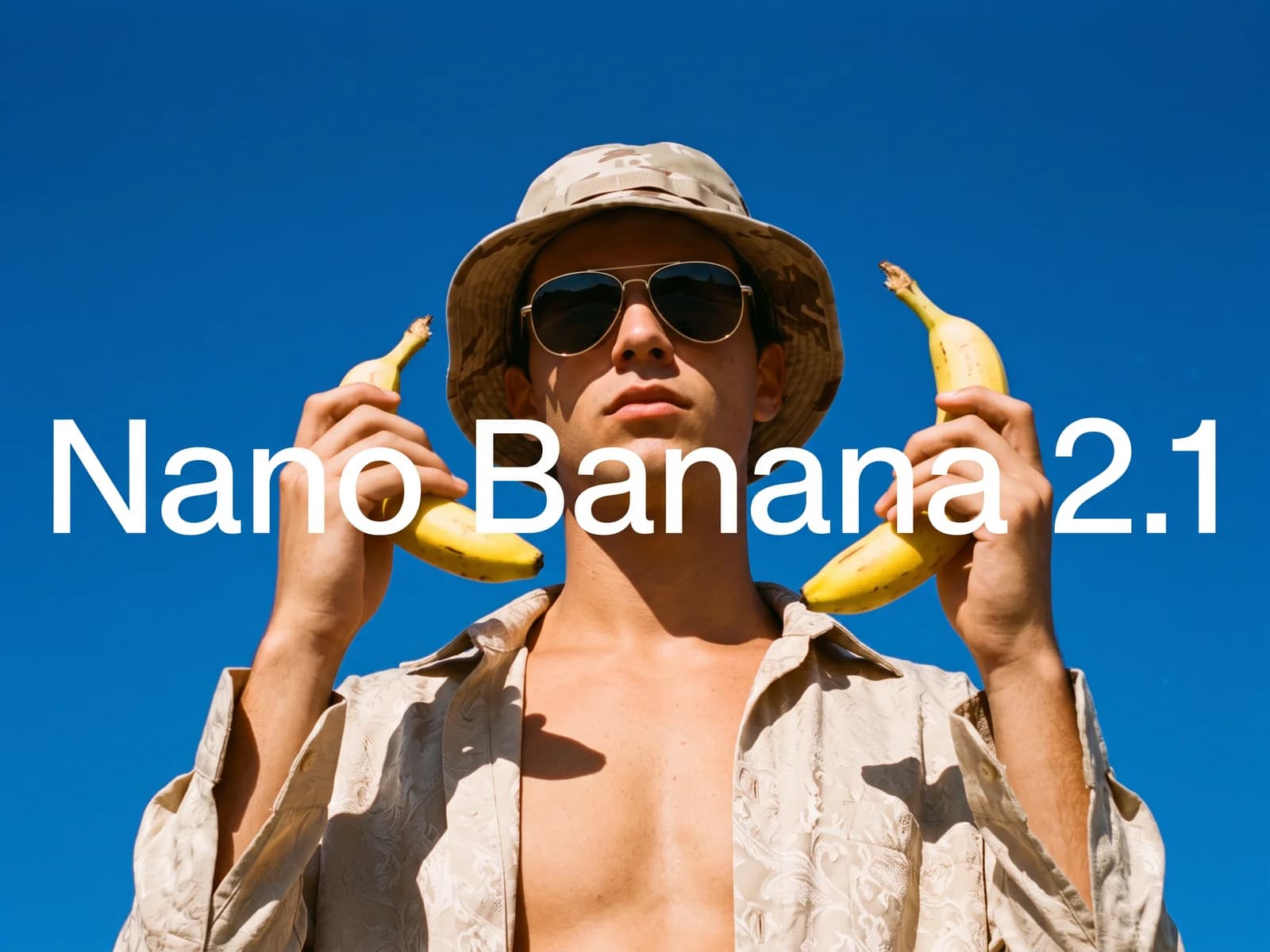
Nano Banana 2.1
Google's newest fast image model. Sharper output than Nano Banana 2, crisp text in any language, search grounding, and up to 14 reference images at up to 4K.

Nano Banana 2 Lite
Google's lightweight Nano Banana model, tuned for fast, low cost image generation.