Wan 3.0 from Alibaba
Alibaba's newest text to video model with cinematic motion and camera movement.
What you can make with Wan 3.0
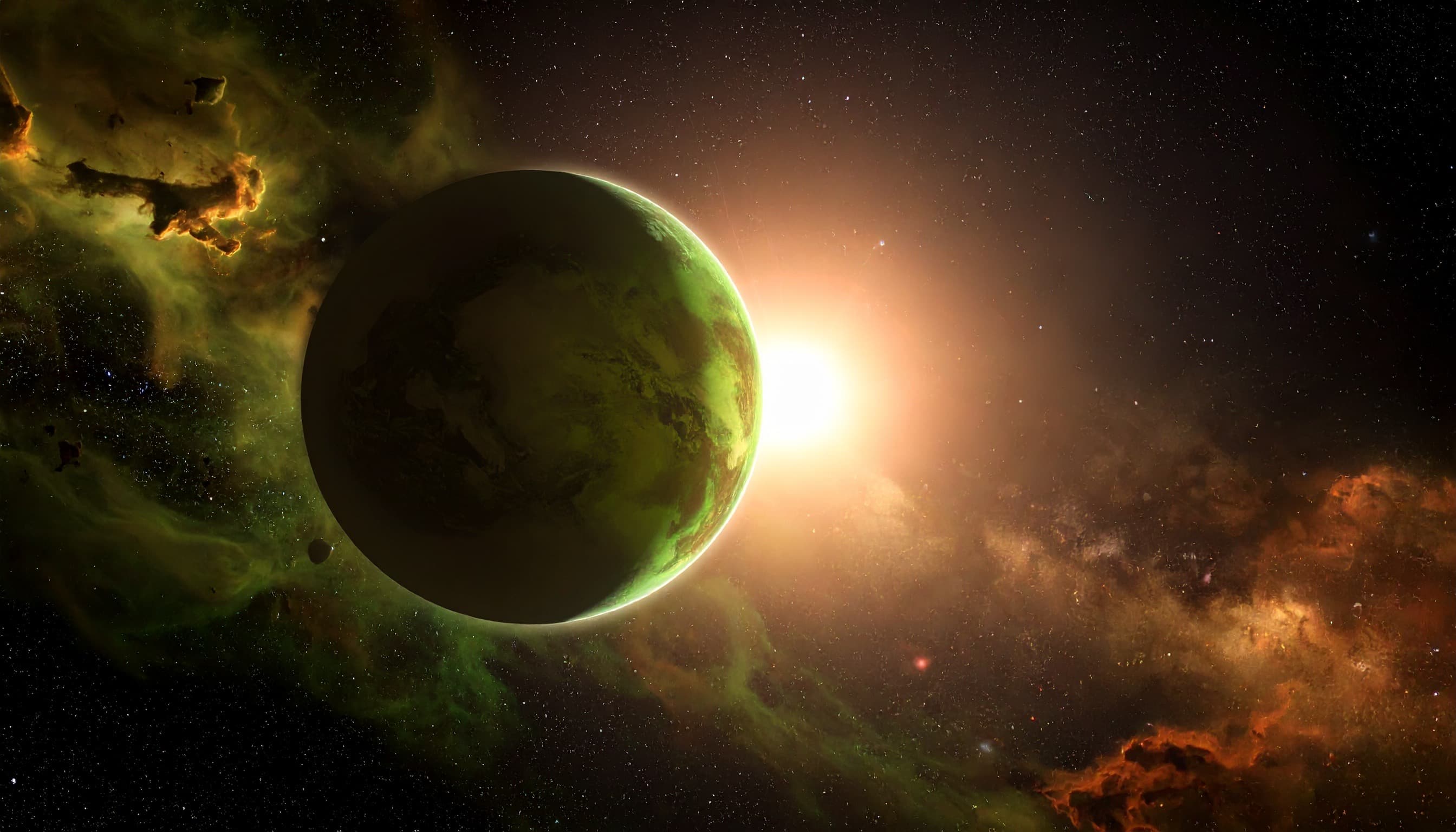
Direct the camera
Call a crane, dolly, orbit, or slow push in and Wan 3.0 performs the move in one continuous shot.
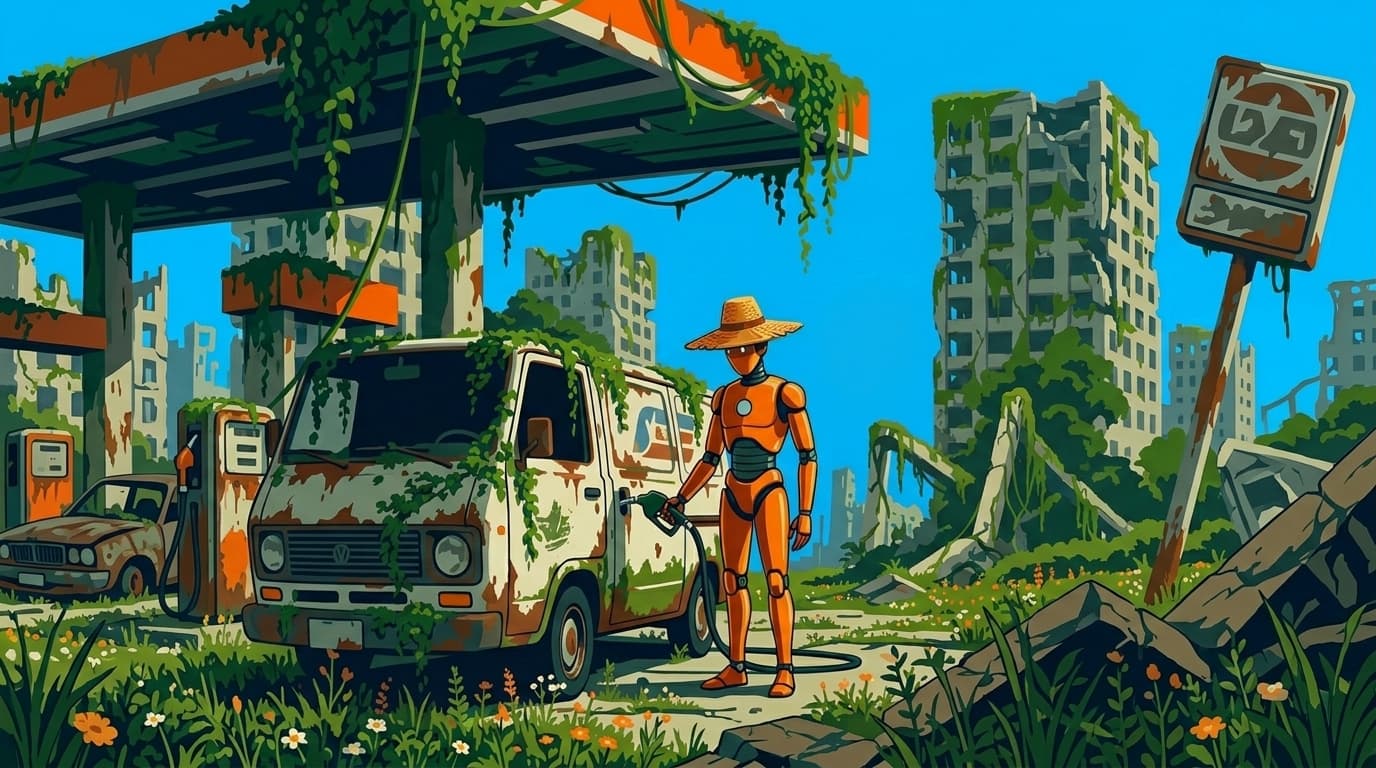
Steady from first frame to last
Faces, props, and scenery hold together across the whole clip, so shots cut cleanly into a sequence.
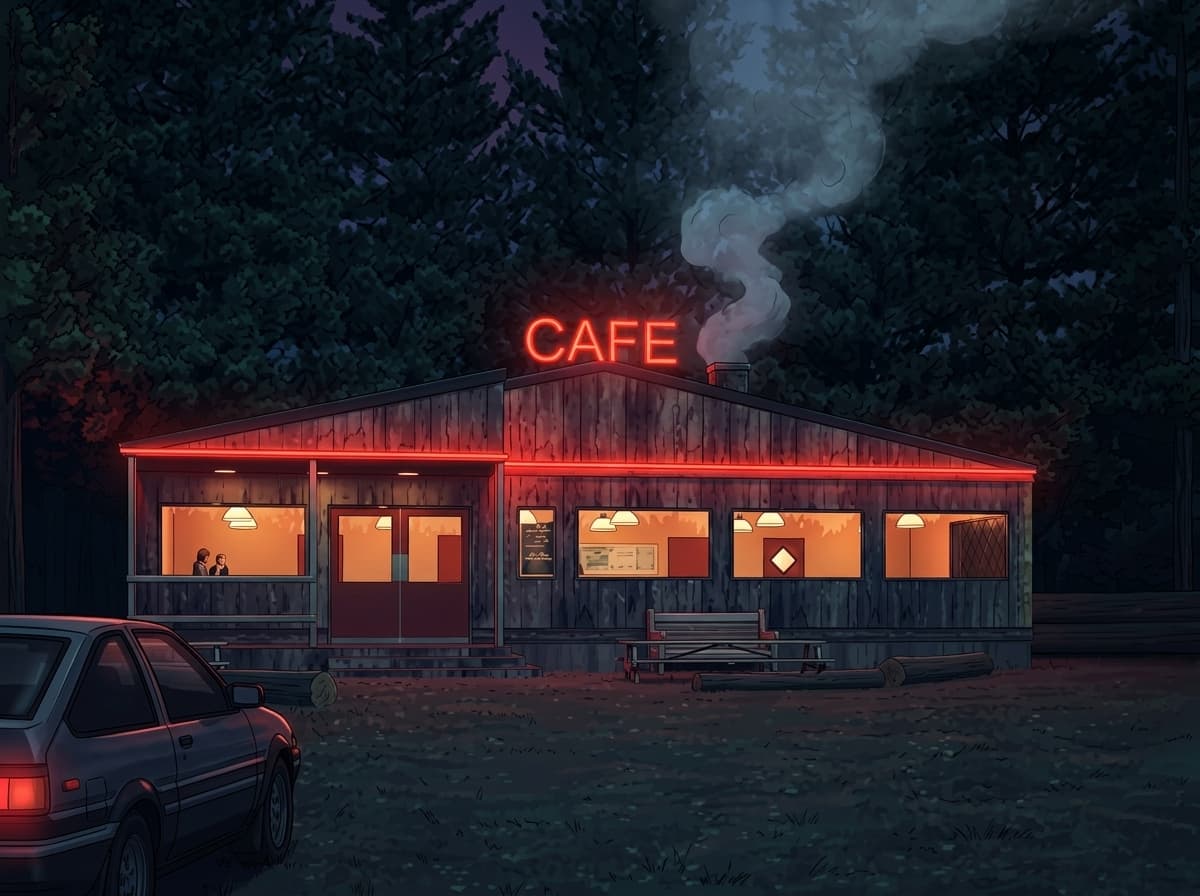
Short prompts, full scenes
Built in prompt expansion turns a one line idea into a detailed shot description before rendering.
Inside Wan 3.0
1080P resolution output
Render crisp, production-ready footage at up to 1080P.
Flexible aspect ratios
Compose in 5 aspect ratios, from square to widescreen and vertical.
Clips up to 15 seconds
Generate variable-length shots without stitching multiple runs.
Frame control
Steer motion with start frame for precise, repeatable results.
Production-ready output
Wan 3.0 renders clean, high-fidelity footage built for real campaigns, products, and client work.
Create with Wan 3.0
- 1
Select Wan 3.0
Choose Wan 3.0 from the model library to start generating cinematic videos.
- 2
Enter prompt and add references
- 3
Generate and download
Frequently asked questions
What is Wan 3.0?
Wan 3.0 is an AI video generation model available on Morphix. Alibaba's newest text to video model with cinematic motion and camera movement.
How is Wan 3.0 different from Wan 2.6?
Wan 3.0 focuses on cinematic motion and camera movement, adds a low cost 480p tier, and generates clips from 2 to 15 seconds in 480p, 720p, or 1080p. It is text to video only, while Wan 2.6 also supports image to video from a start frame. Both run in the same Morphix workspace, so you can switch between them per project.
How do I use Wan 3.0 on Morphix?
Open the video studio on Morphix, select Wan 3.0, write a prompt or upload a reference frame, and generate. Every model shares one subscription and credit pool, so there are no API keys or separate sign-ups.
What resolution and duration does Wan 3.0 support?
On Morphix, Wan 3.0 supports 480p, 720p, and 1080p output at durations from 2 to 15 seconds per generation.
Does Wan 3.0 support reference-guided generation?
Yes. Wan 3.0 supports reference-guided workflows on Morphix, so you can use images to steer composition, subject identity, and style.
Can I use Wan 3.0 videos commercially?
Yes. On Morphix paid plans, videos you generate with Wan 3.0 include commercial licensing for campaigns, products, and client deliverables.
Who should use Wan 3.0?
Wan 3.0 is useful for designers, marketers, creative teams, and independent creators who need polished AI-generated videos for concepts, campaigns, client work, and production work.
Explore more models
Wan 2.6
Alibaba's open-source video model — strong quality, friendly price.

Nano Banana 2
Google's fast image model with strong world knowledge and 4K output.

Nano Banana 2.1
Google's newest fast image model. Sharper output than Nano Banana 2, crisp text in any language, search grounding, and up to 14 reference images at up to 4K.

Nano Banana 2 Lite
Google's lightweight Nano Banana model, tuned for fast, low cost image generation.
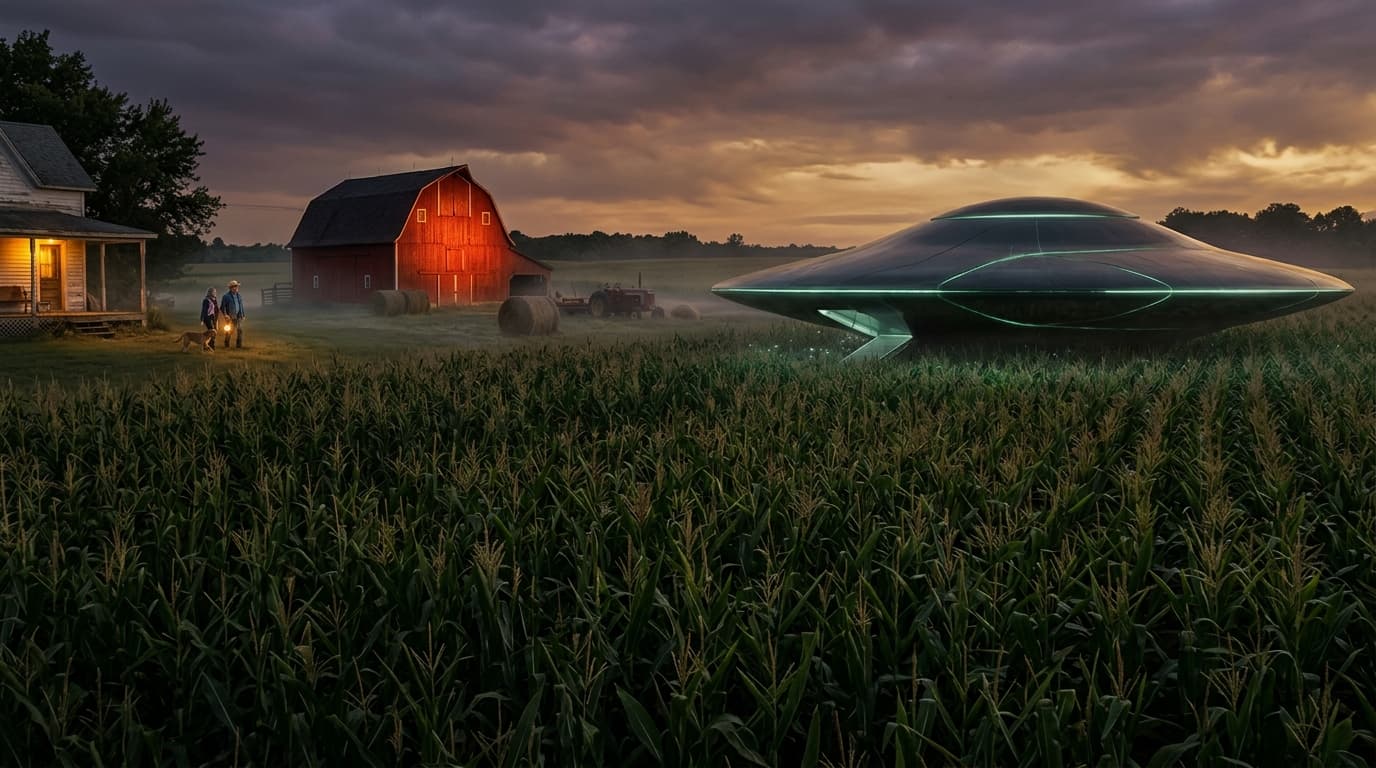
Nano Banana Pro
Google's latest image generation model with 4K output and multi-image input.