Realistic Image Upscaler for Sharper Photos
Realistic image upscaler. Upload a picture and get a sharper version with improved quality and more realistic detail.
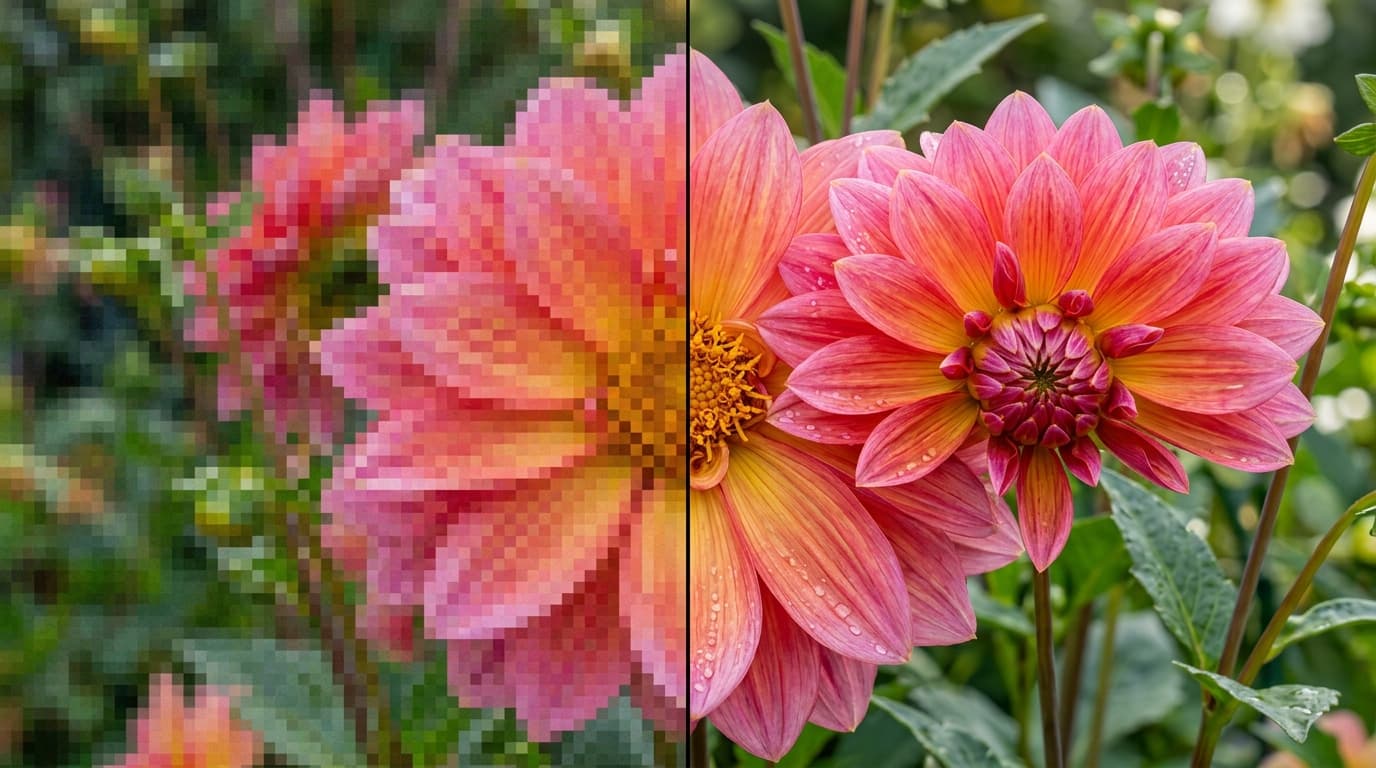
See it in action
Examples made with Realistic Image Upscale.
What you add

What you get

How it works
- 01
Upload your picture
Upload the image you want to improve.
- 02
Generate the upscaled image
Create a sharper, more detailed version in one click.
- 03
Download & share
Export your upscaled image.
Trusted by thousands of users and companies worldwide.
Morphix is one of the world's leading generative AI platforms.
Frequently asked questions
What does the realistic image upscaler do?
It takes the picture you upload and generates a sharper version with improved quality and more realistic detail.
How do I upscale an image?
Upload your picture and click generate. When the result is ready you can download it.
What kind of image works best?
A clear picture where the subject is fully visible. Very small or heavily compressed images leave the AI less to work with.
Do I need to install anything?
No. It runs in your browser. Upload your image, generate and download the result.
Can I use the upscaled images commercially?
Yes. On a paid plan, generated images can be used in marketing, social content and client work, subject to our terms and the underlying model providers' usage policies.
Explore more apps
Turn your photo to life
Turn your photo into a new animated video.
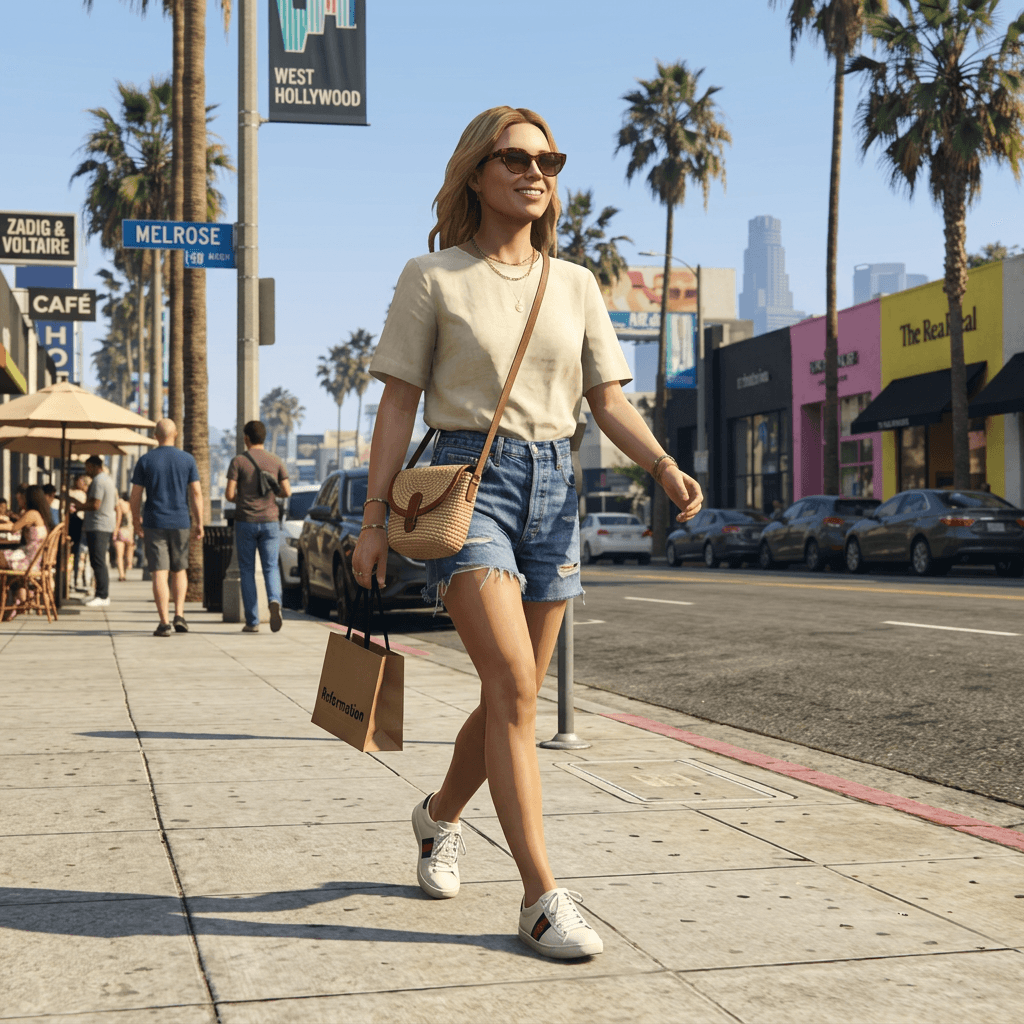
AI GTA Photo Filter — Turn Your Photo into a GTA V Character
Upload a selfie and instantly become a GTA V character. The iconic GTA V graphics style — color grading, lighting, and the signature in-game character render — applied to your photo by AI in seconds.
Scene Transition Video Maker
Upload two images and instantly create a fluid, cinematic transition video with natural camera movement. No editing required—AI handles everything.
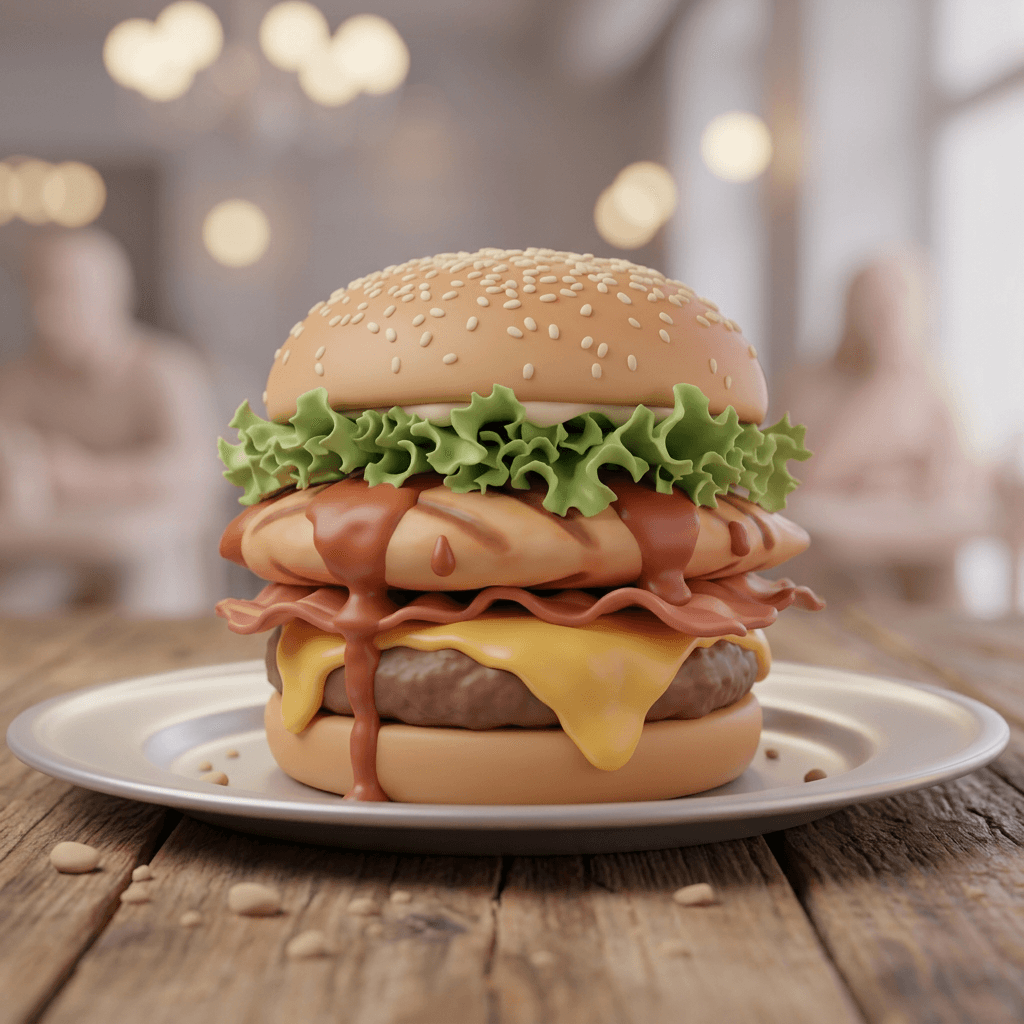
3D Soft AI: Turn Any Photo into a Soft 3D Render
Upload any photo and turn it into a soft 3D render with AI, the same look as the ChatGPT 3D soft style: smooth rounded shapes, matte clay materials and soft studio lighting. Your subject, framing and colors stay the same, rebuilt as a clean 3D scene.
AI Construction Time-Lapse Video Generator
Automated AI construction time-lapse video generator. Upload site photos and instantly produce a professional progress video — no editing software, no manual stitching.