GTA 6 Filter: Turn Your Photo into GTA VI Art
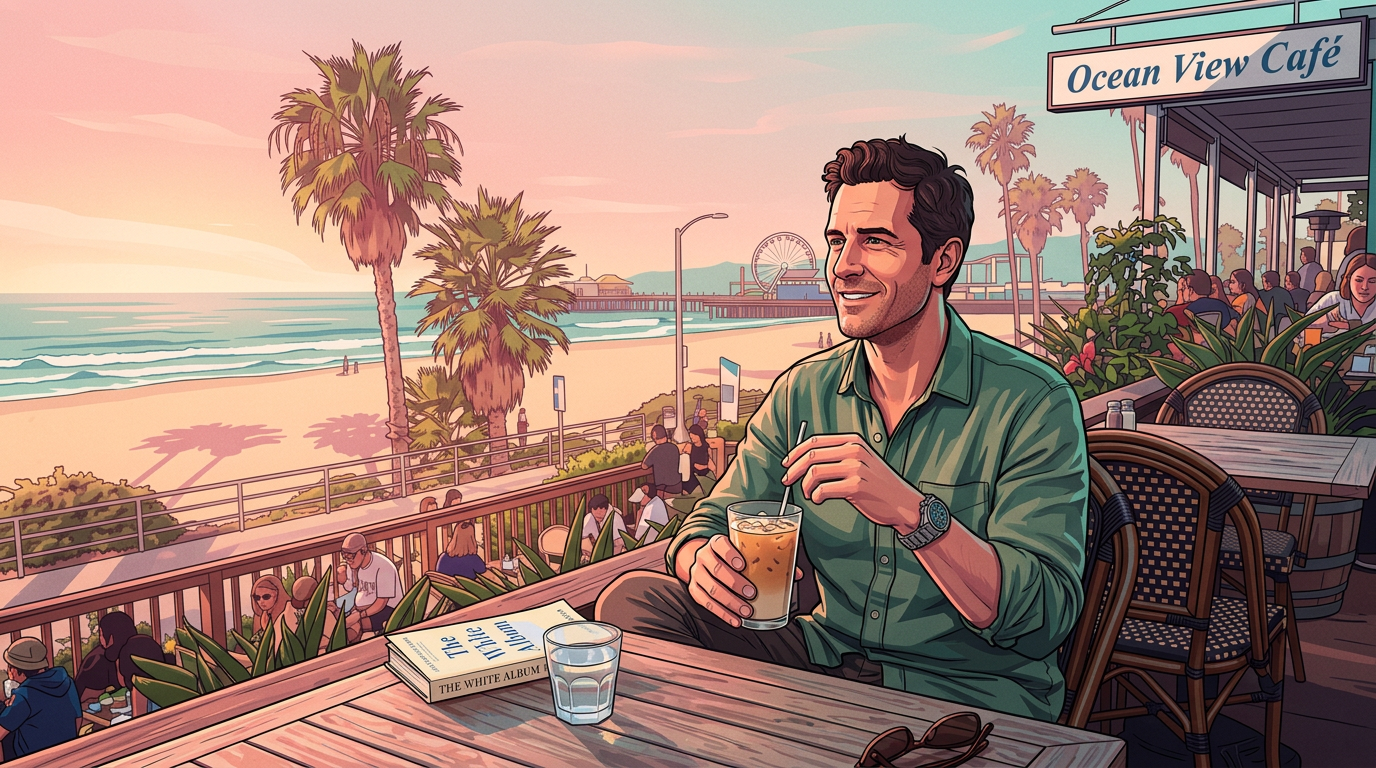
AI GTA 6 filter for any photo. Get the GTA VI loading screen art look with Vice City colors, while your face, outfit and background stay the same.
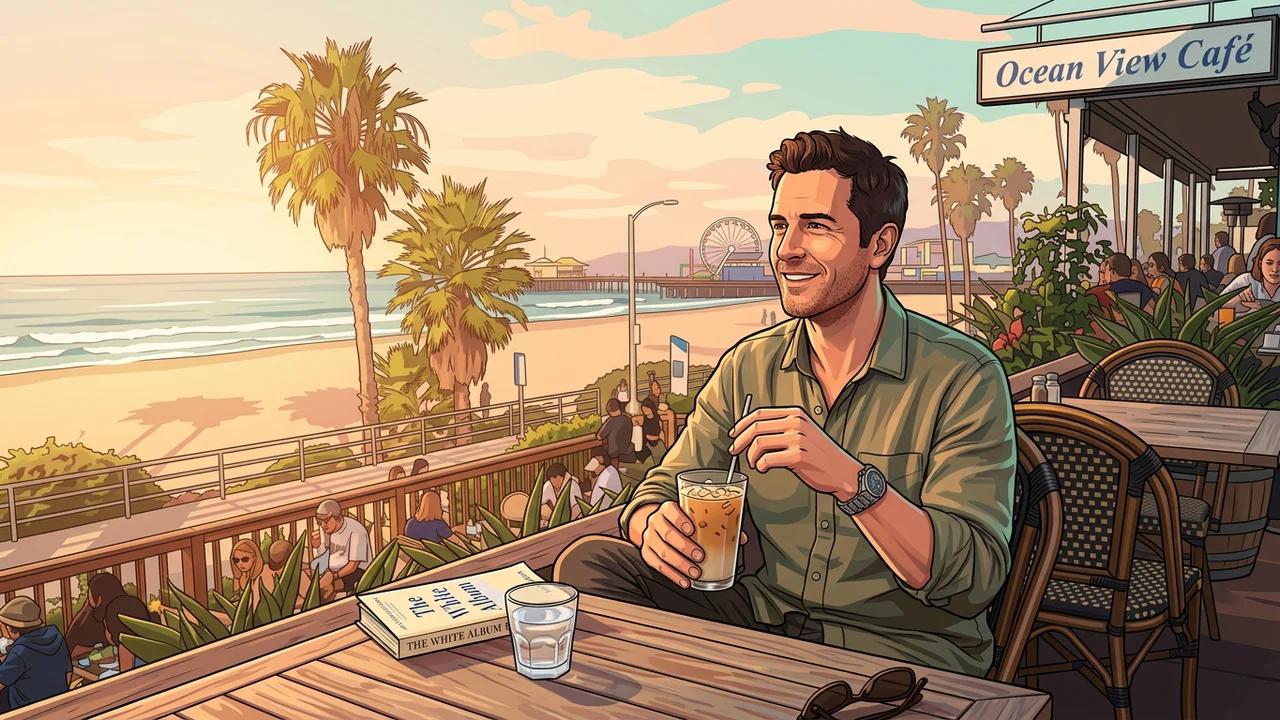
See it in action
Examples made with GTA 6 Filter.
What you add
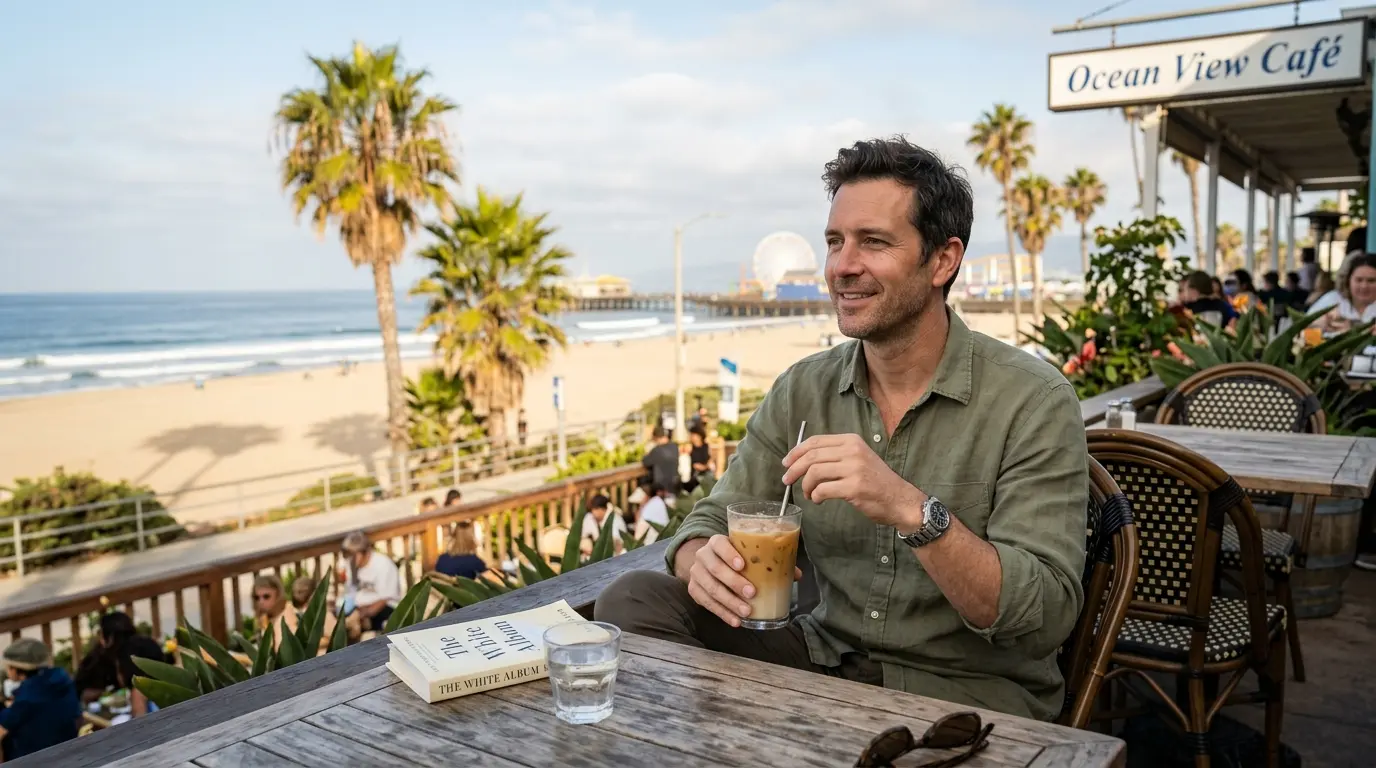
What you get
How it works
- 01
Upload a photo
A selfie, a group shot or a travel photo, vertical or horizontal.
- 02
Apply the GTA 6 filter
The AI redraws the whole photo as GTA VI artwork and keeps the same people, pose and background.
- 03
Download and share
Save it in HD for Instagram, TikTok or your profile picture.
Trusted by thousands of users and companies worldwide.
Morphix is one of the world's leading generative AI platforms.
Frequently asked questions
How do I use the GTA 6 filter?
Upload a photo and click Generate. In about a minute you get the same picture redrawn as GTA VI artwork, ready to download.
Can I turn my photo into a GTA 6 loading screen?
Yes. The result has the illustrated look of GTA loading screen art: bold outlines, cel shading and a pink and orange Vice City sunset. You get a still image, not a video with a loading bar.
Is this the GTA 6 filter from Instagram?
No. The Instagram effect works live in the camera. This filter works on any photo you already have, from your camera roll or computer, and gives you an HD file you can post anywhere, Instagram included.
Do I need a GTA 6 filter prompt?
No. The prompt is built in, so you only upload a photo. No prompt writing, no settings.
Does the filter change my background or pose?
No. The framing, pose and setting stay as they are. Only the style changes, so your own street, beach or bar becomes part of the GTA VI world.
Does it work on group photos?
Yes. Everyone in the photo stays in the picture with their own face, hair and outfit, and vertical photos stay vertical.
What is the difference between the GTA 6 and GTA V filters?
The GTA 6 filter makes illustrated GTA VI artwork. Our GTA V filter makes your photo look like a 3D in game screenshot from Los Santos. Pick the look you want.
Is this an official Rockstar filter?
No. It is a fan made AI filter and is not affiliated with Rockstar Games. Use your results for personal posts and profile pictures, not for merch or ads.
Explore more apps
AI Construction Time-Lapse Video Generator
Automated AI construction time-lapse video generator. Upload site photos and instantly produce a professional progress video — no editing software, no manual stitching.
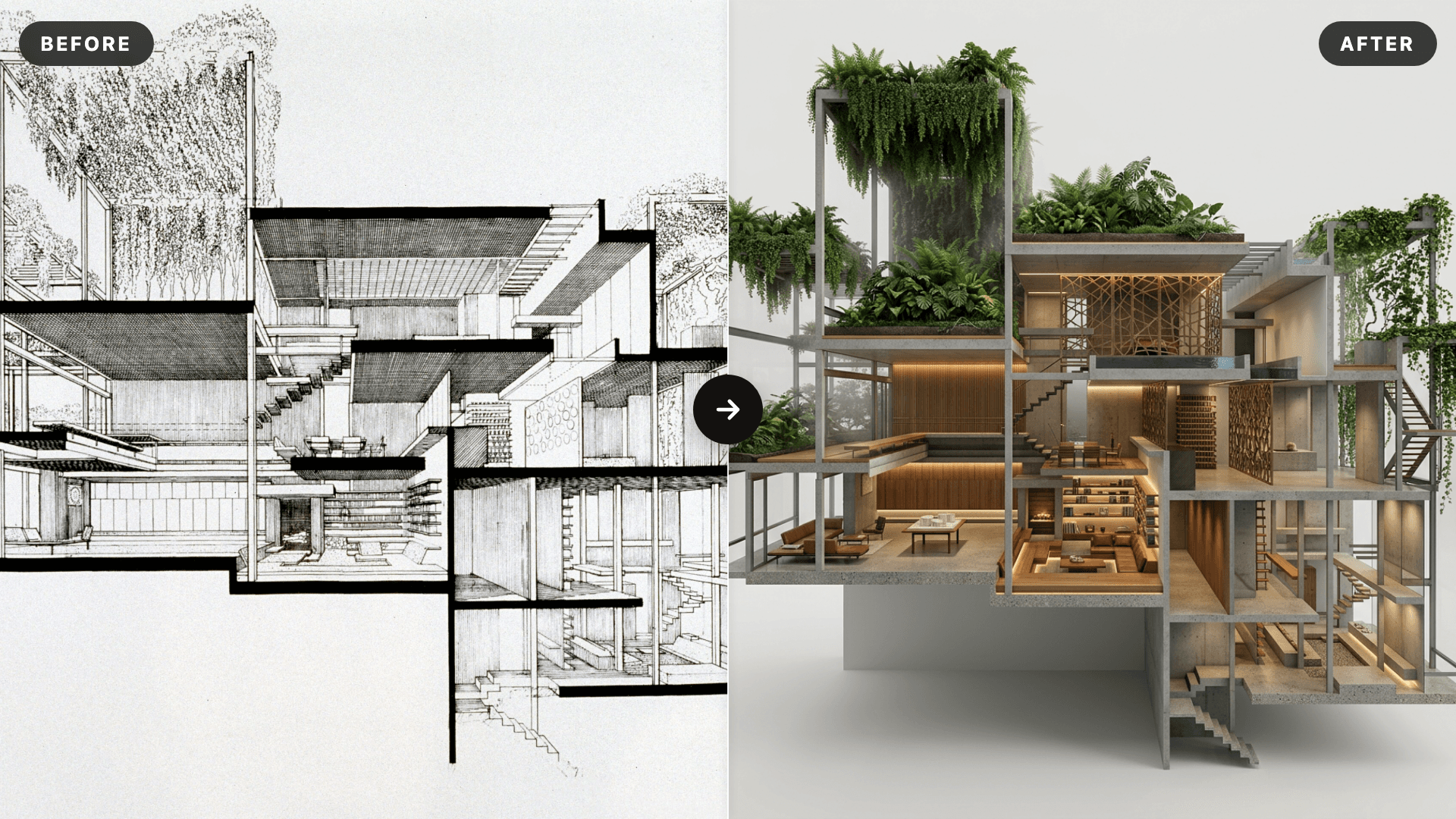
AI SketchUp Renderer — Sketch & Floor Plan to Render
Upload a SketchUp scene, sketch, floor plan, or elevation and instantly generate a photorealistic, client-ready render — preserving your original structure, layout, and design intent.
Interior Reveal Video Generator
Upload one image and instantly generate a smooth, stabilized interior reveal video—no editing required.
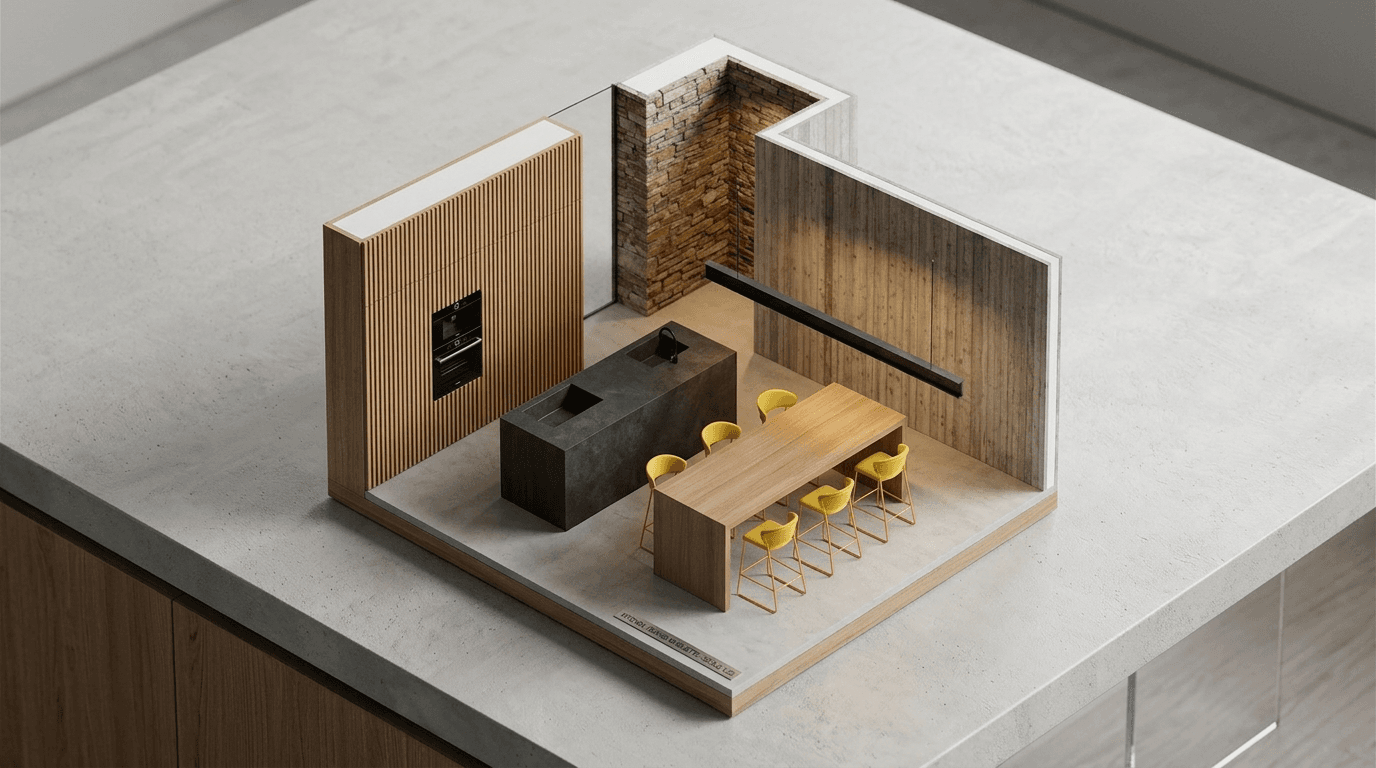
AI Miniature Generator — Photo to Isometric Scale Model
Upload an interior photo and instantly generate an isometric AI miniature — a clean scale-model render that reads as a physical architectural maquette on a desk.
Turn your photo to life
Turn your photo into a new animated video.