
AI GTA Photo Filter — Turn Your Photo into a GTA V Character
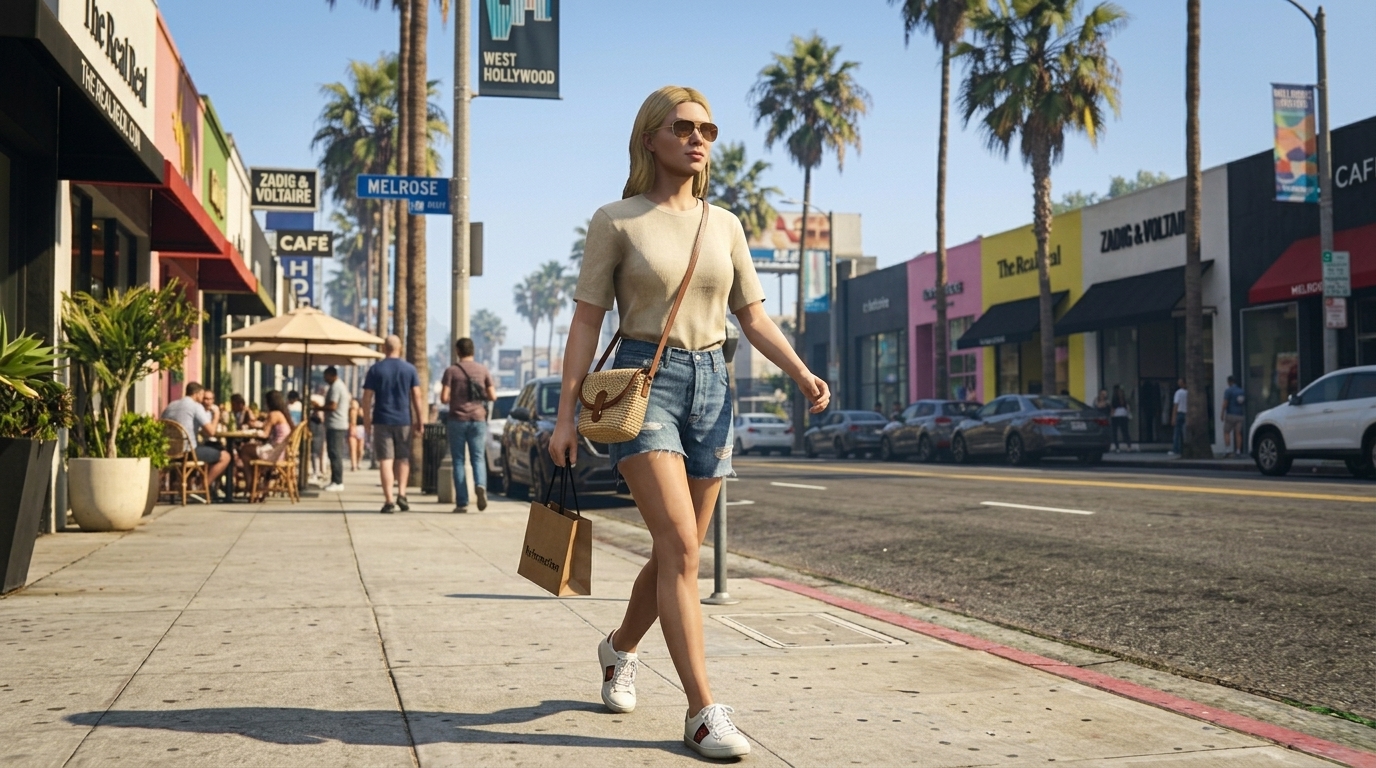
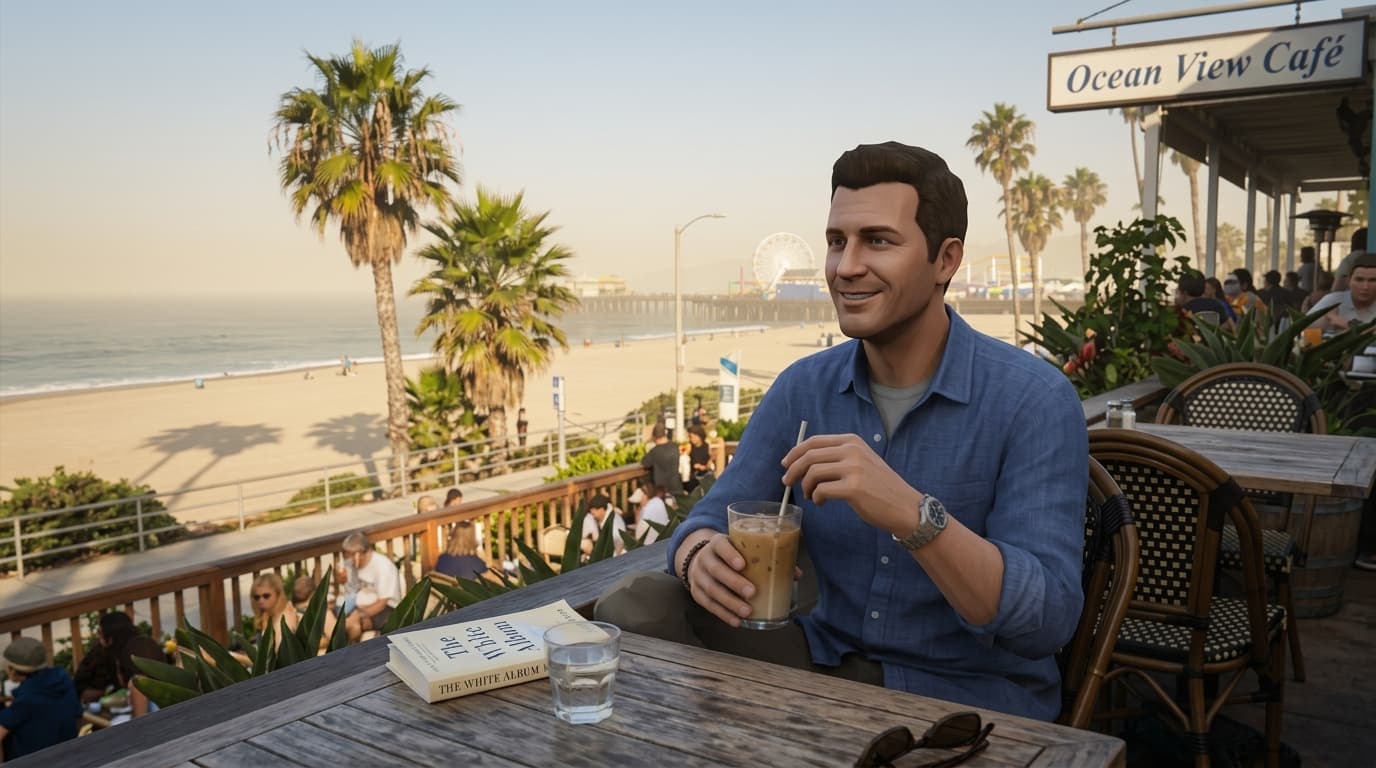
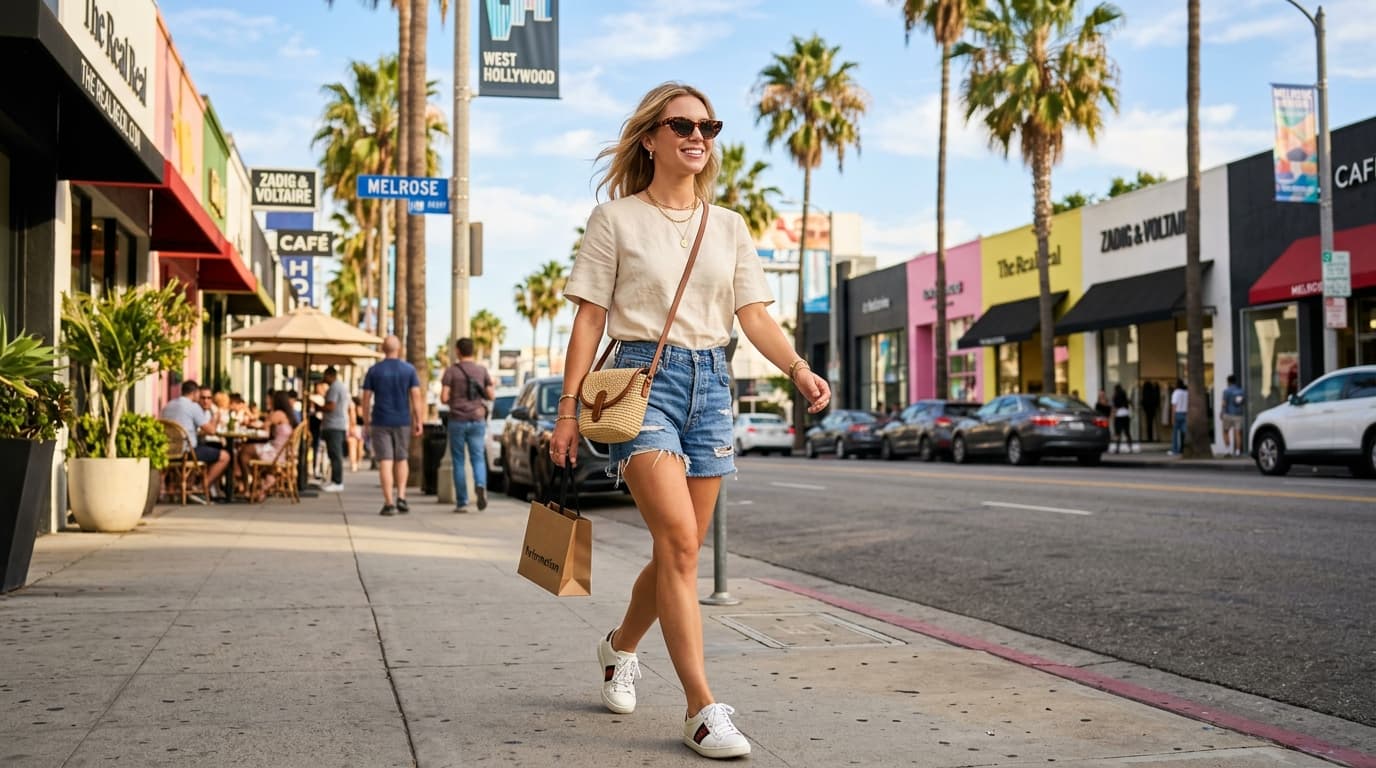
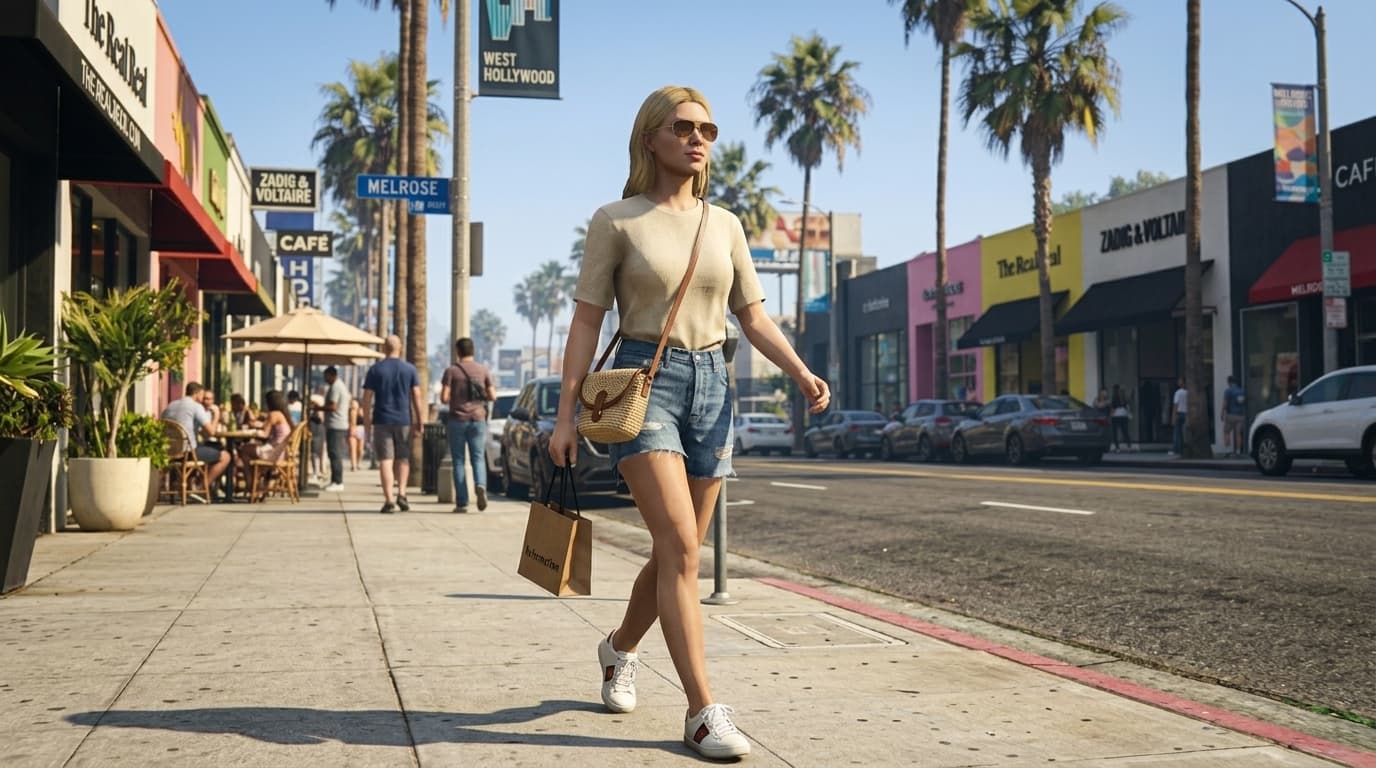
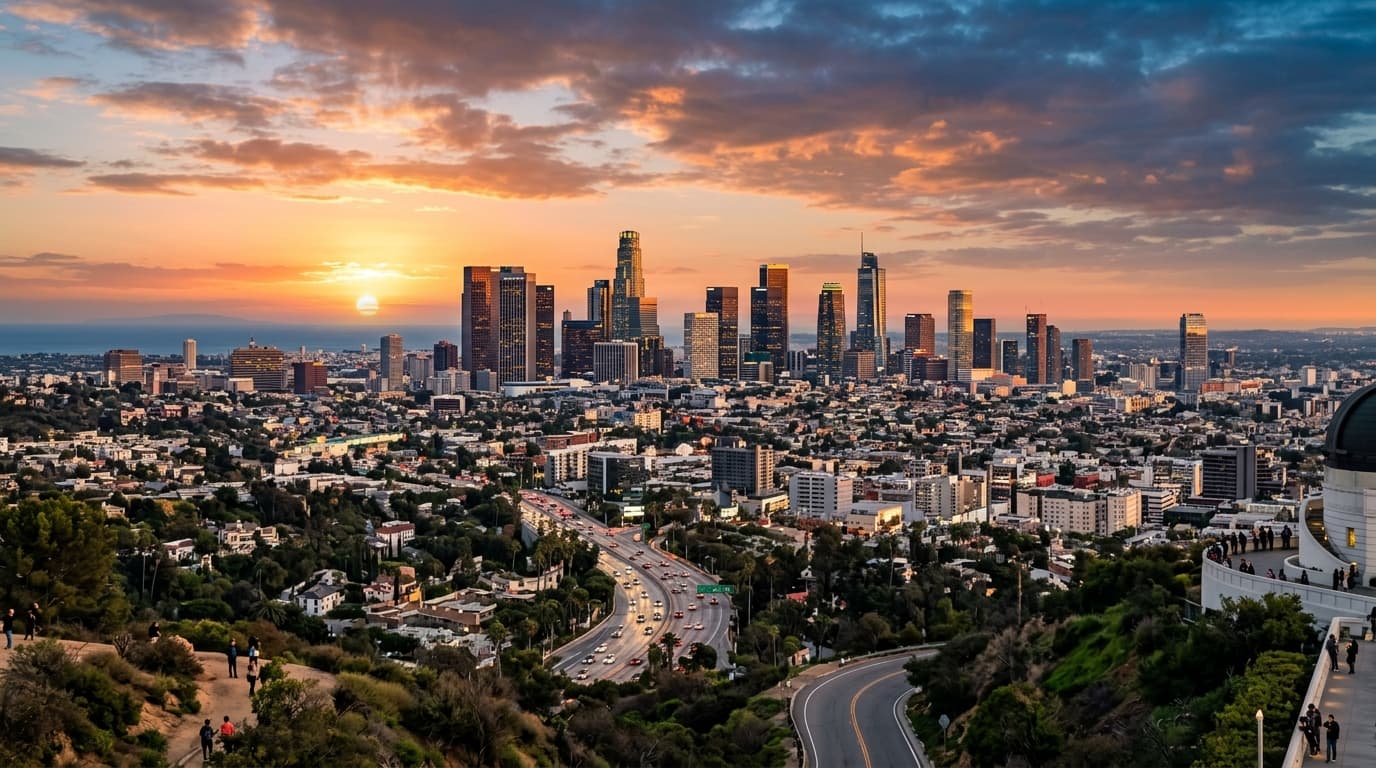
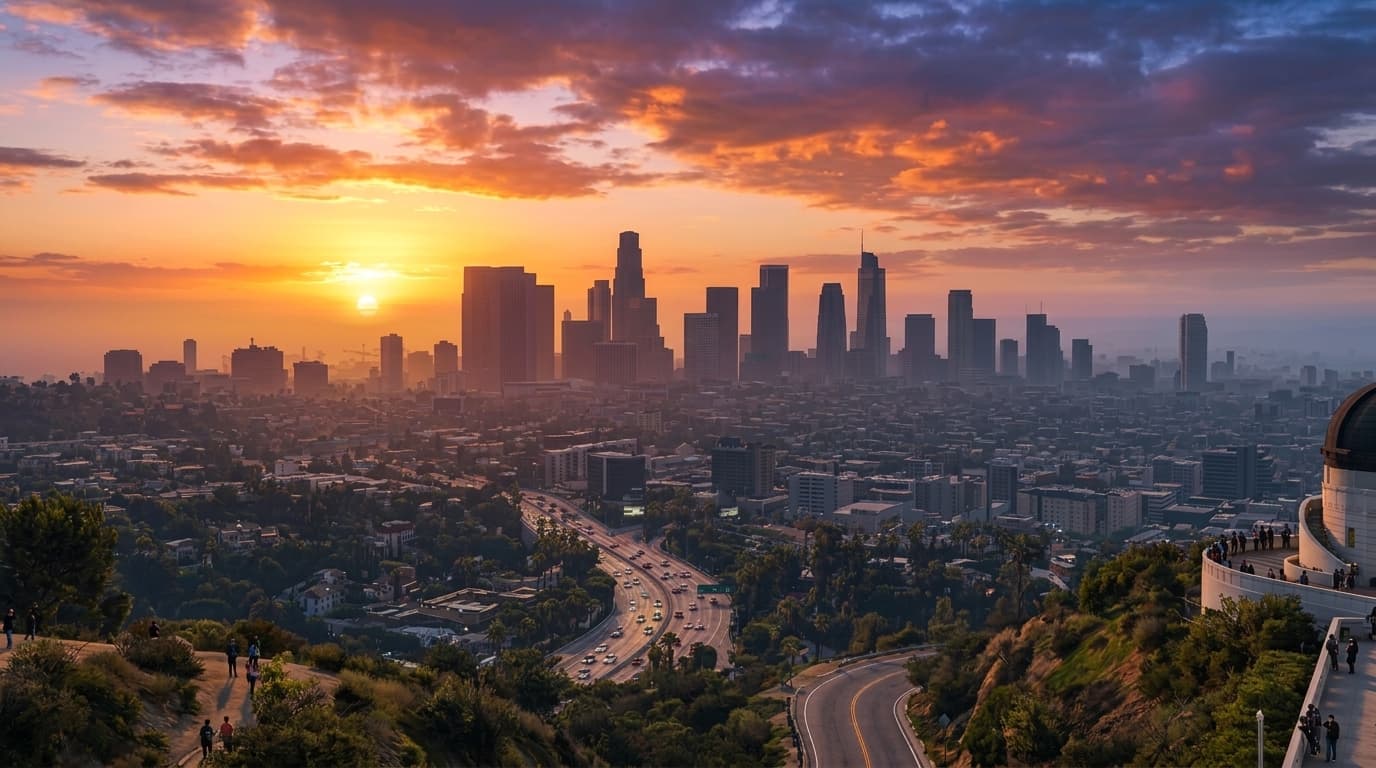
Upload a selfie and instantly become a GTA V character. The iconic GTA V graphics style — color grading, lighting, and the signature in-game character render — applied to your photo by AI in seconds.
Costs 4 credits
Workflow
- 01
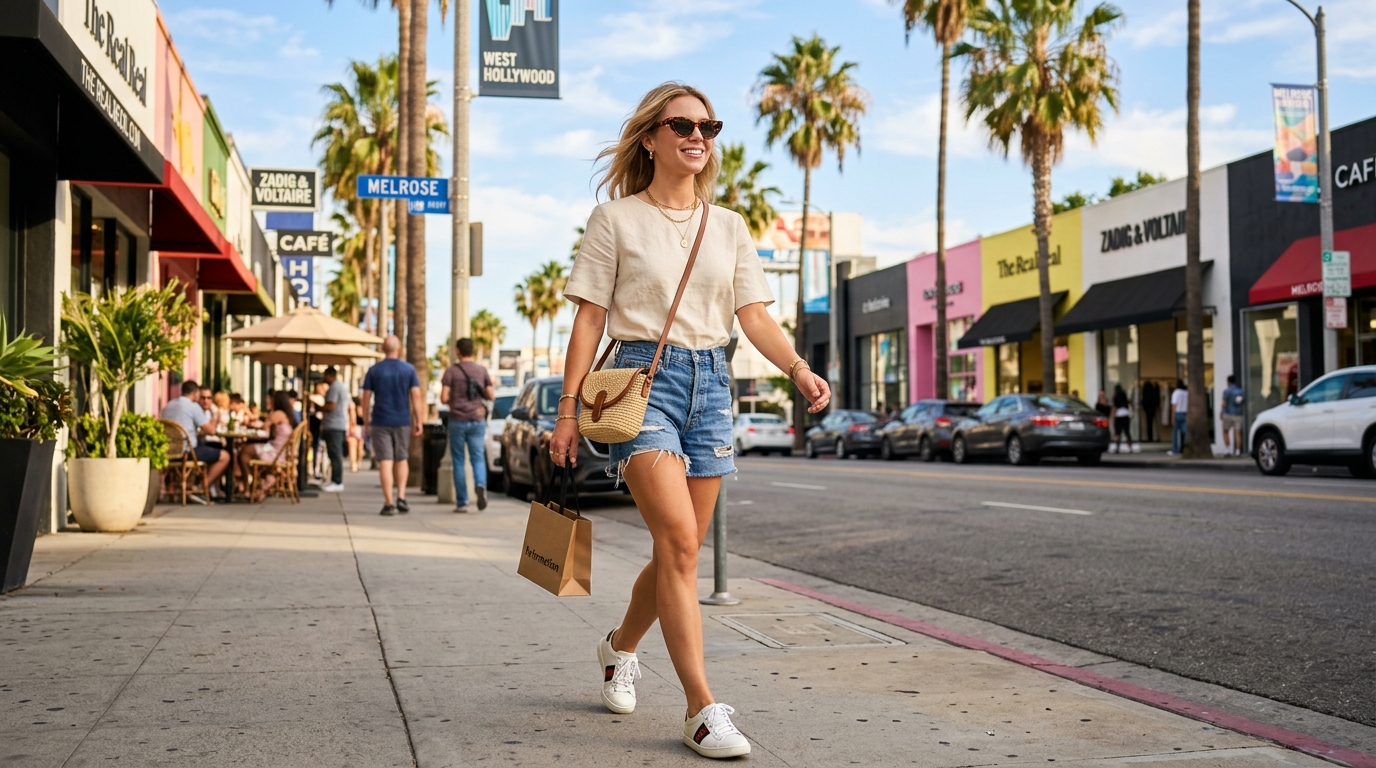
Upload your photo
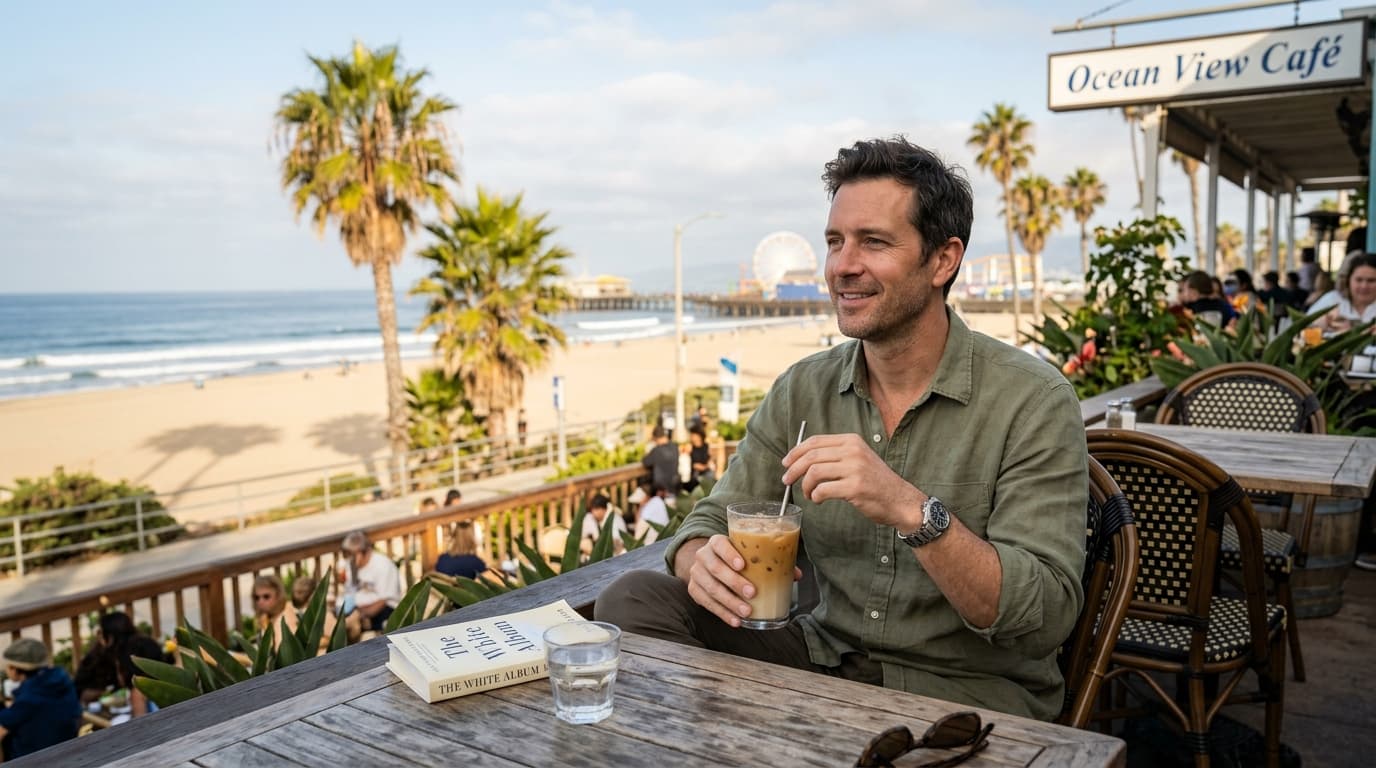
Upload a clear selfie, portrait, or group photo. The AI works best with well-lit, front-facing shots.
- 02
Generate your GTA V render
AI renders your photo in the GTA V graphics style — color grading, lighting, and the signature GTA V character look applied automatically.
- 03
Download & share
Get your GTA V character render in seconds. Download in HD, share on Instagram or TikTok, or use it as a profile picture.
Examples
Trusted by thousands of users and companies worldwide.
Morphix is one of the world's leading generative AI platforms.
Frequently asked questions
How do I turn my photo into a GTA character?
Upload a selfie and the AI renders it as a GTA V character in about a minute — your photo restyled in the GTA V graphics direction. No editing software, no manual prompting.
What GTA art style does this filter use?
This filter renders your photo in the GTA V graphics style — the color grading, lighting, and cinematic visual look of GTA V gameplay. It's the most recognizable GTA art direction and a close visual cousin to the GTA VI and Vice City game world.
Is this an online GTA character generator or GTA portrait generator?
Yes. This is an online GTA character generator that renders your photo in the GTA V graphics style. Upload a selfie in your browser — no installation, no plugins, no prompts — and get a GTA V character portrait in about a minute.
How is this different from a GTA V loading screen filter?
GTA V loading screen filters reproduce the illustrated, painted character art used on GTA V loading screens. This filter renders your photo in the GTA V in-game graphics style — color grading, lighting, and rendering that match the actual GTA V game world. Two different GTA looks: pick a loading screen filter if you want the painted illustration, pick this one if you want the in-game render.
Do you offer a GTA 6 filter, Vice City filter, or San Andreas filter?
Not yet. Today this filter renders photos in the GTA V graphics style. GTA VI (GTA 6), Vice City, San Andreas, and GTA IV presets are on the roadmap — until then, the GTA V render is the closest match, since Rockstar carries a related rendering and color direction across the modern Grand Theft Auto series.
Can I use it for couples, friends, or group photos?
Yes. The filter works on group photos and couple portraits, rendering everyone in the frame in the GTA V graphics style while preserving faces and composition.
How is this different from a Vice City or Miami Vice photo filter?
Vice City and Miami Vice photo filters apply an 80s neon color grade. This GTA filter renders your photo in the full GTA V graphics style — color grading, lighting, and the in-game character look — not just a color overlay.
What photo works best with the GTA V AI filter?
A clear, well-lit selfie or portrait works best — front-facing or three-quarter angle, with the face visible. Higher-resolution inputs produce sharper GTA V renders, but the AI handles a wide range of photo qualities.
Can I use the GTA-style render commercially?
Generated renders are great for personal social posts, profile pictures, and creative content. For commercial use (merch, branded campaigns), keep in mind the GTA visual style references trademarks of Rockstar Games — review our terms and consider consulting your own legal counsel before commercial use.
Explore more apps
AI Construction Time-Lapse Video Generator
Automatically turn construction site photos into professional time-lapse videos with AI — built for builders, engineers, architects, and infrastructure project teams.
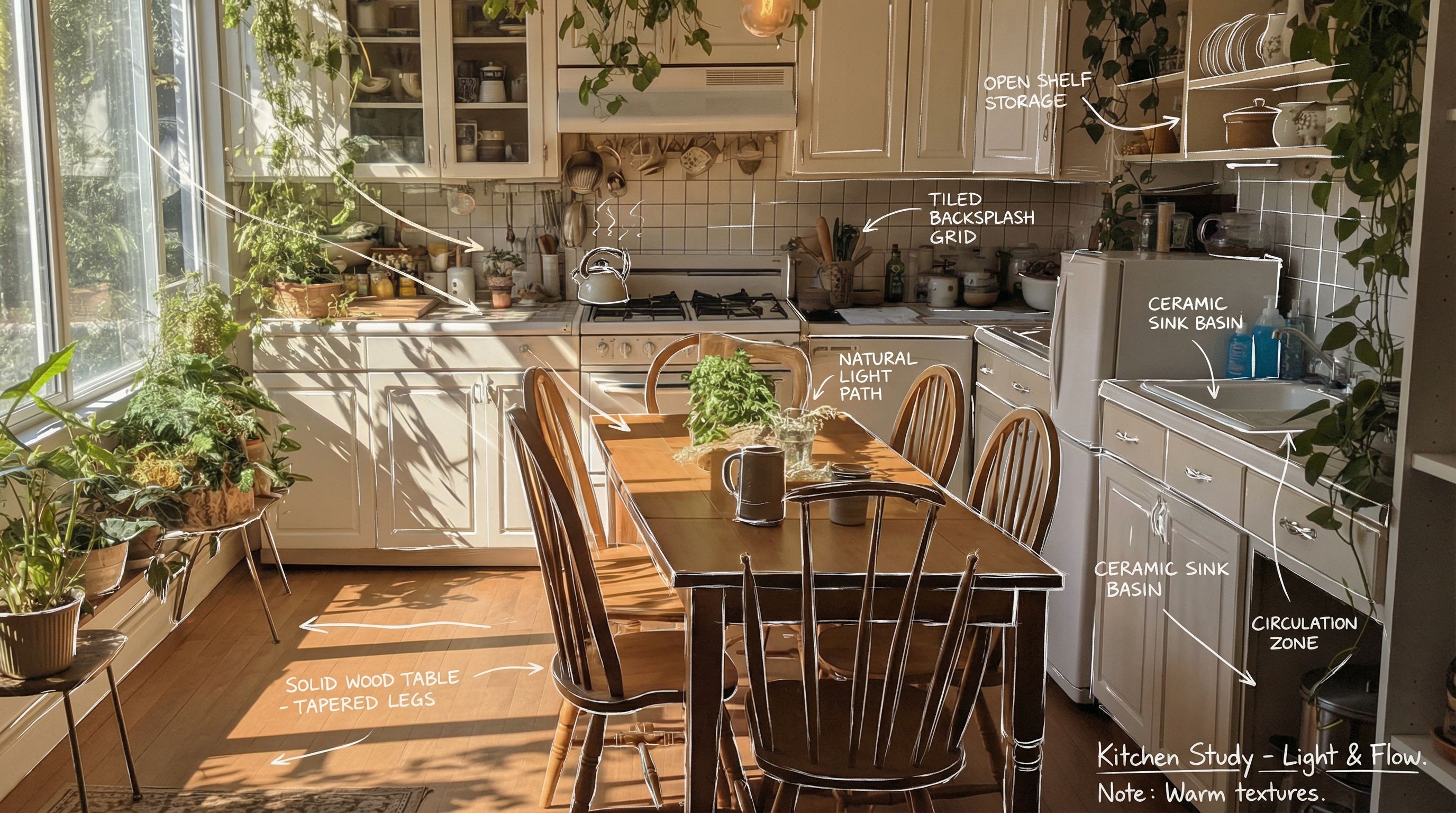
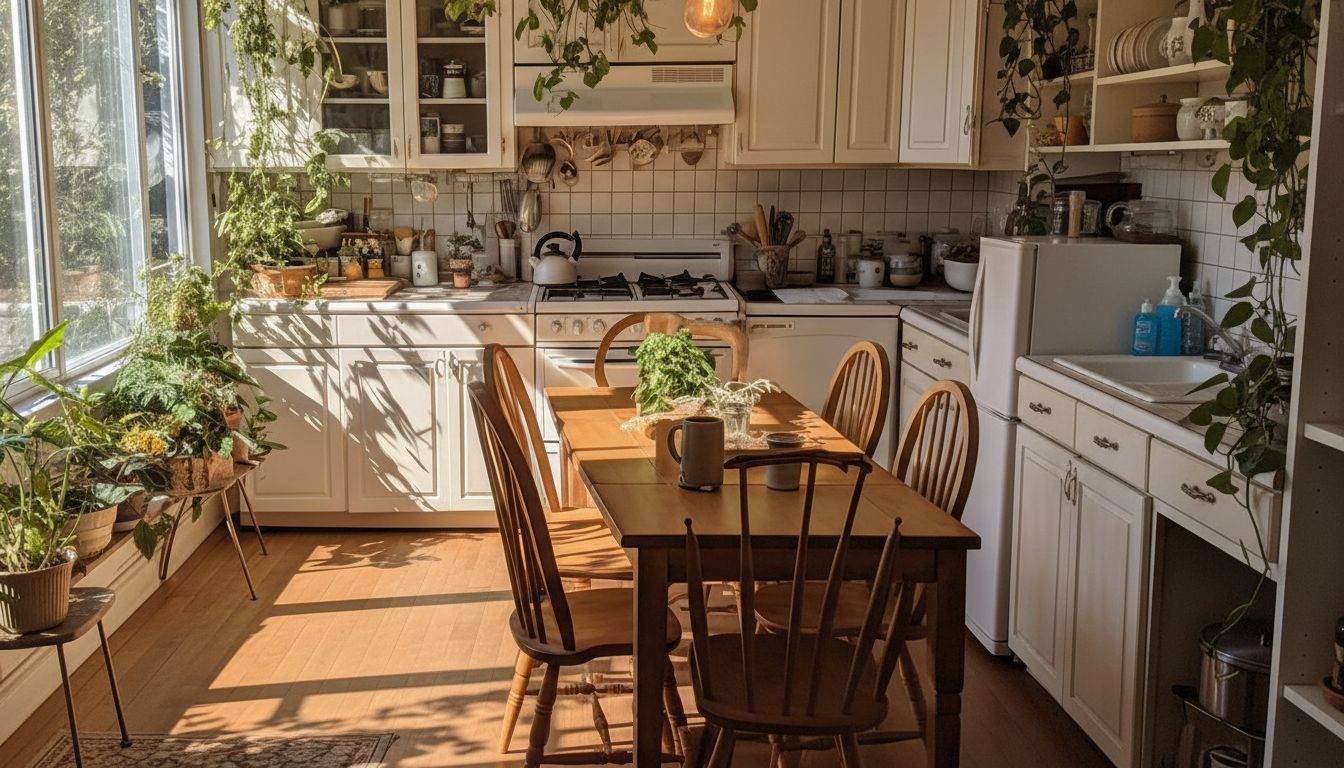
Hand Drawn Sketching
Turn your picture into a hand drawn sketch with details using AI. Perfect for architects, interior designers, product showcasing, and marketing.
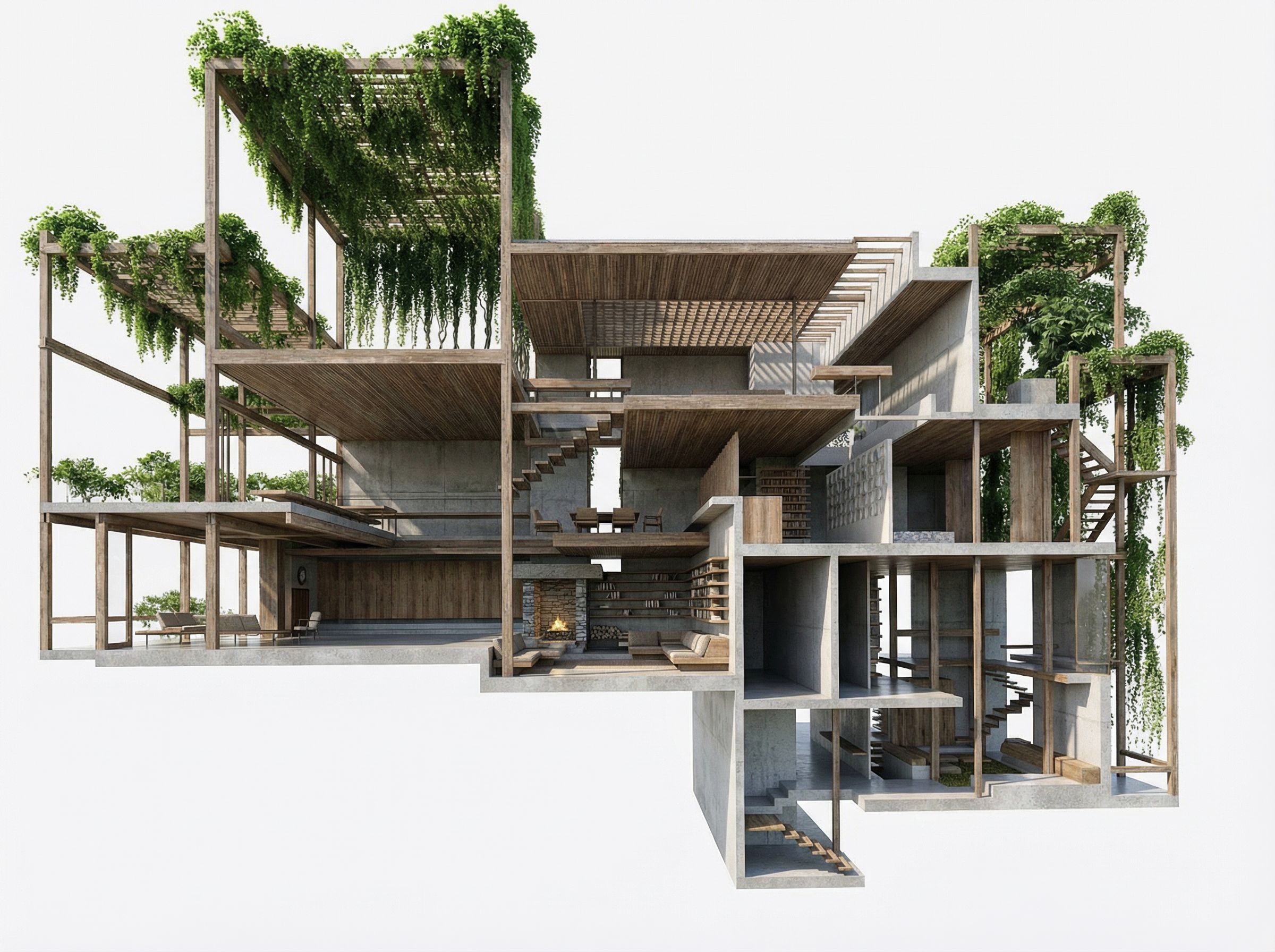
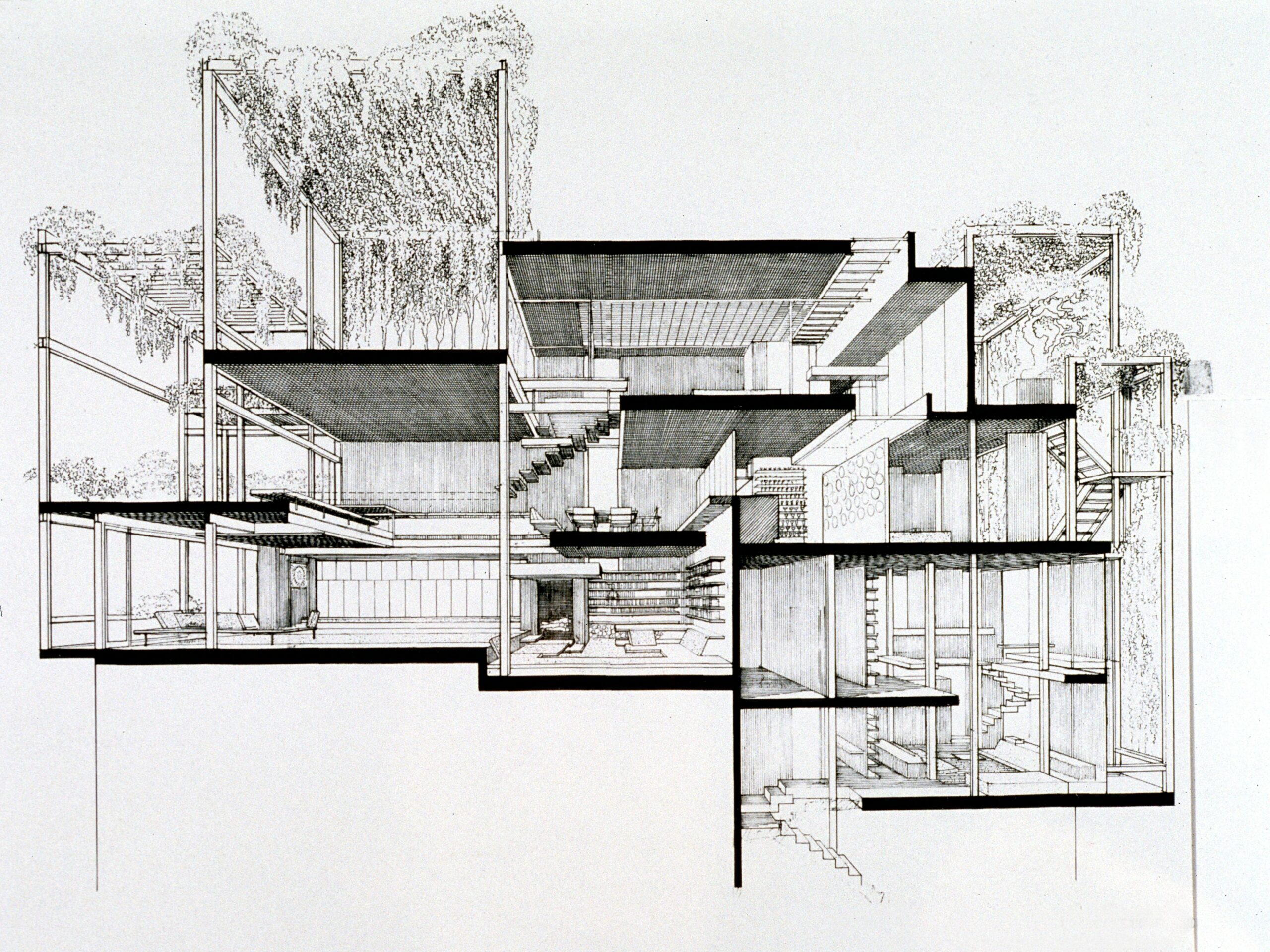
AI SketchUp Renderer — Sketch & Floor Plan to Render
AI SketchUp renderer that turns SketchUp models, architectural sketches, floor plans, and elevations into photorealistic 3D renders in seconds — built for architects, interior designers, and real estate teams.
Interior Reveal Video Generator
Generate a smooth, cinematic interior reveal video from any reference image—perfect for real estate marketing, travel content, events, brand promos, and product showcases.
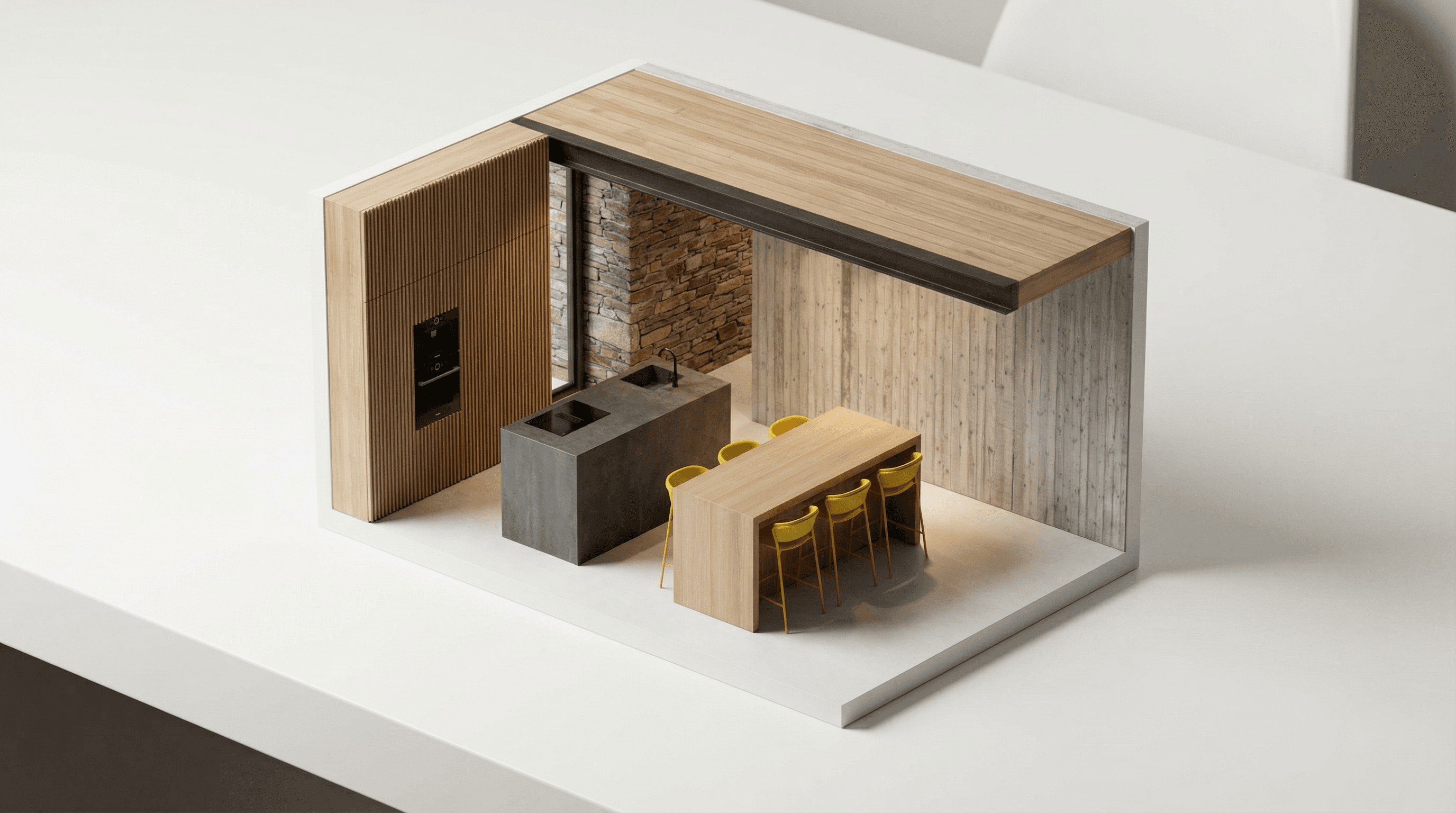
AI Miniature Generator — Photo to Isometric Scale Model
AI miniature generator that turns interior photos into isometric scale-model renders — a clean architectural maquette look for architects, interior designers, and product marketing.