
AI SketchUp Renderer — Sketch & Floor Plan to Render
Upload a SketchUp scene, sketch, floor plan, or elevation and instantly generate a photorealistic, client-ready render — preserving your original structure, layout, and design intent.
Costs 4 credits
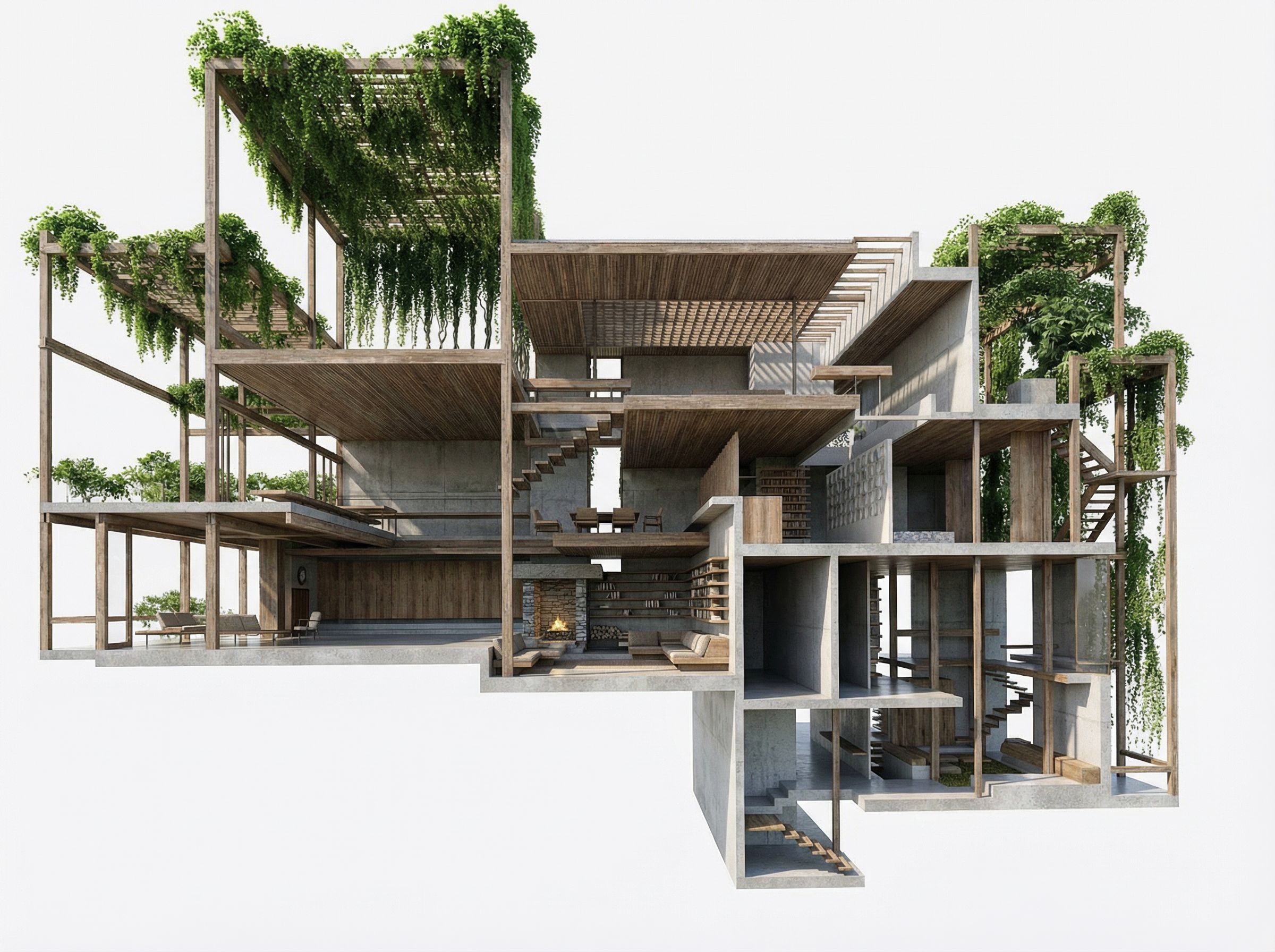
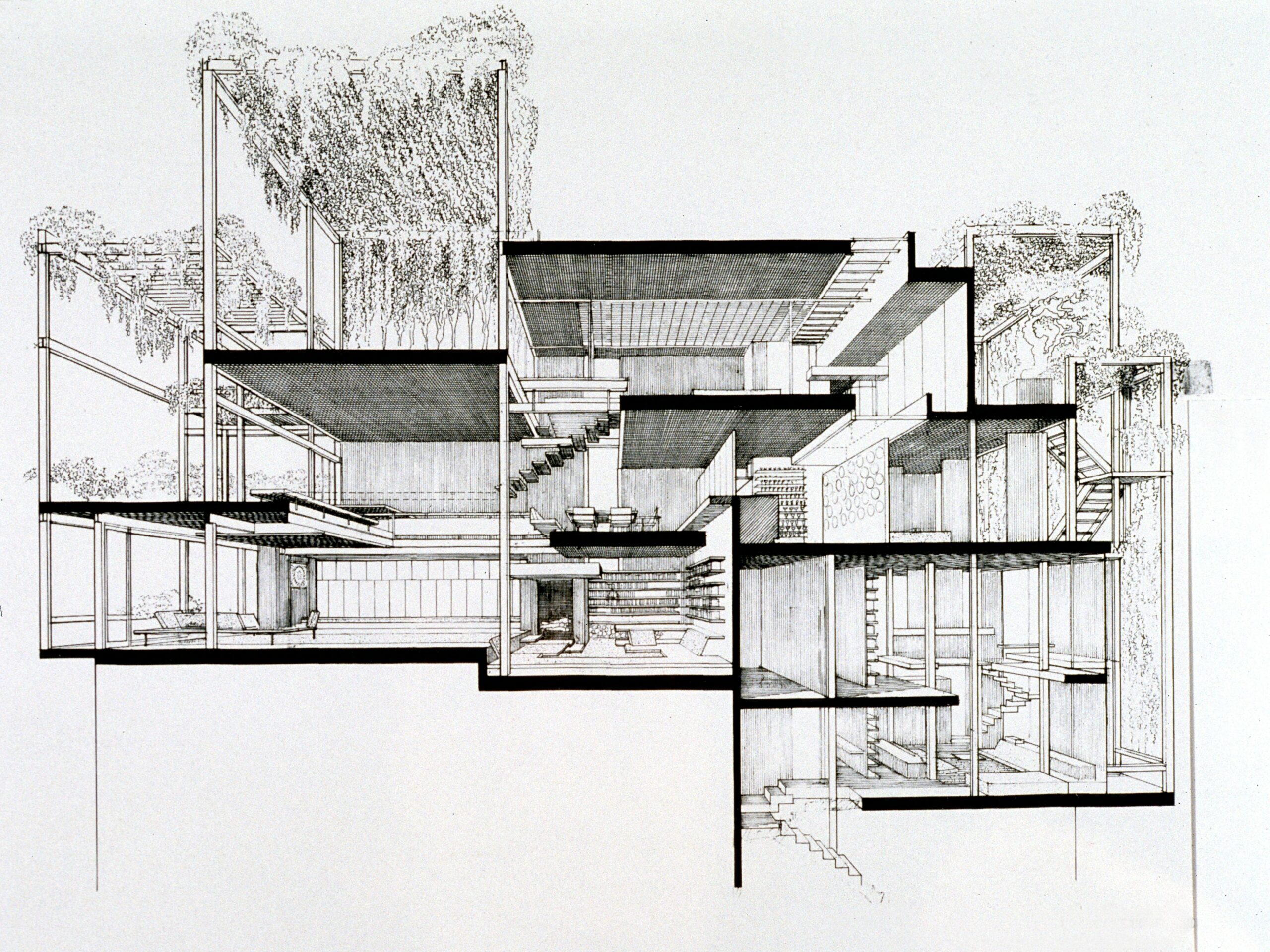
Workflow
- 01
Upload your SketchUp view or drawing
Upload a SketchUp export, architectural sketch, floor plan, elevation, or concept drawing as the visual basis for your render.
- 02
Generate a realistic AI render
Create a high-fidelity 3D-style render in one click, with professional lighting, materials, and depth.
- 03
Download & share
Export your realistic render to use in client reviews, engineering coordination, presentations, and marketing materials.
Trusted by thousands of users and companies worldwide.
Morphix is one of the world's leading generative AI platforms.
Frequently asked questions
How do I turn a SketchUp model into a photorealistic render?
Export a view from SketchUp as an image, upload it here, and the AI generates a photorealistic render in about a minute. You don't need V-Ray, Enscape, or any plugin — the AI reads the geometry, materials, and layout from your SketchUp view and produces a client-ready render while preserving your design.
Is there a free way to render SketchUp models with AI?
Yes. You can sign up and render SketchUp views with AI for free using the included credits. Paid plans unlock more renders, higher resolution, and commercial use — useful for architects and studios who need fast renders for client meetings, portfolios, or real estate listings.
What's the best AI rendering software for SketchUp?
Most SketchUp rendering tools (V-Ray, Enscape, Lumion, D5) are heavy desktop apps that require installation, GPU power, and a learning curve. This AI SketchUp renderer runs in the browser, takes any SketchUp view as input, and produces a photorealistic render in seconds — a good fit for architects who need fast client-ready visuals without a dedicated render pipeline.
Can I render floor plans and elevations with AI, not just SketchUp models?
Yes. The AI works with SketchUp exports, hand sketches, architectural drawings, floor plans, and elevations. It preserves the underlying geometry and layout while adding realistic lighting, materials, and depth — so the same workflow covers everything from a rough concept sketch to a finished SketchUp scene.
How does this compare to V-Ray, Enscape, or Lumion?
V-Ray, Enscape, and Lumion are professional render engines built for full-scene 3D rendering, with deep material and lighting control. This AI renderer is optimized for speed and ease — upload one image from SketchUp (or any drawing) and get a photorealistic render in about a minute. It's best for client-ready visuals, concept reviews, and marketing, not a full replacement for a production render pipeline.
Does the AI preserve my SketchUp geometry, materials, and layout?
Yes. The model is conditioned on your SketchUp view to preserve the underlying structure, proportions, and key architectural elements. It enhances materials, lighting, and depth without changing the design intent — so the output reads as the same building, rendered photorealistically.
How long does an AI SketchUp render take?
Most renders complete in about a minute. Output is 1080p-ready and downloadable for client meetings, portfolios, real estate listings, marketing decks, and tender documents.
Can I use the AI renders commercially in client presentations?
Yes. On a paid plan, generated renders can be used in client presentations, portfolios, marketing materials, real estate listings, and tender documents, subject to our terms and the underlying model providers' usage policies.
Explore more apps
Interior Reveal Video Generator
Generate a smooth, cinematic interior reveal video from any reference image—perfect for real estate marketing, travel content, events, brand promos, and product showcases.
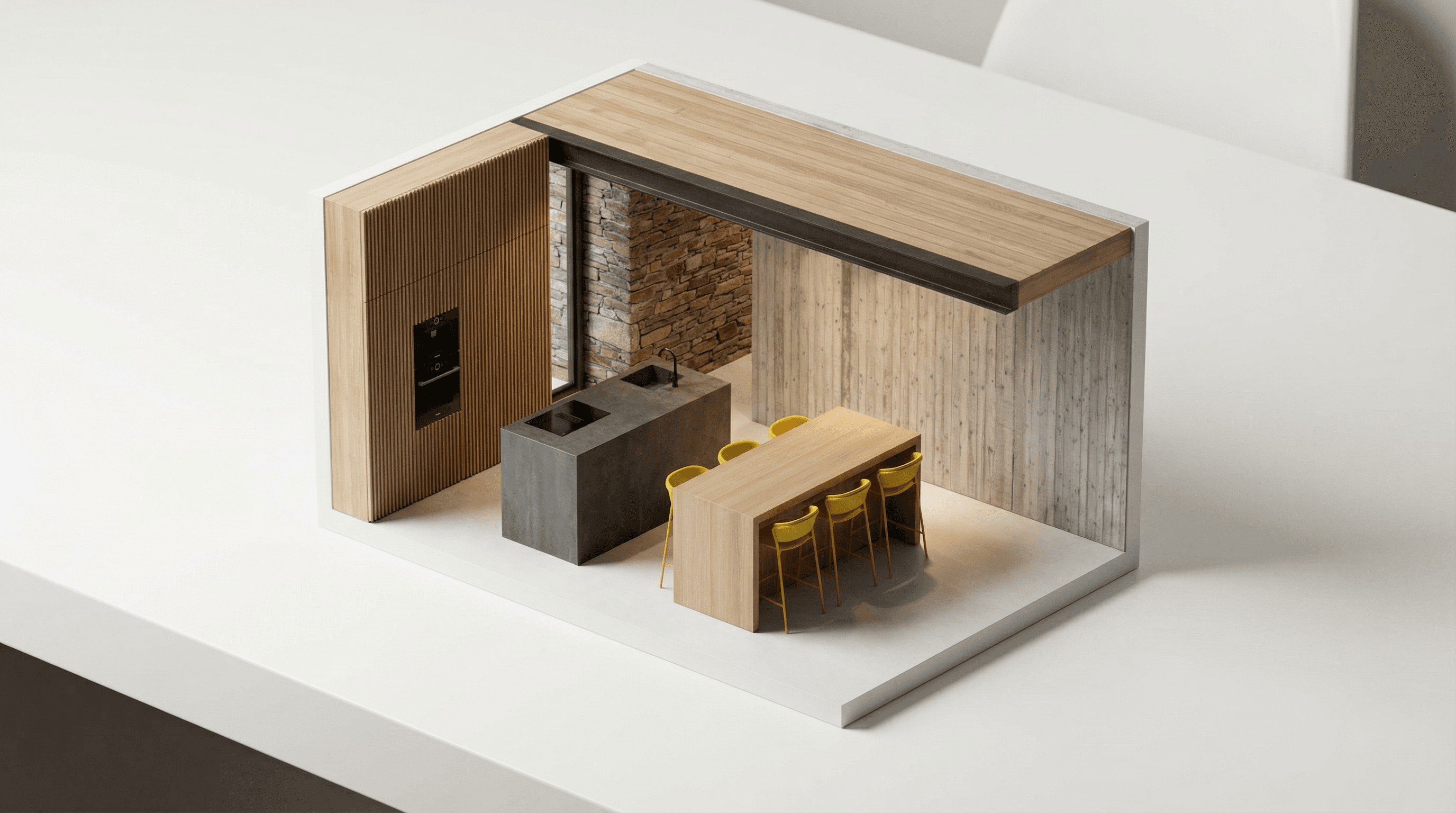
AI Miniature Generator — Photo to Isometric Scale Model
AI miniature generator that turns interior photos into isometric scale-model renders — a clean architectural maquette look for architects, interior designers, and product marketing.
Drone Flyover Video Generator
Generate a smooth, cinematic drone flyover (orbit) video from any reference image—perfect for real estate marketing, travel content, events, brand promos, and product showcases.
Scene Transition Video Maker
Generate smooth, cinematic transitions between any two images using realistic first-person camera movement. Perfect for creators, designers, and visual storytellers.
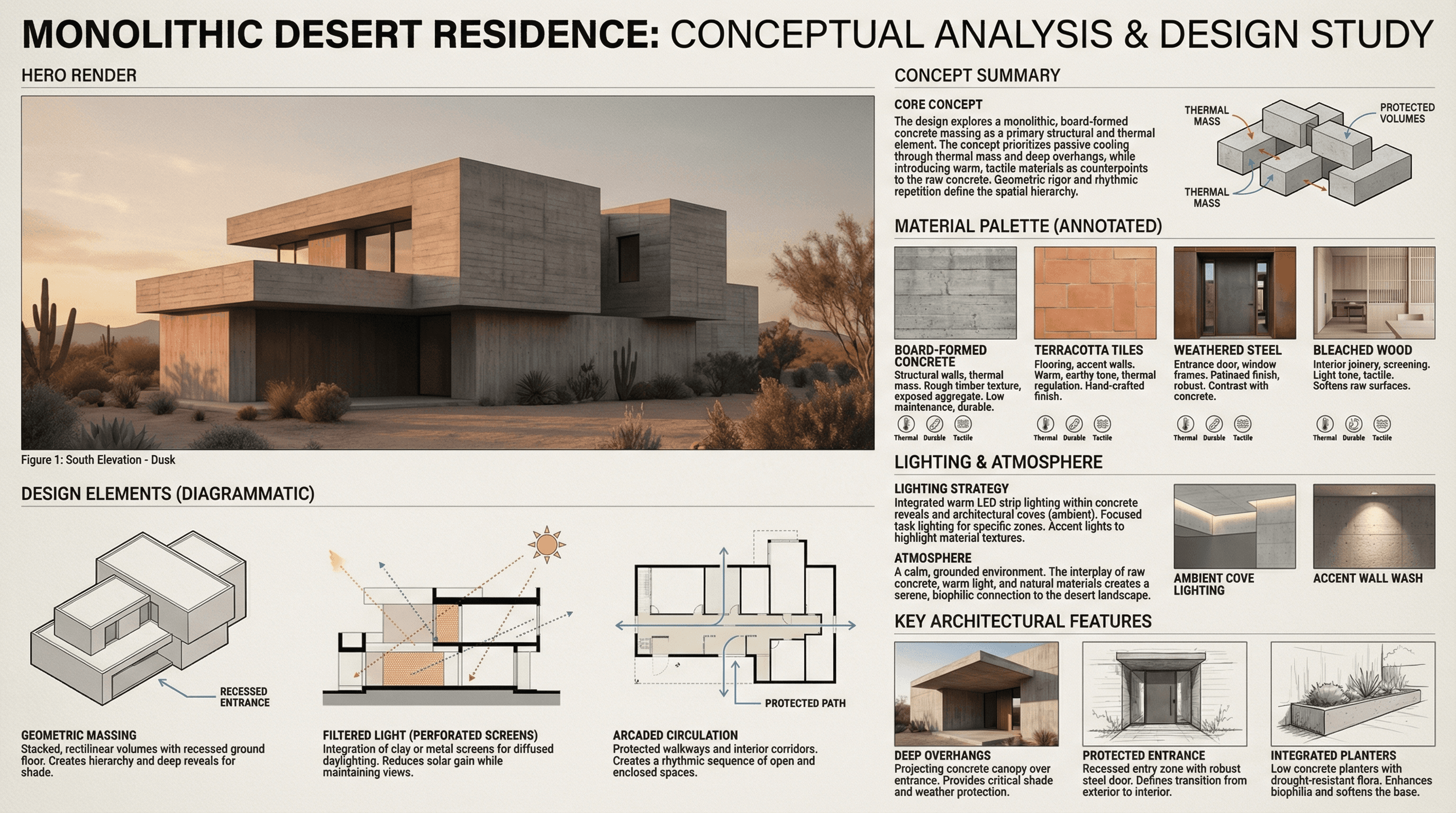
Architectural Concept Analysis
Generate professional architectural concept analyses and A0 presentation boards with AI — for architects, studios, and students. Upload a reference image and produce a client-ready concept board in minutes.